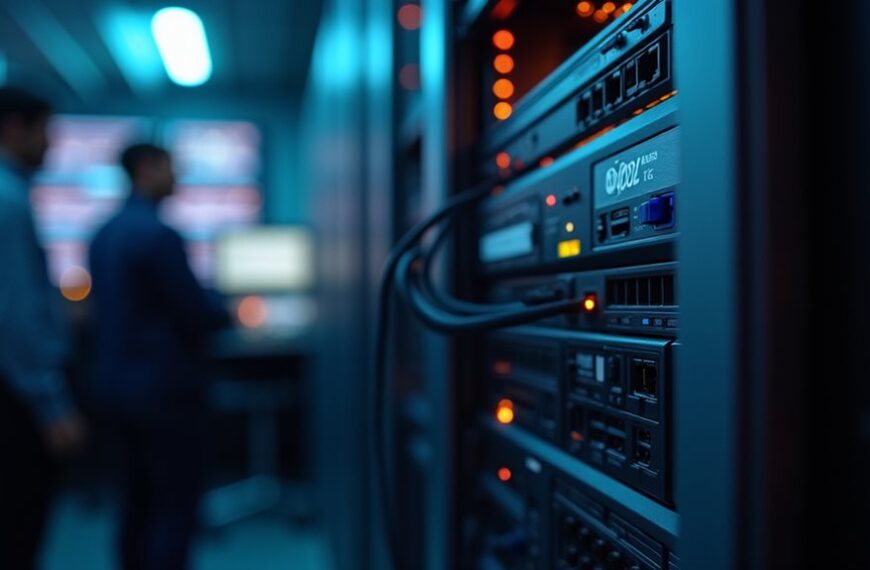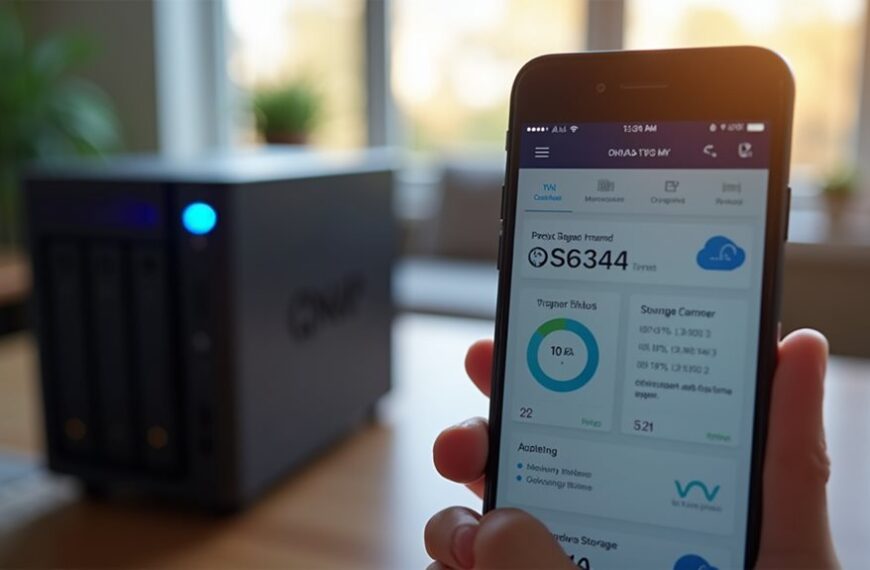
Choose a NAS if you need dedicated file storage with minimal management for media streaming, backups, or small business file sharing. Opt for a server if you require more processing power for multiple applications, databases, or supporting many simultaneous users. NAS systems cost less ($200-800) and consume less power (20-60 watts), while servers offer greater scalability and flexibility but require more technical expertise and maintenance. Your specific storage needs and technical capabilities will determine the best solution.
Understanding the Basic Differences Between NAS and Servers
Network Attached Storage (NAS) and servers represent two distinct solutions for data management, though they’re often confused with each other.
A NAS is primarily designed for file storage and sharing, offering a simplified approach to centralized data access across your network. It’s fundamentally a specialized storage device with its own operating system focused on file management tasks.
Servers, on the other hand, are more versatile computing platforms that can handle multiple functions beyond storage. They can run complex applications, manage databases, host websites, and control network resources simultaneously.
The key distinction lies in their intended purpose: NAS devices excel at dedicated storage functions with user-friendly interfaces, while servers provide broader computing capabilities with more extensive configuration options and processing power for diverse workloads.
Key Use Cases for Network Attached Storage (NAS)
Many organizations and home users find specific scenarios where a NAS solution delivers substantial benefits over traditional storage options.
NAS devices offer significant advantages over conventional storage in targeted use cases for both businesses and individuals.
These purpose-built storage devices excel in environments requiring centralized data access with minimal management overhead.
- Media storage and streaming – NAS devices provide an ideal platform for storing family photos, music libraries, and video collections that can be accessed by multiple devices throughout your home network.
- Small business file sharing – Teams can collaborate efficiently when documents are stored on a centralized NAS accessible to all authorized employees.
- Automated backup solution – NAS systems offer scheduled backup capabilities for multiple computers simultaneously, protecting important data through redundant storage options.
When considering your storage needs, evaluate whether these common NAS applications align with your specific requirements before making a final decision.
When a Full Server Makes More Sense
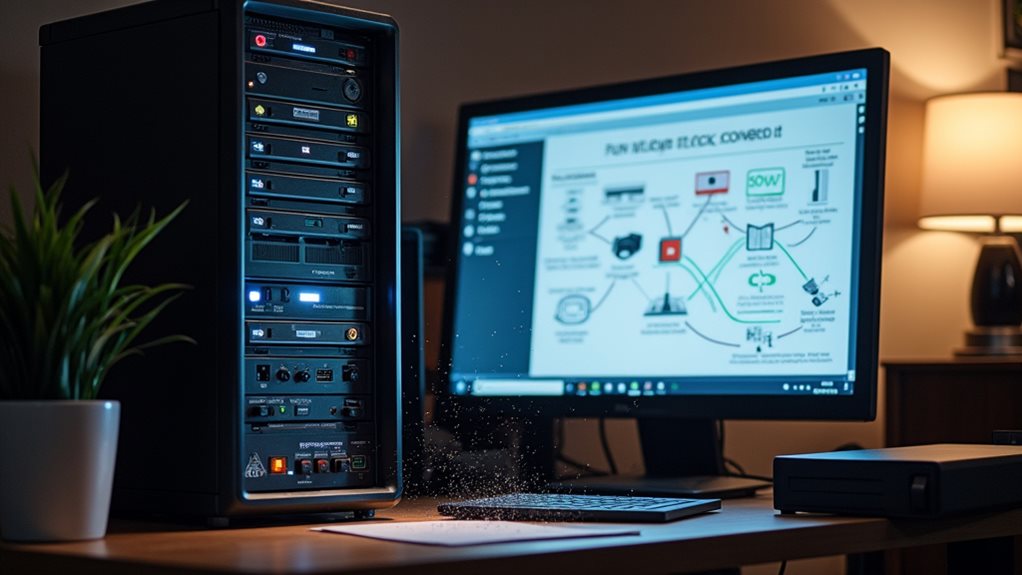
While NAS devices excel for basic storage needs, a full-fledged server becomes necessary when your workload demands more computing power for resource-intensive applications.
You’ll find servers particularly valuable for development and testing environments where you need to run multiple virtual machines or containerized applications simultaneously.
If your business operates across multiple physical locations that require centralized management and advanced networking capabilities, a dedicated server offers the robust infrastructure needed to maintain seamless operations.
Workload Requires More Power
When your computing demands exceed what a typical NAS can handle, a full-fledged server becomes the more sensible option. Servers offer considerably more processing power, memory capacity, and expansion capabilities that intensive workloads require.
Consider upgrading to a server when:
- You’re running resource-intensive applications like database management systems, virtualization platforms, or enterprise-level software that demand robust computing power.
- You need to support multiple simultaneous users accessing critical business applications without performance degradation.
- Your workload requires specialized hardware acceleration for tasks such as video rendering, AI processing, or complex calculations.
The difference in performance becomes apparent when dealing with computation-heavy tasks. While NAS systems excel at file storage and sharing, they simply lack the processing capabilities to handle advanced workloads efficiently.
Servers provide the necessary computational headroom for growing business requirements.
Development and Testing
Software development teams often require robust infrastructure that exceeds what typical NAS systems can provide. Development environments need powerful processing capabilities to handle compiling code, running virtual machines, and supporting continuous integration pipelines.
A full server gives you dedicated CPU resources and sufficient RAM to run multiple development instances simultaneously. You’ll appreciate the ability to provision virtual environments quickly without performance degradation that might occur on a NAS.
Servers also offer greater flexibility for testing across different operating systems and configurations. Your team can deploy containerized applications, run automated testing suites, and simulate production environments more effectively.
If you’re working with large codebases or resource-intensive applications, a server’s superior processing power becomes crucial. The investment pays off through faster build times, more efficient workflow, and reduced development bottlenecks.
Multiple Physical Locations
Organizations with multiple physical locations often benefit from deploying full servers rather than NAS systems. When your business spans across different sites, servers provide superior capabilities for maintaining consistent data and applications.
Servers excel in multi-location deployments for three key reasons:
- Centralized domain management allows for unified user authentication and access control across all locations.
- Improved replication features guarantee data consistency between sites with automated synchronization protocols.
- Remote management capabilities enable IT staff to administer and troubleshoot systems from any location without physical presence.
Server infrastructure also handles the increased network traffic between locations more efficiently than NAS devices.
The ability to run distributed applications means your team can access critical business systems regardless of their physical location, maintaining productivity across your organization’s geographical footprint.
Cost Comparison: Initial Investment vs. Long-Term Expenses
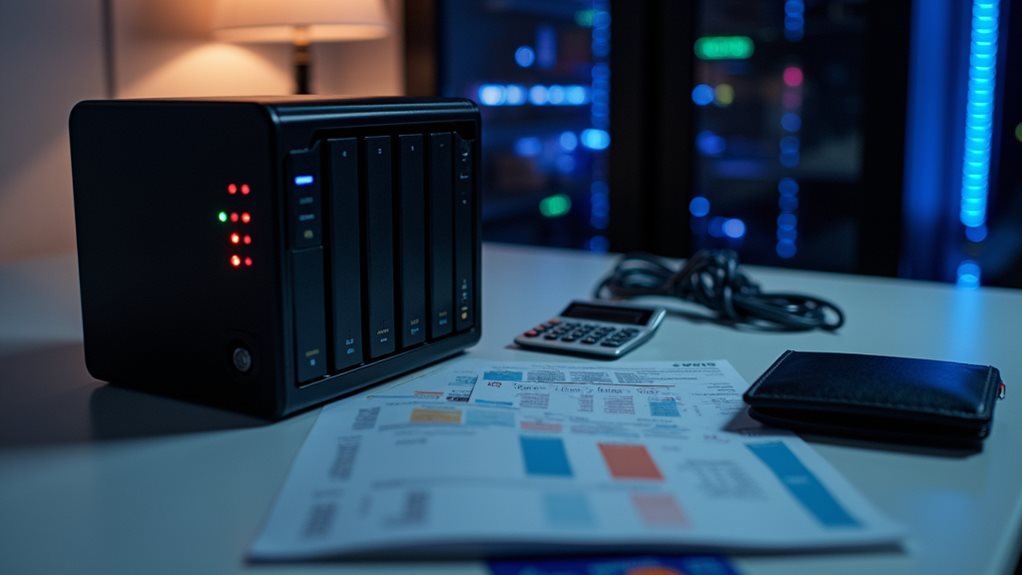
When comparing NAS and server costs, you’ll find notable differences in both upfront hardware expenses and long-term operational requirements.
Your initial investment for a basic NAS typically ranges from $200-$800, while entry-level servers often start at $1,000-$3,000 depending on specifications and capacity.
The operational expense breakdown reveals additional contrasts, with servers generally requiring more electricity, specialized IT maintenance, and potential licensing fees that can add thousands to your total cost of ownership over a five-year period.
Upfront Hardware Costs
Comparing the initial investment between NAS and server solutions reveals considerable differences that impact your budget planning.
Entry-level NAS devices typically start at $200-$300 for basic home models, while business-grade options range from $500 to $2,000 before adding drives.
Servers generally require a higher upfront investment:
- Basic tower servers start around $1,000 but can quickly reach $3,000-$5,000 with enterprise-grade components.
- Rack-mounted servers begin at $1,500 and can exceed $10,000 for high-performance configurations.
- Component quality greatly influences cost, with enterprise-grade RAM costing 2-3 times more than consumer equivalents.
Remember that these base prices don’t include storage drives, which you’ll need to purchase separately for both options.
The hardware investment gap narrows when comparing high-end NAS systems with entry-level servers.
Operational Expense Breakdown
Beyond the initial hardware investment, operational expenses greatly impact the total cost of ownership for both NAS and server solutions over time.
Power consumption represents a notable ongoing expense, with servers typically drawing 2-4 times more electricity than comparable NAS devices. A typical server might consume 300-500 watts continuously, while most NAS units run at 80-150 watts.
Maintenance costs also differ substantially. Servers often require professional IT support at $75-150 per hour for updates and troubleshooting. NAS solutions generally demand less expertise, reducing these expenses by 40-60%.
Software licensing adds another dimension to server expenses. Enterprise server operating systems and applications can cost $500-2,000 annually, while many NAS devices include perpetual licenses with their purchase price.
Cooling requirements further increase server operational costs, sometimes adding 15-25% to your energy bill.
Performance Factors: Processing Power, Memory, and Storage Capabilities
The hardware powering your storage solution directly impacts its overall performance capabilities.
When comparing NAS devices to servers, you’ll find notable differences in how they handle intensive tasks.
- Processing power – Servers typically offer more powerful CPUs (often Xeon or high-end Ryzen processors) while NAS units generally use more modest processors optimized for file operations and energy efficiency.
- Memory capacity – Servers support substantially more RAM (often 128GB+) compared to most NAS devices (typically 2-64GB), affecting multitasking ability and caching.
- Storage expansion – Servers provide greater flexibility with numerous PCIe slots for storage controllers and networking cards, while NAS units are more limited in expansion options.
These performance factors become essential when your workload involves virtualization, database operations, or simultaneous access by multiple users.
Scalability Considerations for Growing Businesses

As your business grows, so will your data storage and access needs, making scalability a primary factor when choosing between NAS and server solutions.
NAS systems offer straightforward expansion through additional drive bays or by connecting multiple units. Most modern NAS devices support easy drive replacement with larger capacities without disrupting operations. However, they’ve physical limitations on maximum expansion.
Servers provide more robust scalability options, including vertical scaling (upgrading CPU, RAM, storage) and horizontal scaling (adding more servers to a cluster). This flexibility allows servers to adapt to rapidly growing workloads and changing business requirements.
When evaluating scalability, consider your projected data growth rate, future application needs, and budget constraints.
Many businesses find that starting with a modular server solution provides the best long-term scalability path as complexity increases.
Power Consumption and Environmental Impact
When choosing between NAS and servers, you’ll need to evaluate their power consumption differences, as servers typically draw more electricity than NAS devices due to their more powerful hardware components.
You can reduce your environmental footprint by selecting energy-efficient models with ENERGY STAR certification or those featuring power-saving modes that automatically adjust consumption during periods of low activity.
Setting up eco-friendly configurations might include scheduling automatic shutdowns during non-business hours, implementing virtualization to maximize resource efficiency, or even exploring renewable energy options to power your storage solution.
Energy Efficiency Comparison
Considering both environmental impact and electricity costs, energy efficiency becomes a crucial factor when choosing between NAS and server solutions. Understanding the power consumption differences can help you make an environmentally responsible choice while keeping your utility bills manageable.
- NAS devices typically consume 20-60 watts when active, making them markedly more energy-efficient than most server configurations.
- Enterprise servers generally draw 300-500 watts continuously, resulting in considerably higher electricity costs over time.
- Modern NAS systems often include power-saving features like disk hibernation and scheduled power cycles, further reducing their environmental footprint.
The efficiency gap is particularly noticeable in home and small business settings where a NAS can provide adequate functionality while using a fraction of the electricity required by a traditional server.
Eco-Friendly Setup Options
While modern technology advances, your options for creating environmentally responsible data storage systems continue to expand. Both NAS and server solutions now offer eco-friendly configurations that reduce your carbon footprint.
NAS systems typically incorporate power-saving modes that automatically reduce consumption during idle periods. Many newer models include scheduling features that power down drives during off-hours when access isn’t needed.
For servers, virtualization technology allows you to consolidate multiple server functions onto one physical machine, dramatically reducing overall power requirements. Energy-efficient power supplies with 80 Plus certification also minimize wasted electricity.
Both options can be paired with renewable energy sources like solar panels. You might also consider refurbished equipment to extend product lifecycles and reduce manufacturing impact.
Cloud-hybrid solutions can further optimize resource usage by scaling storage needs dynamically.
Setup Complexity and Maintenance Requirements

Although both NAS and servers provide networked storage solutions, they differ markedly in their setup complexity and ongoing maintenance needs. NAS systems typically offer plug-and-play functionality with intuitive interfaces designed for users without extensive IT knowledge.
Servers, by contrast, require more technical expertise to configure and maintain properly.
- NAS devices feature wizard-based setup processes that can have you operational within 15-30 minutes, while servers might need several hours or days of configuration.
- Maintenance for NAS systems usually involves occasional firmware updates and disk health monitoring through automated tools.
- Servers demand regular attention to system updates, security patches, service configurations, and hardware monitoring, often requiring dedicated IT staff for peak performance.
The maintenance burden you’re willing to accept should heavily influence your decision between these storage options.
Security Features and Data Protection Options
Security features and data protection capabilities often shape the final decision between NAS and server implementations.
Servers typically offer more robust security options, including advanced user permissions, encryption protocols, and extensive authentication systems. You’ll find that enterprise-grade servers support more sophisticated access controls and monitoring tools for detecting potential breaches.
Enterprise servers provide superior security infrastructure with comprehensive authentication and advanced breach detection capabilities.
NAS devices prioritize data protection through RAID configurations, which safeguard against drive failures by distributing data across multiple disks. Most modern NAS systems also include automated backup features and snapshot capabilities for point-in-time recovery.
Both solutions provide encryption options, though servers generally deliver more customizable security frameworks. Servers can implement complex firewall rules and virtual private networks for secure remote access.
For home users concerned with data protection, NAS systems offer user-friendly interfaces for managing backups and recovery operations without extensive IT knowledge.
Making the Right Choice Based on Your Specific Needs

How do you determine whether a NAS or server is right for your situation? The decision depends on evaluating your specific needs against the capabilities of each solution.
- Assess your scale requirements – NAS devices work best for small businesses or home users needing simple file sharing, while servers are better suited for organizations requiring multiple applications, services, and higher processing power.
- Consider your technical expertise – NAS systems offer user-friendly interfaces requiring minimal technical knowledge, whereas servers demand more advanced IT skills for proper setup and maintenance.
- Evaluate your budget constraints – NAS solutions typically represent a lower initial investment and operating cost compared to servers, which require more resources for purchase, power consumption, and ongoing management.
Choose a NAS for simpler file storage needs with limited IT support, and select a server when you need greater versatility and computing capabilities.
Frequently Asked Questions
Can I Access My NAS or Server Remotely While Traveling?
Yes, you can access your NAS or server remotely while traveling. Most devices offer remote access features through apps or web interfaces. Just make certain you’ve set up proper security measures to protect your data.
How Loud Are NAS Devices Compared to Servers?
NAS devices are typically quieter than servers. You’ll find most consumer NAS units operate with minimal noise like a desktop PC, while servers often have multiple cooling fans that create more noticeable sound.
Can I Run Virtualization Platforms on a NAS?
Yes, you can run virtualization platforms on many NAS devices. Higher-end NAS systems support Docker, VMware, or Hyper-V. They’ll need sufficient CPU power, RAM, and storage to handle virtual machines effectively.
How Does Backup Software Compatibility Differ Between NAS and Servers?
Servers offer broader backup software compatibility, supporting enterprise solutions like Veeam and Commvault. NAS devices typically use proprietary backup tools or support limited third-party options that specifically integrate with NAS operating systems.
What Happens to My Data if My NAS or Server Fails?
If your NAS or server fails, you’ll lose access to your data until repairs are made. Without proper backups, data loss is possible. That’s why implementing redundancy and regular offsite backups is crucial.
Final Thoughts
Your choice between a NAS and a server ultimately depends on your specific needs. If you’re looking for simple file storage with easy setup and lower costs, a NAS is ideal. For more demanding tasks requiring higher processing power and customization, a server is worth the additional investment. Consider your budget, technical expertise, and long-term goals before deciding which solution will serve you best.