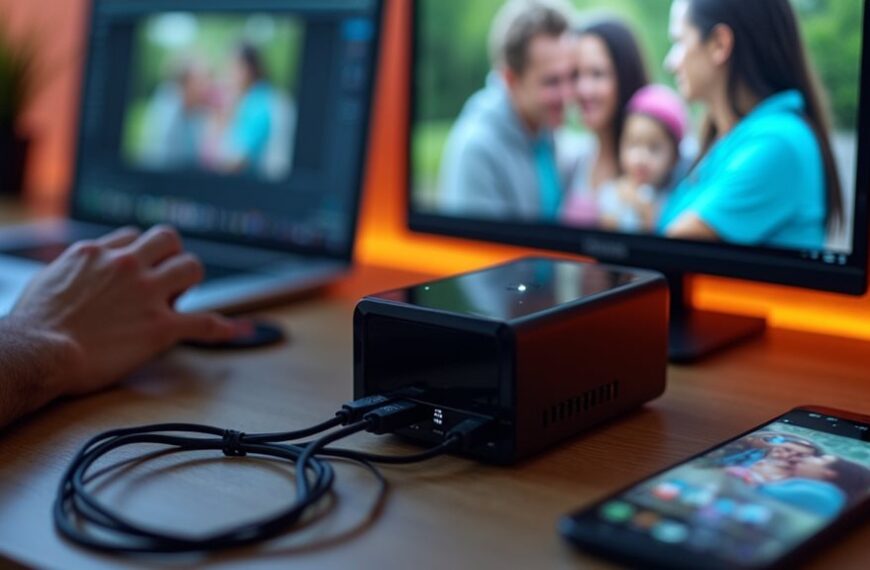
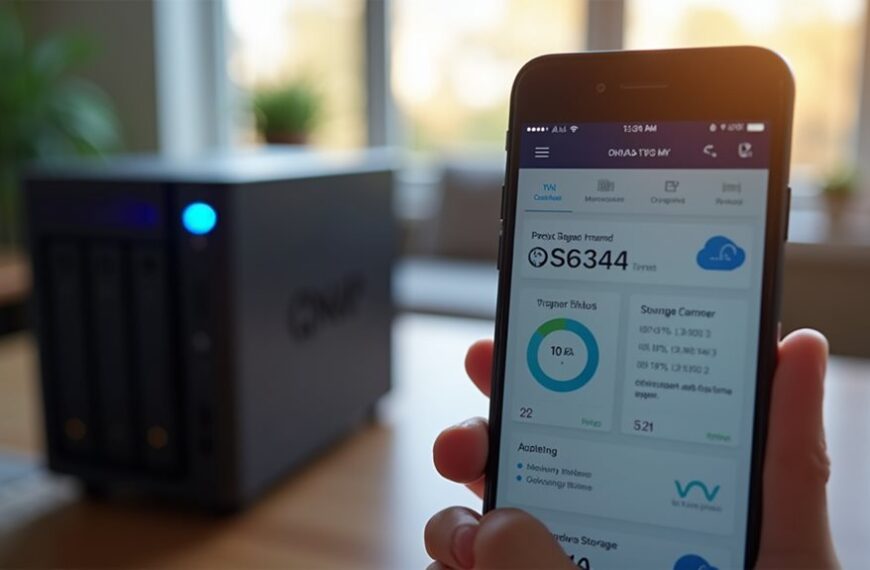
No, Synology doesn’t sell your data. The company’s business model centers on hardware sales and software licensing rather than data monetization. Synology’s privacy policy clearly states that user data remains your property and stays primarily on your own hardware, not their servers. They implement strong security measures like AES 256-bit encryption and two-factor authentication to protect your information. Their local-first approach gives you complete control over your data storage, unlike many cloud-based alternatives.
Synology’s Business Model: Hardware vs. Data Monetization
Unlike many tech companies that rely on data monetization, Synology’s business model centers primarily on hardware sales and software licensing.
When you purchase a Synology NAS device, you’re buying a physical product with accompanying software solutions. The company generates revenue through these initial hardware sales and optional subscription services like Synology C2 cloud backup.
Synology doesn’t need to sell user data to maintain profitability. Their approach stands in contrast to companies offering “free” services that monetize user information. Instead, they provide a straightforward transaction: you pay for the device and services directly.
This business model aligns with Synology’s privacy-focused positioning in the market. Without financial incentives to collect and sell data, the company can prioritize user privacy as a competitive advantage against cloud-based alternatives.
Examining Synology’s Privacy Policy and Terms of Service
When carefully reviewing Synology’s privacy policy and terms of service, you’ll discover important details about how the company handles user data.
Unlike companies that profit from selling personal information, Synology’s documents indicate they don’t engage in data selling practices. Their privacy policy explicitly states they collect limited information necessary for account services and product improvements.
Synology’s terms of service outline that user data stored on their devices remains the property of the user, not the company. They commit to data protection through various security measures and only share information in specific circumstances, such as legal requirements or with your consent.
You can find their complete privacy policy on Synology’s official website, where they detail data retention periods, security practices, and your rights regarding personal information they may hold.
How Synology Handles User Data Across Its Product Ecosystem
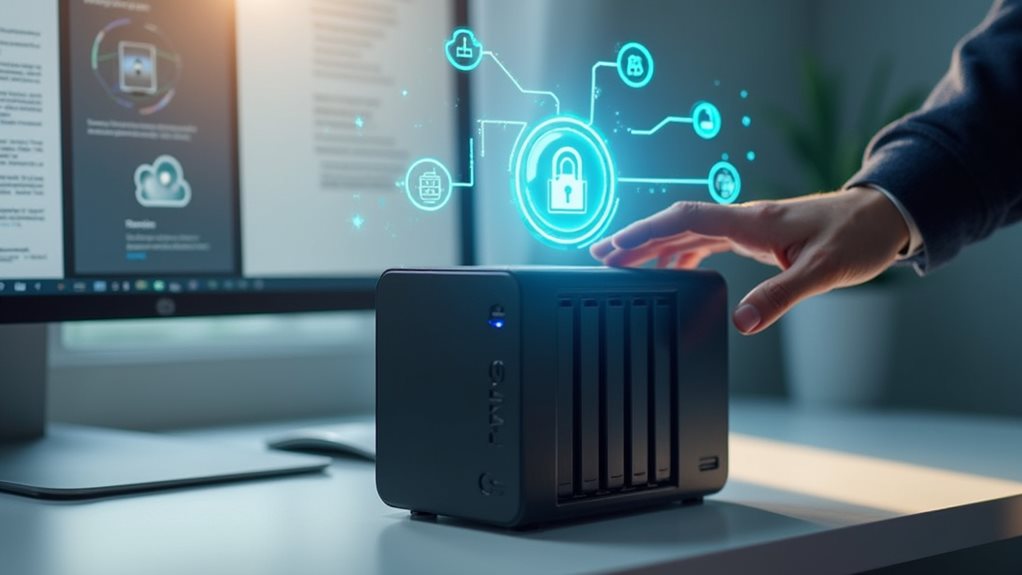
Synology’s approach to user data management spans across their diverse product lineup, including NAS devices, routers, surveillance systems, and cloud services.
When you use Synology products, your personal data remains primarily on your own hardware rather than on company servers. This local-first approach differs markedly from cloud-based alternatives that routinely collect user information.
Synology’s NAS devices, for instance, store files on your physical drives, giving you complete control over your data.
For cloud services like Synology C2, the company implements encryption and security measures to protect any data that does leave your local network. Their routers and surveillance systems follow similar privacy-focused principles, minimizing data collection to only what’s necessary for core functionality.
Synology’s product documentation clearly states that they don’t monetize customer data through sales to third parties or advertisers.
Comparison With Other NAS Manufacturers’ Data Practices
When comparing Synology with other NAS manufacturers, you’ll notice substantial differences in their privacy policies and data handling practices.
While companies like QNAP, Western Digital, and Buffalo all collect user data, they vary in transparency about potential third-party sharing and their approaches to data monetization.
Synology’s third-party integration safeguards typically offer more granular control compared to competitors, allowing you to better manage which external services can access your stored information.
Privacy Policy Analysis
Unlike many technology companies that monetize user data, Synology maintains a privacy policy that stands out among NAS manufacturers for its transparency and user-centric approach.
When you examine Synology’s privacy documentation, you’ll find clear statements about what data they collect and how they use it. Their policy explicitly states they don’t sell personal information to third parties for advertising purposes. This commitment differentiates them in the storage industry.
The privacy policy includes detailed sections on data retention periods, user rights regarding personal information, and security measures implemented to protect your data.
Synology provides straightforward opt-out mechanisms for non-essential data collection.
For users concerned about privacy, Synology’s policy offers more thorough protections than many competitors, who often use vague language about data sharing practices or bury important privacy details in complex legal terminology.
Data Monetization Strategies
The major NAS manufacturers employ vastly different approaches to monetizing their technology ecosystems.
Unlike cloud storage providers that frequently monetize user data, Synology maintains a primarily hardware-focused business model. They generate revenue through device sales and optional subscription services rather than data collection practices.
When compared to competitors, Synology’s approach stands out. QNAP and Western Digital focus on similar hardware-based revenue streams, though their privacy policies contain broader data collection provisions. Asustor and TerraMaster follow comparable models but offer fewer subscription services.
Notably, Synology doesn’t engage in advertising-based monetization or third-party data sharing that characterizes some tech companies. Their business sustainability comes from product sales, premium features, and cloud service subscriptions—not from leveraging customer data as a revenue source.
Third-Party Integration Safeguards
Synology’s approach to third-party integrations includes several protective measures that safeguard user data more thoroughly than most competitors. Unlike QNAP and Western Digital, who maintain more permissive data-sharing arrangements, Synology requires explicit user consent for each integration.
When you connect third-party services to your Synology NAS, the system implements API limitations that restrict what information these applications can access. This stands in contrast to competitors like Buffalo and Asustor, whose integration protocols often grant broader data access.
Synology also conducts regular security audits of third-party applications before allowing them in their package center. Their verification process includes checking for potential data collection mechanisms that could compromise privacy.
These protective layers guarantee that even when using add-on services, your personal information remains secure and controlled entirely by you.
User Control and Data Security Features in Synology Products
Synology provides you with several built-in privacy controls that let you manage what data is stored and how it’s accessed.
You can enable various data encryption options within Synology’s operating system, including folder-level encryption and secure connections to remote services.
These security features give you greater control over your personal information and help protect your data from unauthorized access or potential privacy breaches.
Built-in Privacy Controls
When examining Synology’s NAS devices and software, users will find robust privacy controls built directly into the interface. These controls allow you to manage who accesses your data and how it’s shared across your network.
Synology’s DSM operating system features customizable user permissions that let you restrict access to specific folders or applications. You can create individual user accounts with different privilege levels, guaranteeing sensitive information remains protected.
The system also provides encryption options for both data at rest and in transit. You’ll find tools to enable HTTPS connections, two-factor authentication, and auto-block features that prevent brute force attacks.
Synology’s Control Panel centralizes these privacy settings, making it straightforward to audit who’s access to what data.
These granular controls give you authority over your information without requiring advanced technical knowledge.
Data Encryption Options
Beyond privacy controls, data encryption forms a cornerstone of security for NAS users.
Synology provides multiple encryption options to protect your data from unauthorized access. You can encrypt individual shared folders using AES 256-bit encryption, which secures specific data collections while maintaining performance. For thorough protection, full volume encryption secures all data on a drive.
Synology’s devices support encrypted network connections through HTTPS, SSH, and SFTP protocols. This guarantees your data remains protected during transmission between your NAS and other devices.
The Synology Drive application offers end-to-end encryption for your most sensitive files. When you enable this feature, files are encrypted before leaving your device and can only be decrypted with your personal key.
These encryption tools give you complete control over your data’s security.
Expert Analysis: Is Your Data Safe With Synology?
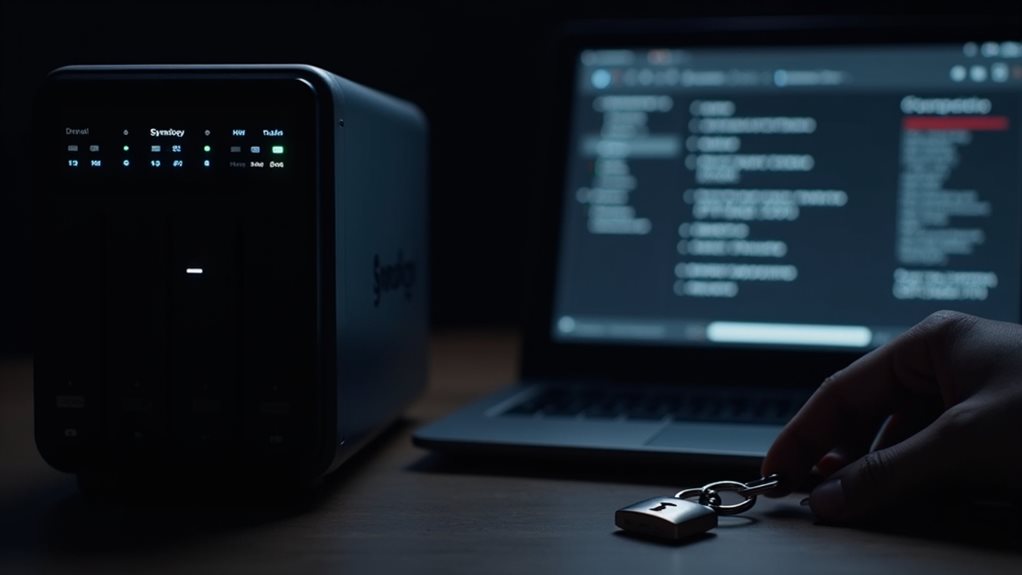
How exactly do cybersecurity experts evaluate Synology’s data protection practices? Independent security researchers regularly assess Synology’s approach to data protection through penetration testing and code audits.
These evaluations focus on encryption standards, update frequencies, and vulnerability response times. According to recent analyses, Synology’s commitment to security appears robust, with most experts acknowledging their proactive stance on patching vulnerabilities.
Their security response team typically addresses critical issues within 30-90 days of discovery. Security professionals note that Synology’s transparency about data handling practices exceeds many competitors in the NAS market.
However, experts recommend users implement all available security features rather than relying on default settings. The consensus among cybersecurity professionals suggests that while no system is impenetrable, Synology maintains security standards that align with industry best practices for consumer storage solutions.
Frequently Asked Questions
Can Synology Devices Work Without Internet Connection?
Yes, Synology devices can work without an internet connection. You’ll still access your files locally on your home network, though you’ll miss out on remote access features and automatic updates for your NAS.
Does Synology Offer End-To-End Encryption for All Services?
Synology doesn’t offer end-to-end encryption for all services. You’ll find it in select applications like Synology Drive, but many of their services rely on standard encryption protocols rather than true end-to-end protection.
How Often Does Synology Release Security Updates?
Synology typically releases security updates monthly for DSM (DiskStation Manager), but critical vulnerabilities receive patches more quickly. You’ll get automatic update notifications, and can check their Security Advisories page for the latest security information.
Can Government Agencies Request Data From Synology?
Yes, government agencies can request data from Synology through legal channels. You’ll find that Synology complies with valid court orders and warrants, though they don’t proactively share your data without legal requirements.
Do Synology NAS Devices Work With Non-Synology Apps?
Yes, your Synology NAS works with many non-Synology apps. You can install third-party applications through Package Center, use standard protocols like SMB or FTP, and access your files via various mobile apps and services.
Final Thoughts
Unlike companies that monetize user data, Synology’s business model centers on hardware sales rather than data collection. While they gather some information for product improvement, their privacy policies indicate they don’t sell your personal data to third parties. You’ll find robust security features and user controls for managing your information. When compared to other NAS manufacturers, Synology maintains relatively transparent and privacy-focused data practices that prioritize your control over sensitive information.