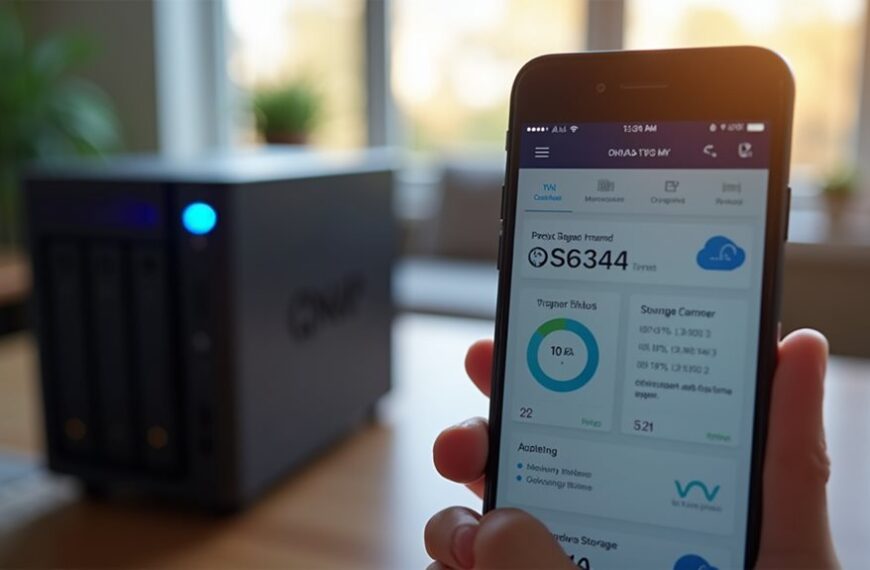
The four main types of storage are Direct Attached Storage (DAS), Network Attached Storage (NAS), Storage Area Networks (SAN), and Cloud Storage. DAS connects directly to your computer like external hard drives. NAS functions as a dedicated file server on your network for multiple users. SANs provide high-performance enterprise storage with dedicated networks. Cloud storage offers scalable remote data management without hardware investment. Each solution presents distinct advantages customized to different organizational needs and technical requirements.
Direct Attached Storage (DAS): Local Storage Solutions
When you’re looking for the most straightforward storage solution, Direct Attached Storage (DAS) offers a compelling option. This type of storage connects directly to your computer or server without requiring a network connection.
DAS includes internal hard drives, external USB drives, and directly connected RAID arrays. It’s characterized by low latency and simple setup, making it ideal for individual users and small businesses.
The primary advantage of DAS is its accessibility—you don’t need networking expertise to implement it. Your data transfers quickly because there’s no network overhead between your computer and the storage device.
However, DAS has limitations. It can’t be easily shared among multiple users simultaneously and doesn’t offer the scalability of networked solutions.
For personal use or single-server environments, though, DAS provides an efficient, cost-effective storage approach.
Network Attached Storage (NAS): Simplified File Sharing Systems
Unlike direct-attached solutions, Network Attached Storage (NAS) connects to your existing network rather than directly to a computer.
These specialized devices function as dedicated file servers, allowing multiple users and devices to access shared data simultaneously.
NAS systems typically include their own operating system, processor, and storage drives arranged in various RAID configurations for data protection.
NAS solutions deliver built-in intelligence with dedicated operating systems and configurable RAID storage for robust data protection.
They’re designed for easy setup and management, often featuring a web-based interface that doesn’t require advanced IT skills.
You’ll find NAS particularly useful for centralized file storage, media streaming, and automatic backups across home or small business environments.
Most modern NAS devices support remote access, allowing you to retrieve your files from anywhere with an internet connection.
Storage Area Networks (SAN): High-Performance Enterprise Storage

Storage Area Networks represent the pinnacle of enterprise storage architecture, providing dedicated high-speed networks that connect servers to their storage devices. These specialized networks operate independently from your organization’s regular data network, considerably reducing network congestion.
SANs deliver exceptional performance with low latency and high throughput, making them ideal for data-intensive applications. They’re typically built using fiber channel or iSCSI technology and appear to your servers as locally attached drives.
Unlike NAS systems, SANs work at the block level rather than the file level, giving you more flexibility for critical workloads. They excel in environments requiring high availability, offering features like automatic failover and load balancing.
While more complex and expensive than other storage solutions, SANs provide unmatched reliability and performance for enterprise-level storage needs.
Cloud Storage: Scalable Remote Data Management
While SANs serve critical on-premises enterprise needs, cloud storage has transformed how organizations manage their data remotely.
Cloud storage delivers on-demand capacity through internet-connected services operated by third-party providers.
You’ll find several deployment models including public, private, and hybrid cloud options. Each offers different levels of control, security, and cost structures to match your specific requirements.
Cloud storage provides notable advantages: you don’t need to purchase hardware, you can scale resources instantly, and you can access your data from anywhere with an internet connection.
Popular services include Amazon S3, Microsoft Azure Storage, and Google Cloud Storage. These platforms offer redundancy across multiple data centers, guaranteeing your information remains available even if one location experiences an outage.
Frequently Asked Questions
How Does Storage Tiering Work Across Different Storage Types?
You’ll move data between faster, expensive storage (like SSDs) and slower, cheaper options (like HDDs or tape) based on access frequency. Hot data stays in premium tiers, cold data in economical ones.
What Encryption Standards Are Recommended for Different Storage Solutions?
You should use AES-256 for SSDs and hard drives, LUKS for Linux systems, BitLocker for Windows, TDE for databases, and TLS/SSL for cloud storage. Always implement strong key management practices.
How Do I Migrate Data Between Different Storage Types?
To migrate data between storage types, you’ll need to use migration tools like rsync, robocopy, or specialized software. Create a backup first, then transfer data while maintaining permissions and verifying integrity after completion.
What’s the Environmental Impact of Various Storage Technologies?
HDDs consume more energy than SSDs. Flash storage creates e-waste concerns. Cloud data centers have large carbon footprints. Tape storage is eco-friendly. You’ll reduce impact by choosing efficient, long-lasting technologies with responsible disposal practices.
How Do Storage Types Differ in Disaster Recovery Capabilities?
You’ll find that cloud storage offers rapid recovery with automatic backups, while on-premises options require more manual intervention. Solid-state drives recover faster than traditional hard drives during physical emergencies due to their durability.
Final Thoughts
You’ve now explored the four primary storage types that form today’s data management environment. DAS offers direct connections to your devices, while NAS provides simplified file sharing across networks. SANs deliver enterprise-level performance for critical operations, and cloud storage gives you flexible remote access to your data. Understanding these options helps you make informed decisions about where and how to store your valuable information.