
Hero.so is a modern document management platform available as a web app and a near-identical desktop app. It aims to replace scattered Docs, Notion pages, and Coda tables with a single place to author, track, and standardize company documents — from contracts and service-level agreements to standard operating procedures and project trackers.
Visit the Lifetime Deal page
First impressions and setup
The interface is clean but packed with features. If the default text feels small, the Appearance settings let you increase text size immediately — a handy quality-of-life tweak for long editing sessions.

How Hero organizes content
Hero uses projects and workspaces as top-level containers and then builds documents from a variety of rich blocks. There is also a built-in user guide and several demo projects for sales, marketing, and finance so you can learn by example.
Blocks and structure
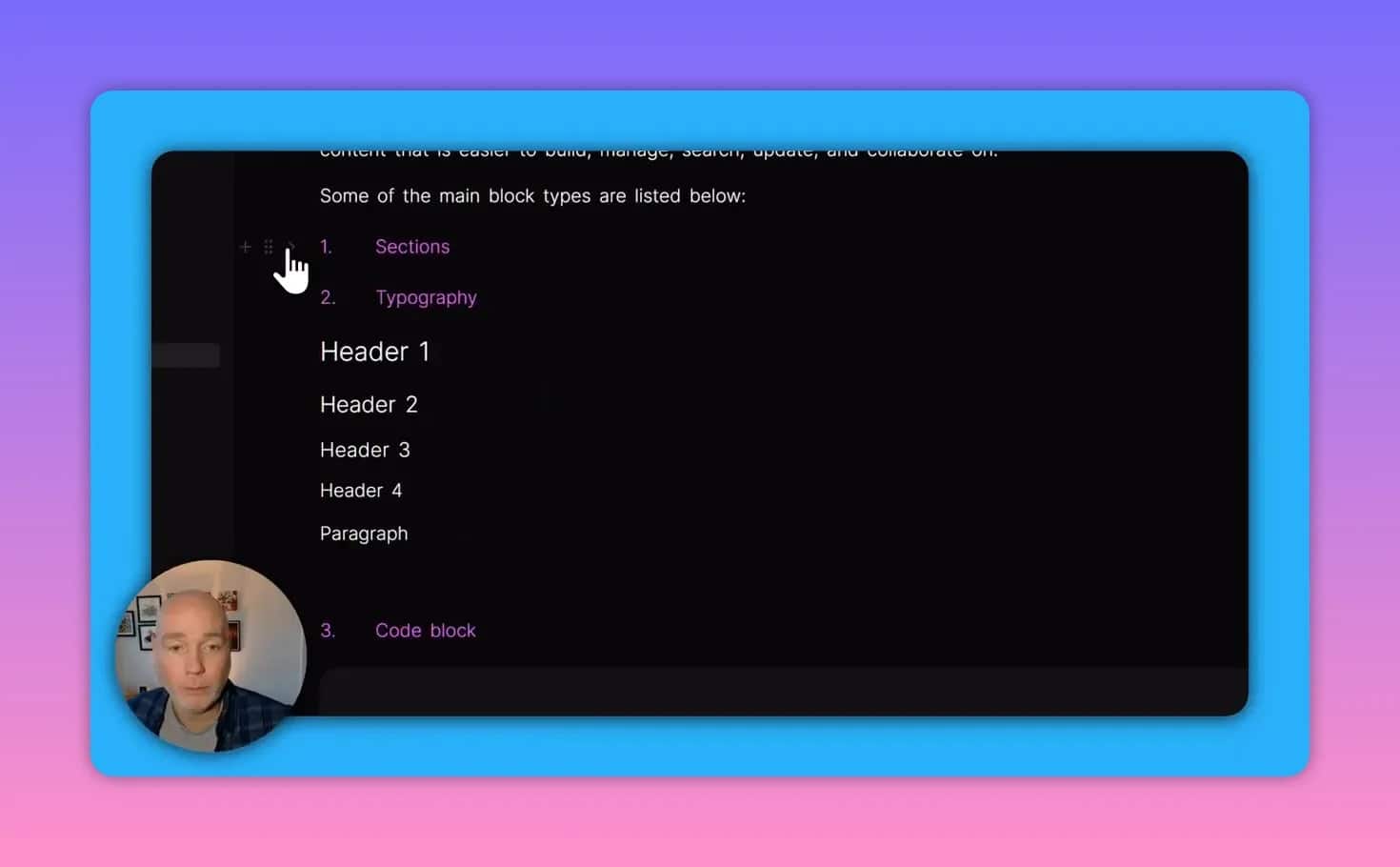
Documents are constructed from flexible blocks. Expect everything you’d want for professional documentation:
- Collapsible sections and subsections for readable, navigable docs
- Headers (H1–H4), paragraphs, subparagraphs
- Code blocks, callouts, math notation, embeds, and buttons
- Cross-references and dynamic variables to pull in shared data
Dynamic tables and cross-referencing
One of Hero’s standout features is its data tables that can be referenced from multiple documents. Create a central table for projects, deals, or contracts and then reference those rows inside any document. Updating a single row can cascade changes across references — a huge time-saver for templates and repeated content.
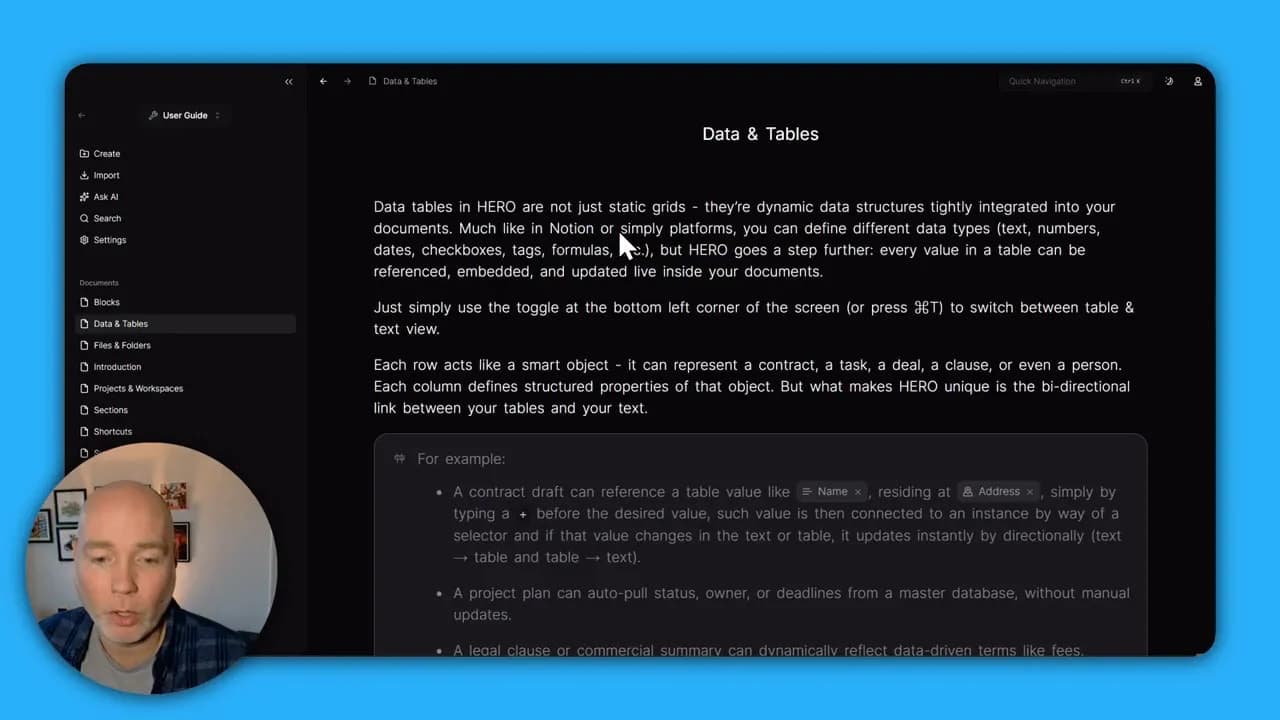
You can clone documents and reuse a linked dataset so changes to the master record update everywhere it’s referenced. Be mindful: linking behaves as a single source of truth, so if you edit the shared record it updates linked documents. This is powerful for consistency but requires a clear data model to avoid surprises.
Editing controls and customization
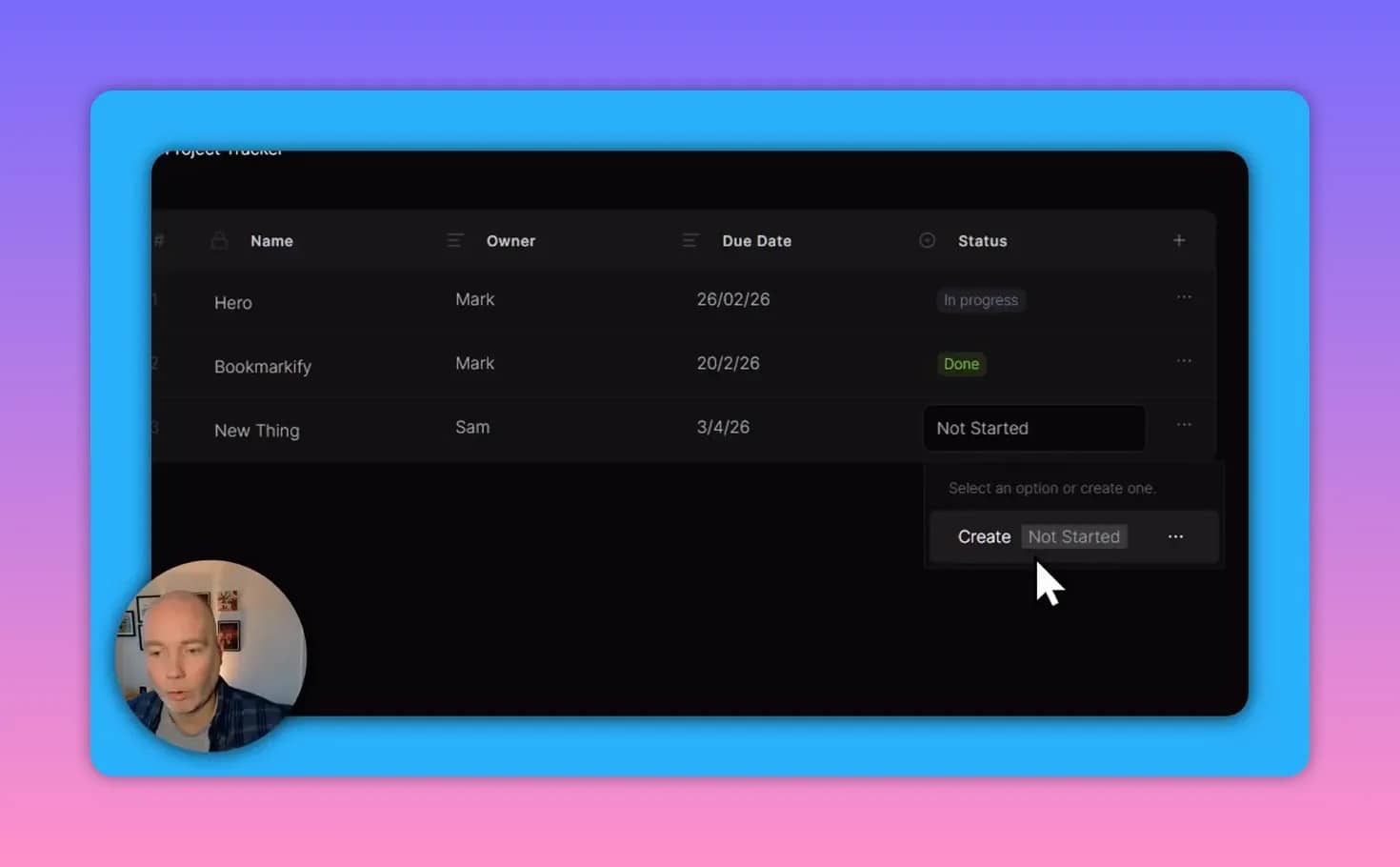
- Dropdowns and coloring: Status fields can be custom dropdowns with colors for quick visual scanning.
- Icon and nesting control: You can nest documents and change icons to make navigation intuitive.
Built-in AI: present but evolving
Hero includes a basic AI writer that can generate content into documents. Right now the AI is useful for drafting sections (for example, generating a list of reasons to use a document management system) but it is not yet a polished multi-agent knowledge assistant.
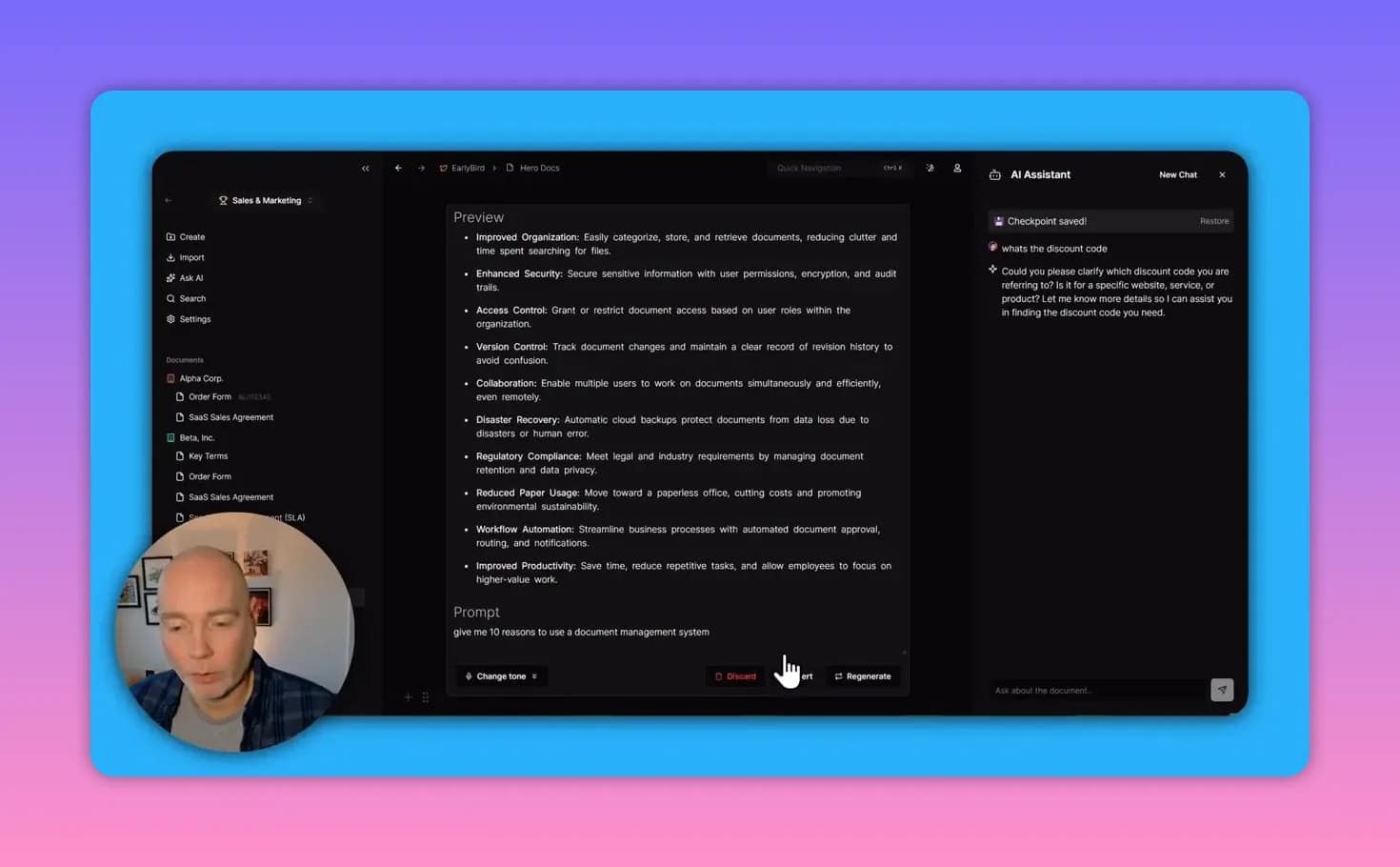
The platform is working toward a more sophisticated multi-agent system that understands your entire project knowledge base and can answer questions about documents and project data. When that arrives, the ability to query your docs and get context-aware answers will be a major productivity boost.
Electronic signatures — useful but watch the workflow
Hero supports digital signatures, but signing currently does not fully lock a document from further edits. For legally sensitive documents or finalized contracts you should await the upcoming improvements that lock signed documents or otherwise strengthen the signature workflow.
Version control and auditing
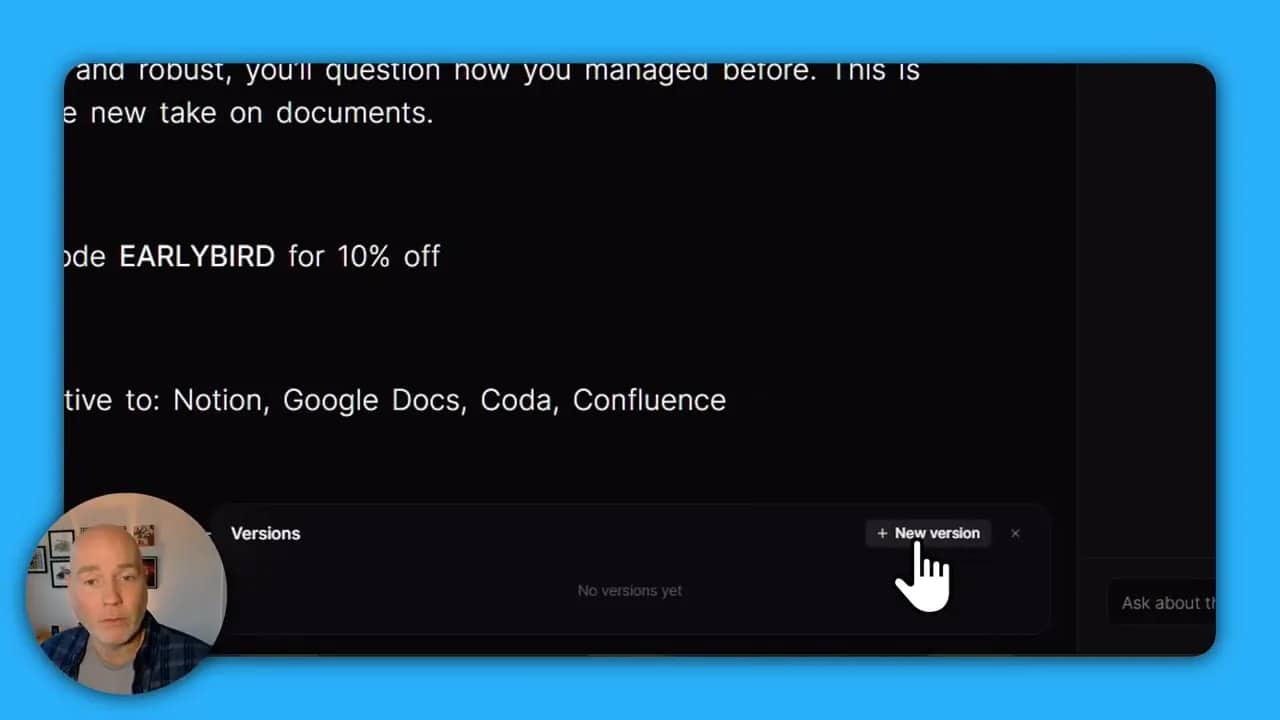
Version control is solid and practical. In addition to continuous autosave, you can create named versions (for example, “Terms v1”), timestamp them, and later compare changes between versions. The ability to view diffs and revert is essential for contract management and regulated documentation.
Templates and use cases
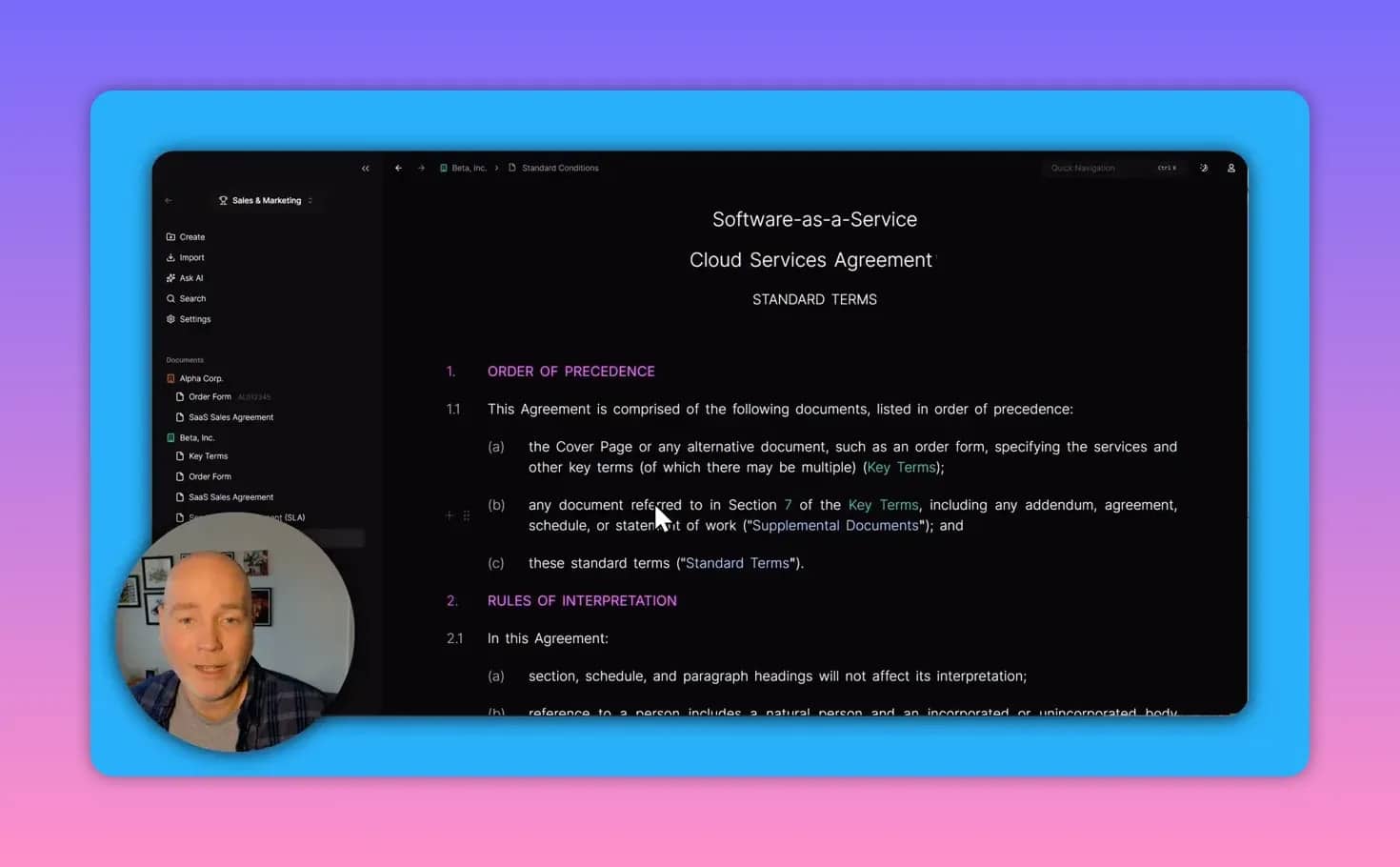
Hero ships with a wide range of templates: SaaS agreements, service-level agreements, key terms, order forms, and more. It is particularly well suited for:
- Centralizing company policies and SOPs
- Maintaining contract templates and version history
- Tracking deals and projects with dynamic data that updates across documents
- Team collaboration on shared knowledge bases
Where Hero fits in your toolset
Hero is designed as an alternative to Notion, Google Docs, Coda, and Confluence — but with a stronger emphasis on linking structured data to documents and a roadmap toward AI-driven knowledge agents. If your organization needs a single place for authoritative documents and linked data, Hero is worth evaluating.
Pros and cons
- Pros: Centralized data tables, cross-referencing, version control, lots of block types, templates.
- Cons: Digital signatures need more polish for locked final documents. The built-in AI is promising but not yet fully featured.
Final thoughts
Hero already provides a powerful set of features for companies that need reliable document authoring, structured data, and version control. The cascading data model and templates make it simple to keep contracts and SOPs consistent across the organization. The upcoming multi-agent AI and improvements to signature locking are the final pieces that could make it a standout platform for document-led workflows.
Interested in trying Hero?
There’s an Early Bird lifetime deal available. Use the code Early Bird for a 10% discount via the deal link provided by the platform.
Keywords
Hero.so, document management, AI document management, dynamic tables, version control, digital signatures, collaboration, templates