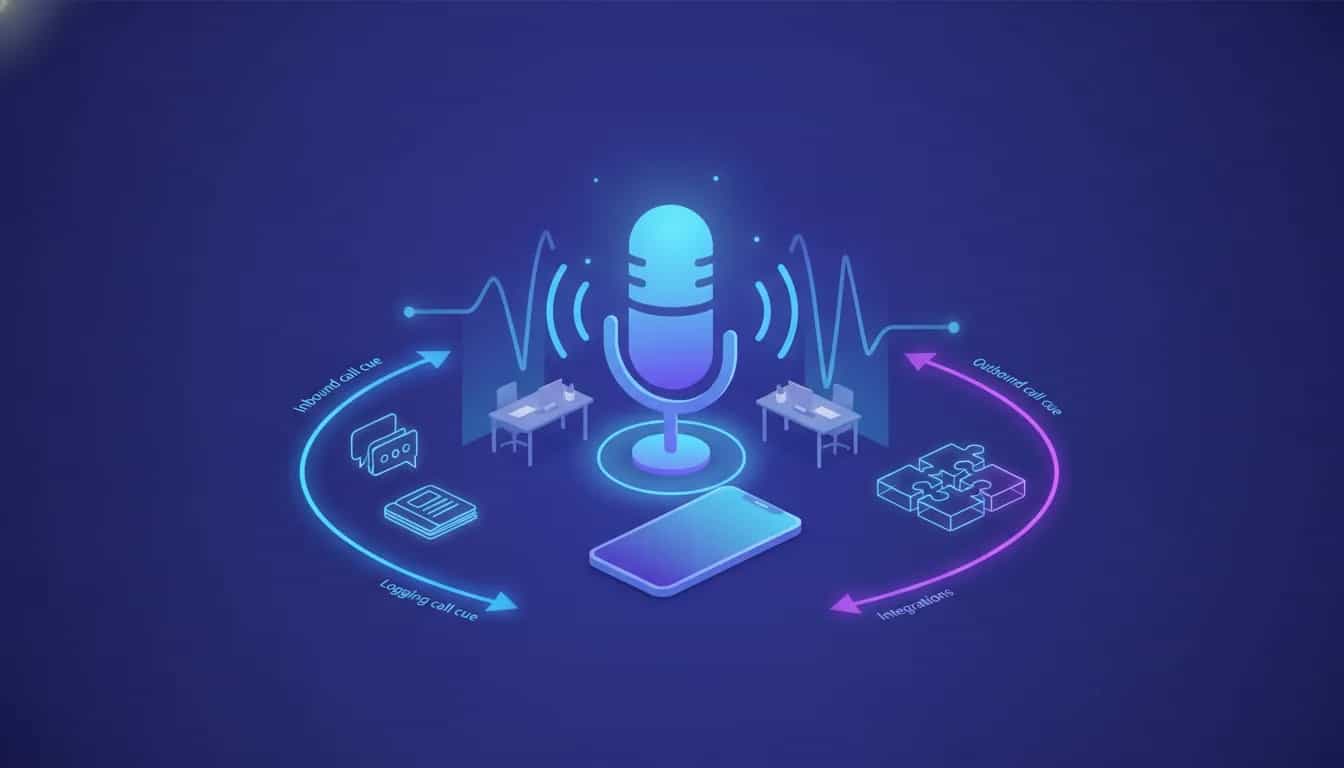
OraVoice is an AI voice assistant platform built for businesses that want to automate phone calls. It can handle inbound calls, place outbound campaign calls, log conversations, generate transcripts and summaries, and connect with other business tools.
For small businesses, service companies, hospitality brands, and sales teams, the main appeal is simple: it gives you an AI phone agent that can answer routine questions, collect feedback, and help manage outreach without relying entirely on live staff.
This guide covers what OraVoice does, where it fits best, how setup works, what integrations are available, and the practical limitations to know before using it.
What is OraVoice?
OraVoice is an AI calling platform designed to make and take calls for your business. You create one or more assistants, give them instructions and business knowledge, connect a phone number, and assign them to inbound or outbound use cases.
The platform supports:
- Inbound call handling for common customer queries
- Outbound calling campaigns for follow-ups, outreach, or feedback collection
- Call transcripts and call summaries
- Contact management inside a built-in CRM-style contact area
- Sentiment tracking for campaign performance
- Integrations with tools like HubSpot, Salesforce, Zapier, and Google Calendar
The platform is presented as a fit for businesses that want to automate repetitive phone interactions while still sounding conversational and responsive.
Who should use OraVoice?
OraVoice is best suited to teams that deal with repeated phone conversations and structured questions.
Common business types mentioned include:
- Healthcare clinics
- Real estate agencies
- Restaurants
- Hotels
- Automotive businesses
- Sales teams
- Service-based companies
- Hospitality businesses
In practical terms, it is a strong fit when calls follow a pattern. Examples include:
- Answering basic support questions
- Collecting customer feedback
- Booking or qualifying leads
- Running outreach campaigns to contact lists
- Handling first-line call triage before escalation
Best use cases for OraVoice
1. Inbound customer support for repetitive questions
If your team keeps answering the same basic questions, OraVoice can be used as a front-line assistant. This is especially useful for businesses where callers often need simple, knowledge-based answers rather than complex human judgment.
The key here is the knowledge setup. If the assistant has clear business information, it can respond more accurately and consistently.
2. Outbound feedback collection
One of the most practical use cases is calling current or past customers to gather feedback. Because the system logs calls and creates summaries, you can review what customers liked, disliked, or mentioned most often without manually taking notes.
This makes it useful for service improvement, review generation workflows, and client check-ins. If you already use a review request workflow, this kind of outbound calling can complement it.
3. Sales outreach and lead qualification
OraVoice can also be used for outbound campaigns where the goal is to start conversations, qualify prospects, or move contacts into the next step. Because you can group contacts into lists and assign assistants to specific purposes, different campaigns can be tailored for different audiences.
4. Appointment or event-related call handling
Templates include industry-focused starting points, including an events-related inbound assistant example. That suggests a useful model for booking inquiries, event qualification, and structured intake conversations.
Core features that matter most
AI call transcripts and summaries
Each call can be logged with a transcript of the conversation and a summary of what happened. This is one of the platform’s most useful features because it turns phone conversations into searchable records.
That matters for:
- Reviewing what was said
- Checking whether the assistant handled queries correctly
- Understanding customer concerns at scale
- Spotting common objections or recurring requests
Built-in contact management
OraVoice includes a basic CRM-style contact area where contacts can be stored, grouped, and assigned a purpose. This helps when running campaigns for different goals such as upsells, feedback, or follow-up sequences.
It is not positioned as a full standalone CRM replacement, but it does give enough structure to organize calling activity inside the platform.
Multiple assistants
You are not limited to a single AI agent. The platform supports multiple assistants, which is useful if you want separate agents for:
- Inbound support
- Sales outreach
- Feedback collection
- Different departments or brands
Campaign scheduling
For outbound calls, you can launch immediately or schedule for later, choose days and times, select the number used for calling, assign a contact list, and then launch the campaign.
That makes the platform more operationally useful than a simple demo tool. It is built for actual campaign execution.
Analytics and sentiment analysis
The dashboard provides top-level tracking on calls and campaign outcomes. A notable feature mentioned is sentiment analysis, with categories such as interested, not interested, and neutral.
This is valuable because it helps you judge campaign quality quickly. If a campaign trends heavily negative or uninterested, you can pause it, revise the assistant, adjust the script logic, and try again.
How OraVoice setup works
The setup is fairly straightforward, but there are a few moving parts. The process generally looks like this:
- Connect or purchase a phone number
- Create an assistant
- Choose a template or start from scratch
- Customize system instructions and first message
- Add business knowledge
- Test the assistant
- Assign it to inbound use or outbound campaigns
Step 1: Connect a phone number
OraVoice requires you to provide the phone number that will be used to make or receive calls. The setup shown includes two provider options: Twilio and Telnyx.
The process involves entering phone number details and provider authorization information, then assigning the number to an assistant.
A practical note here is that number setup may involve a compliance review period before the number becomes active for calling.
Step 2: Create an assistant
Once the number side is in progress, you can create an assistant by giving it a name and choosing whether to use a template or build from scratch.
The available templates can speed up deployment, especially if your use case matches a common business pattern. They also help show the structure OraVoice expects for prompts and instructions.
Step 3: Configure the assistant prompt and behavior
This is one of the most important parts of the setup. OraVoice includes editable fields for items such as:
- System prompt
- Primary objectives
- Voice guidelines
- Common phrases
- Core behavior
- First message
- End-call wording
These instructions shape how the AI responds, how formal or friendly it sounds, and what it is trying to achieve on a call.
If you are not sure how to write this from scratch, using a template as a reference is a smart starting point. You can then tailor the wording to your business.
Step 4: Add a knowledge base
For accurate answers, the assistant needs business-specific information. OraVoice supports adding a knowledge base so the agent can answer questions based on what you provide.
This is essential if you want the AI to answer questions about:
- Your services
- Your pricing structure
- Your business policies
- Your integrations or capabilities
- Your process for bookings, support, or delivery
Without a good knowledge base, the assistant may sound fluent but still lack the facts needed to be useful.
Step 5: Test before going live
You can test the assistant either through chat or with calls. Testing in chat first is a practical way to validate whether the instructions and knowledge base are working before spending calling time or sending the assistant to real contacts.
Good test questions include:
- What services do we offer?
- Can you book an appointment?
- Which CRM tools do we connect to?
- What should you do if a caller asks for a human?
What integrations does OraVoice support?
OraVoice supports several notable integrations and connection points, including:
- HubSpot
- Salesforce
- Zapier
- Google Calendar
- SMS tools
- Call transfer functionality
There is also support on the demonstrated plan for bring your own key options tied to providers such as OpenAI, Gemini, Anthropic, and ElevenLabs.
These integrations matter because they let OraVoice fit into an existing workflow rather than operate as a disconnected tool. For example:
- Use Zapier to trigger follow-up actions after call outcomes
- Push leads into HubSpot or Salesforce
- Use Google Calendar for scheduling-related use cases
- Transfer calls when the assistant reaches a handoff point
If you want current offer details, the listed OraVoice deal page on Early Bird is the relevant source.
How natural are the calls?
The demonstrated calls show that OraVoice can answer questions appropriately and stay on topic when the knowledge base supports the answer. That said, one limitation noted in the example was some response lag.
That does not necessarily make the platform unusable, but it is something to factor into your expectations. For simple information exchange, that delay may be acceptable. For high-pressure sales conversations or very fast back-and-forth support calls, you will want to test carefully.
The bigger point is this: accuracy depends heavily on your setup. A polished prompt and a clear knowledge base matter more than just turning the assistant on.
Where OraVoice stands out
- Supports both inbound and outbound calling
- Includes transcripts and summaries for every conversation
- Allows multiple assistants for different business functions
- Has built-in campaign management instead of just one-off calls
- Provides sentiment tracking for campaign optimization
- Uses templates to speed up setup
- Can be connected to external systems through direct integrations and automation tools
Limitations and caveats to know before using OraVoice
You need your own number provider setup
This is not a plug-and-play phone system with a number included by default. You need to provide or purchase a number through supported providers such as Twilio or Telnyx.
Compliance review can slow activation
Phone numbers may require compliance checks before they are ready. That means you should not assume same-day deployment for live business use.
Prompt quality affects results
If the system prompt is vague, the assistant will likely be inconsistent. OraVoice gives you a lot of control, which is helpful, but also means setup quality directly affects call quality.
Knowledge gaps will show up quickly
If the assistant is missing business facts, callers will find those gaps fast. A knowledge base is not optional if you want reliable performance.
Response speed may vary
Some delay in replies was noticeable in the example interaction. For many use cases that may be acceptable, but it is worth validating for your audience.
Tips to get better results with OraVoice
- Start with one narrow use case. Begin with feedback collection or answering basic FAQs rather than trying to automate everything at once.
- Use a template as a framework. Even if you rewrite most of it, templates help you understand how the system is structured.
- Build a strong knowledge base. Add clean, specific business information and keep it updated.
- Test in chat first. This helps catch prompt issues before you spend call minutes.
- Review transcripts and summaries regularly. Look for weak answers, confusion points, and missed opportunities.
- Watch sentiment data. If many calls trend neutral or not interested, revise your campaign before scaling it.
- Create separate assistants for separate goals. Support, outreach, and booking should not necessarily share the same behavior rules.
Common questions about OraVoice
Can OraVoice answer incoming calls?
Yes. It can be assigned to handle inbound calls using a connected phone number.
Can OraVoice make outbound calls?
Yes. Outbound campaigns are a core part of the platform, including scheduling and list-based dialing.
Does OraVoice provide call transcripts?
Yes. Calls can be logged with transcripts, and summaries are also available.
Does OraVoice integrate with CRMs?
Yes. The supported integrations mentioned include HubSpot and Salesforce, along with Zapier for broader automation.
Can OraVoice schedule appointments?
It integrates with Google Calendar, which makes it relevant for scheduling-based workflows.
Do you need Twilio for OraVoice?
You need a supported phone number provider. Twilio is one supported option, and Telnyx is another.
Is OraVoice worth it?
OraVoice looks most worthwhile for businesses that already know their call workflow and want to automate a defined part of it. Its strongest value comes from combining AI calling with transcripts, summaries, campaign tools, contact organization, and integrations.
If your business gets repetitive inbound calls or runs structured outbound campaigns, it offers a practical set of tools. If your phone conversations are highly nuanced, unpredictable, or dependent on complex judgment, it will need careful setup and close monitoring.
The best approach is to start small, test thoroughly, and use the dashboard and call records to improve performance over time.
Bottom line
OraVoice is an AI voice assistant platform for businesses that need help managing phone communication at scale. It supports inbound and outbound calls, uses templates to simplify setup, lets you add a knowledge base for more accurate answers, and includes useful reporting features like transcripts, summaries, and sentiment tracking.
For teams in service, sales, hospitality, and support-heavy environments, that combination makes it a practical option to evaluate.