Yes, you can use a QNAP NAS for surveillance through its Surveillance Station application. This transforms your NAS into a thorough security hub supporting over 3,000 IP camera models. You’ll need sufficient processing power (4GB RAM minimum), adequate storage for footage, and camera licenses ($50-60 per channel). The system offers live monitoring, motion detection, remote viewing via mobile apps, and even advanced AI features. Proper setup guarantees both efficient surveillance and secure data protection.
Understanding QNAP’s Surveillance Station Application
How exactly does QNAP transform your Network Attached Storage (NAS) into a powerful surveillance hub? At the core of this transformation is Surveillance Station, QNAP’s dedicated application designed specifically for video surveillance management.
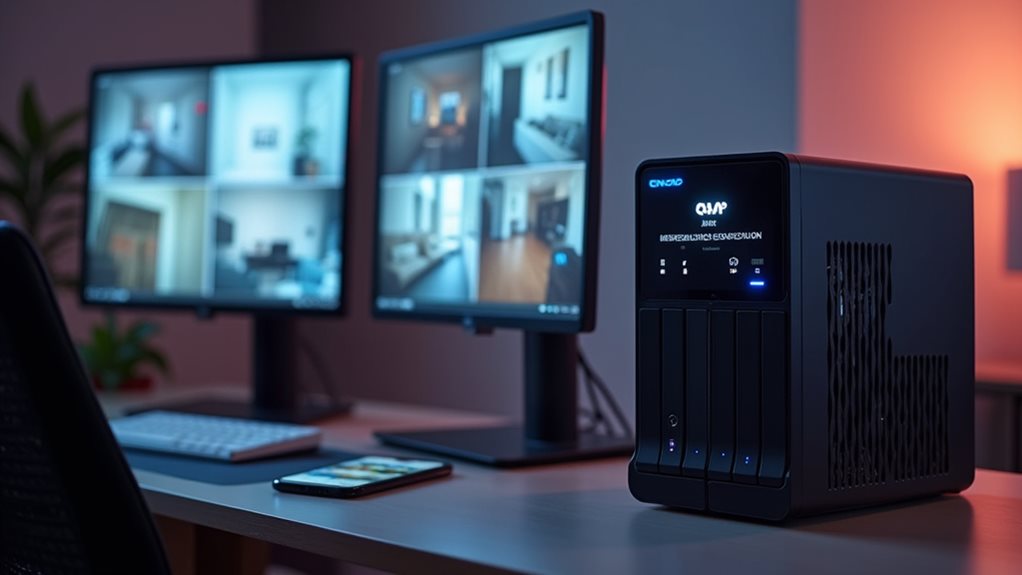
Surveillance Station provides you with a centralized platform to monitor, record, and manage multiple IP cameras. The application supports over 3,000 camera models from various manufacturers, giving you flexibility in your security setup.
Centralized surveillance management with support for thousands of cameras, offering unprecedented flexibility for your security infrastructure.
You’ll find an extensive set of features including live monitoring, video recording, playback capabilities, and event management. The interface lets you view multiple camera feeds simultaneously and configure recording settings based on your needs.
For advanced users, the system offers motion detection, alert notifications, and intelligent video analytics features that help identify specific events within your surveillance footage.
Hardware Requirements for Running a Surveillance System
Before establishing a QNAP NAS surveillance system, you’ll need to understand the specific hardware requirements to guarantee peak performance.
The processing power of your NAS directly impacts how many cameras you can support simultaneously. Entry-level models with dual-core processors typically handle 2-4 camera streams, while mid-range quad-core units can manage 8-12 cameras effectively.
RAM requirements increase with your camera count, with 4GB recommended as a minimum for surveillance applications. For best performance, allocate 250-500MB of RAM per camera stream.
Storage considerations are equally important. High-resolution cameras generate 10-30GB of footage daily per camera.
Select surveillance-grade hard drives like Seagate SkyHawk or Western Digital Purple that are engineered for 24/7 recording and multiple simultaneous streams.
Compatible IP Camera Models and Integration Options
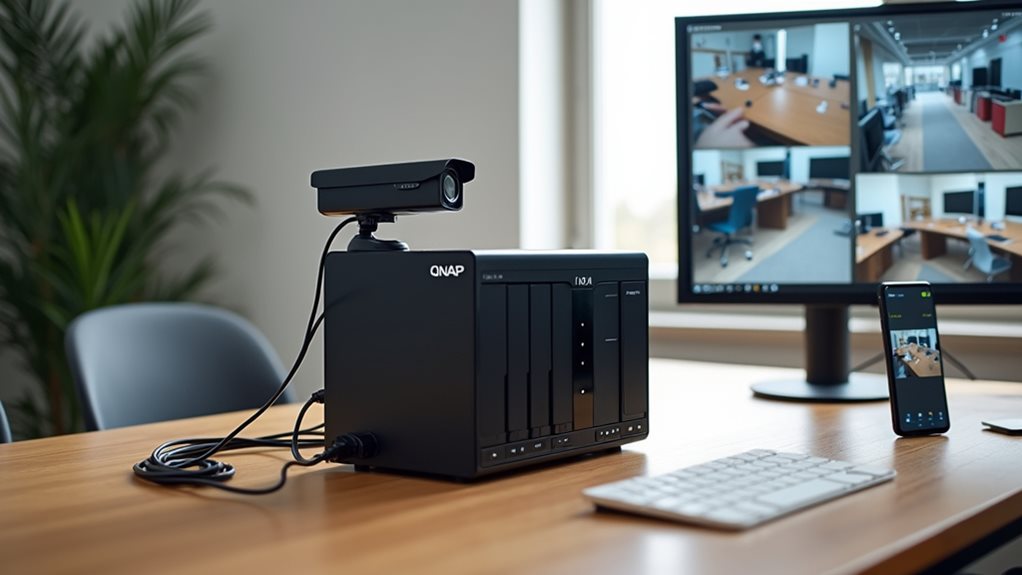
Thousands of IP camera models work seamlessly with QNAP’s Surveillance Station software, giving you extensive flexibility when designing your security system.
The platform supports cameras from leading manufacturers like Axis, Hikvision, Dahua, and Sony.
QNAP offers multiple integration pathways to connect your cameras:
- ONVIF Protocol Support – The industry-standard interface guarantees compatibility with most modern IP cameras
- Direct Camera Connections – Connect cameras directly to your NAS using the built-in Ethernet ports
- PoE Switch Options – Power your cameras through QNAP’s optional PoE expansion cards, eliminating extra power cables
- Third-Party Integration – Connect with popular security platforms and smart home systems for expanded functionality
You’ll need to verify specific model compatibility through QNAP’s online database, which is regularly updated as new camera models are tested and certified.
Storage Capacity Planning for Video Footage
You’ll need to calculate your daily storage requirements by considering camera resolution, frame rate, and compression settings for each surveillance camera.
Your retention period will determine overall capacity needs, as longer footage storage (30, 60, or 90+ days) directly multiplies your required storage space.
Different RAID configurations offer varying balances between storage efficiency and data protection, with options like RAID 5 providing fault tolerance while RAID 0 maximizes usable capacity.
Calculate Daily Storage Needs
Calculating your daily storage requirements forms the foundation of any effective surveillance system deployment. Understanding how much space you’ll need helps prevent system failures and unnecessary costs.
To determine your daily storage needs, consider these key factors:
- Camera resolution – Higher resolution (1080p, 4K) requires considerably more storage than standard definition
- Frame rate – More frames per second (fps) means more data to store
- Compression format – H.265 typically requires 50% less storage than H.264
- Recording schedule – Continuous recording consumes more space than motion-activated
The formula for calculating storage is: (bitrate × recording hours × cameras × days to store) ÷ 8 = required storage in bytes.
Most QNAP surveillance systems allow you to estimate requirements with their built-in calculators.
Retention Period Considerations
After determining your daily storage needs, you’ll need to establish how long to keep your surveillance footage. This retention period directly impacts your total storage requirements.
Most businesses retain footage for 30 to 90 days, depending on security needs and legal requirements. Consider your industry standards and any compliance regulations that might apply to your situation.
Calculate your total storage by multiplying daily requirements by your desired retention period. For example, 50GB per day stored for 60 days would require 3TB of usable storage.
QNAP recommends adding a 20% buffer to account for storage overhead and future expansion.
When selecting your NAS model, verify that it can support your calculated capacity with the appropriate number of drive bays.
Remember that longer retention periods provide better historical evidence but require considerably more storage investment.
RAID Configuration Options
When planning your surveillance storage system, RAID configuration plays a crucial role in balancing storage capacity with data protection. Different RAID levels offer varying degrees of redundancy and performance, which directly impacts your surveillance system’s reliability.
Your choice should align with your specific surveillance requirements:
- RAID 5 provides a good balance between storage efficiency and data protection, using parity to recover from a single disk failure.
- RAID 6 offers improved protection with dual parity, allowing recovery from two simultaneous disk failures.
- RAID 10 combines mirroring and striping for excellent performance and redundancy, ideal for critical surveillance systems.
- RAID 0 maximizes storage capacity and speed but offers no redundancy, making it unsuitable for most surveillance applications.
Consider your budget constraints and recovery time objectives when selecting the appropriate RAID level.
Setting Up Real-Time Monitoring and Alerts
To maximize your QNAP NAS surveillance capabilities, you’ll need to configure proper real-time monitoring and alerts.
The QVR Pro or Surveillance Station applications offer extensive alert settings that keep you informed of critical events. You can set up motion detection alerts that trigger when cameras detect movement in designated areas. These notifications can be delivered via email, SMS, or push notifications to your mobile device.
System health alerts are equally important, warning you about disk failures, storage capacity issues, or camera disconnections. Configure temperature thresholds to prevent overheating during continuous recording.
Proactive system monitoring prevents surveillance failures when they matter most—during critical security events.
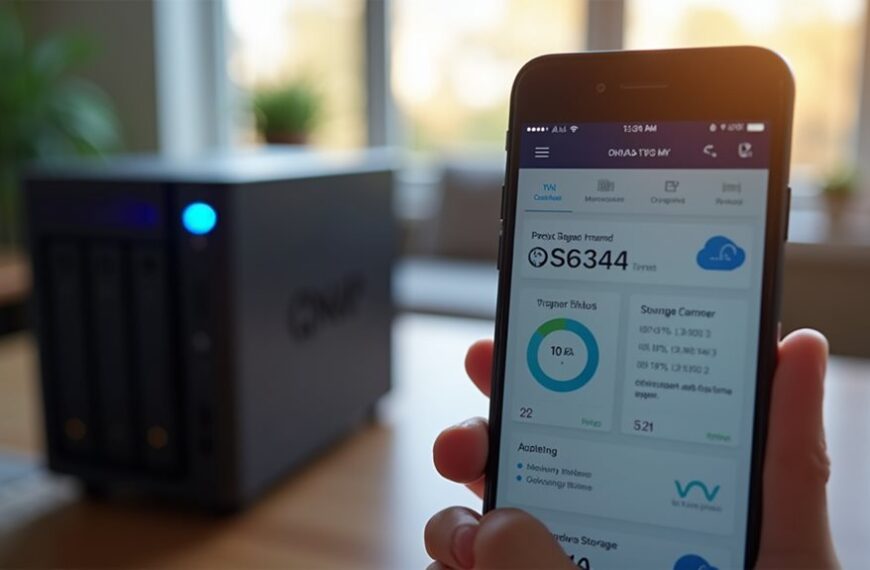
The mobile app provides remote viewing options, allowing you to check camera feeds from anywhere. You’ll receive instant notifications when events occur, enabling quick responses to potential security incidents.
Remote Access and Mobile Viewing Capabilities

You’ll gain unmatched flexibility with QNAP’s mobile app functionality, which enables viewing surveillance footage from anywhere using your smartphone or tablet.
The system supports multiple security protocol options, including HTTPS, SSL encryption, and two-factor authentication to guarantee your remote connections remain protected from unauthorized access.
QNAP’s multi-device synchronization allows you to seamlessly shift between your desktop, tablet, and phone while maintaining consistent access to all your camera feeds and recorded footage.
Mobile App Functionality
Three dedicated mobile applications extend QNAP’s surveillance capabilities beyond your physical location, offering seamless remote monitoring from anywhere with an internet connection.
These purpose-built apps transform your mobile device into a portable surveillance command center.
- QVR Pro Mobile enables live camera feeds viewing, playback of recorded footage, and instant event notifications when motion is detected.
- Qmanager provides crucial NAS management functions like system status monitoring, storage usage checks, and security setting adjustments.
- Qfile allows access to stored surveillance footage archives for downloading or sharing critical video evidence.
- Vmobile offers simplified camera viewing designed specifically for quick monitoring of basic surveillance feeds.
The intuitive interfaces of these applications guarantee you can easily maneuver through complex surveillance functions without technical expertise, maintaining security oversight regardless of your physical location.
Security Protocol Options
While accessing your surveillance system remotely offers convenience, QNAP prioritizes security through multiple protocol options that protect your video feeds from unauthorized access.
QNAP NAS systems support industry-standard protocols including HTTPS, SSL, and TLS encryption when transmitting surveillance footage over networks. You’ll find extensive firewall settings and IP filtering options to restrict connection attempts.
Two-factor authentication adds an extra security layer, requiring both a password and a verification code. You can also implement VPN connections for highly secure remote viewing that creates an encrypted tunnel between your device and the NAS.
QNAP’s Security Counselor tool scans your system regularly for vulnerabilities and recommends specific security improvements.
The system maintains detailed access logs, allowing you to monitor who views your surveillance footage and when these connections occur.
Multi-device Synchronization
The robust multi-device synchronization features of QNAP NAS surveillance systems enable seamless monitoring from virtually anywhere. You can access your surveillance feeds through compatible smartphones, tablets, and computers, providing flexibility in how you manage your security system.
QNAP’s multi-device capabilities include:
- Synchronized recording schedules across all connected cameras
- Real-time notifications sent to multiple registered devices simultaneously
- Cross-platform compatibility with iOS, Android, and web browsers
- Centralized user permission management for different team members
This synchronization extends beyond viewing capabilities, allowing you to adjust camera settings and manage recordings remotely.
Your security team can coordinate responses effectively since everyone receives consistent information. When traveling, you’ll maintain the same level of system control you’d have onsite, with options to download footage directly to your mobile device for safekeeping.
Advanced Features: AI Recognition and Analytics
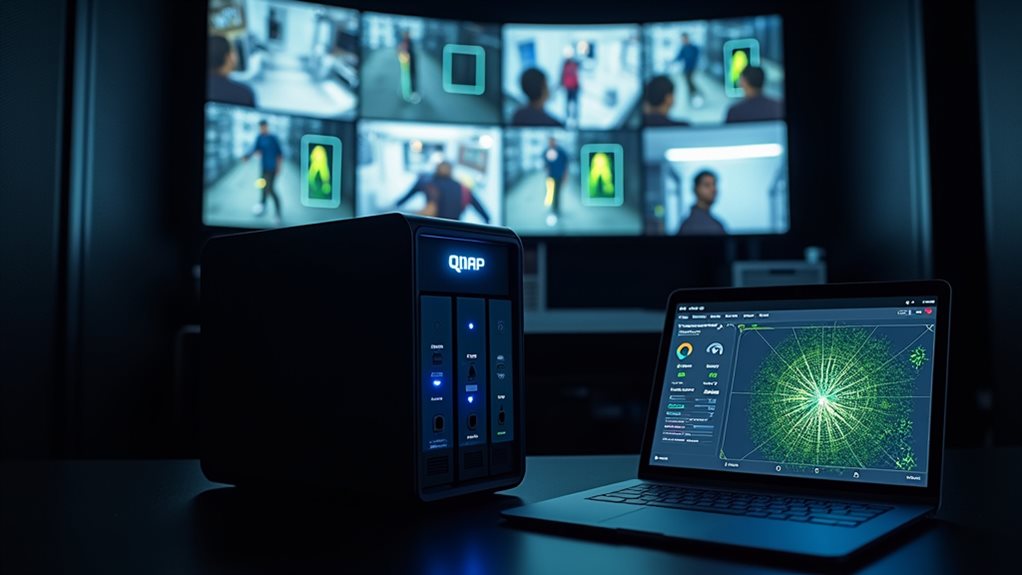
Modern surveillance systems have evolved beyond simple video recording, with QNAP NAS devices now offering powerful AI recognition and analytics capabilities.
These AI-powered features include facial recognition technology that can identify specific individuals in video footage, helping you monitor who enters your property.
You’ll also find object detection that can distinguish between people, vehicles, and animals with impressive accuracy.
QNAP’s intelligent video analytics can identify suspicious behaviors such as loitering or boundary crossing, alerting you to potential security threats in real-time.
The system also includes license plate recognition for tracking vehicles.
All processed data is organized in a searchable database, allowing you to quickly find specific events without manually reviewing hours of footage.
These smart features transform your surveillance system from passive recording to active monitoring.
Performance Considerations: CPU and Memory Impact
When running multiple surveillance cameras on your QNAP NAS, you’ll need to carefully manage CPU load to prevent system slowdowns and recording gaps.
Your system’s memory allocation requirements will increase proportionally with the number of cameras, resolution settings, and enabled AI features.
You should monitor system resources regularly and consider upgrading your NAS hardware if you consistently see CPU usage above 80% or memory utilization approaching maximum capacity.
CPU Load Management
Since surveillance operations demand considerable processing power, managing CPU load effectively on your QNAP NAS becomes critical for ideal system performance. Understanding how to balance resources guarantees your surveillance system remains responsive and reliable.
- Enable hardware transcoding options when available to offload video processing from the CPU to dedicated graphics components.
- Schedule recording and backup tasks during off-peak hours to distribute processing demands more evenly.
- Utilize QVR Pro’s advanced resource allocation settings to prioritize critical camera feeds over less important ones.
- Monitor CPU usage regularly through the QNAP Resource Monitor to identify potential bottlenecks before they impact performance.
You’ll need to adjust recording parameters such as frame rate, resolution, and compression level based on your specific hardware capabilities.
Finding the right balance between surveillance quality and system performance prevents overloading your NAS during critical monitoring periods.
Memory Allocation Requirements
Beyond CPU considerations, memory allocation plays a key role in determining how well your QNAP NAS handles surveillance workloads.
Memory requirements increase proportionally with the number of camera streams you’re monitoring. Each HD camera typically requires 250-300MB of RAM, while 4K cameras may demand up to 500MB per stream.
This means a 16-camera setup could need 4-8GB of RAM dedicated just to surveillance tasks.
Your QNAP system also needs sufficient memory for its operating system and other applications running concurrently. Most surveillance experts recommend a minimum of 8GB RAM for basic setups, scaling to 16GB or more for systems with 10+ cameras.
Insufficient memory will cause dropped frames, recording gaps, and system instability.
You’ll notice these issues especially during motion detection events when memory demands spike suddenly.
Licensing Structure and Costs for Camera Channels
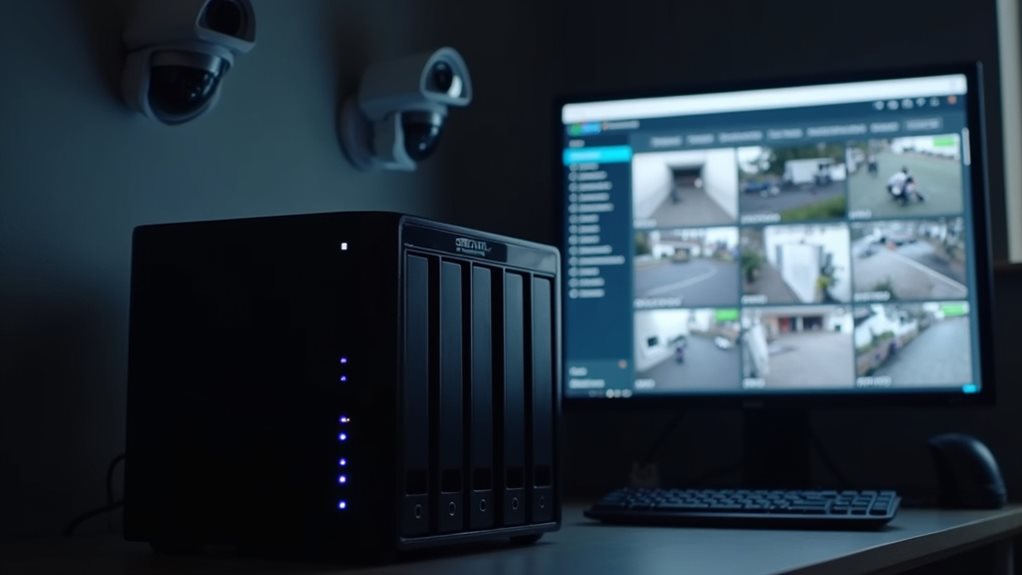
Understanding the licensing structure for QNAP NAS surveillance systems represents a crucial consideration for potential buyers.
Evaluating QNAP’s license framework is essential before investing in their NAS surveillance solution.
QNAP’s Surveillance Station operates on a camera license model, where your initial purchase includes a specific number of free camera channels.
When planning your surveillance setup, you’ll need to account for these licensing costs:
- Most QNAP NAS models include 2-4 free camera licenses upon purchase
- Additional camera licenses can be purchased individually or in packs (4, 8, or 12 channels)
- License costs typically range from $50-60 per camera channel
- All licenses are perpetual with no recurring subscription fees
The total licensing cost depends on your surveillance requirements.
An extensive 16-camera system might require purchasing 12-14 additional licenses beyond the included ones, representing an important portion of your overall surveillance investment.
Security Best Practices for Your NAS Surveillance System
Securing your QNAP NAS surveillance system should be your top priority to protect both your footage and your network from unauthorized access.
Change your default login credentials immediately after setup, using strong, unique passwords with a mix of characters.
Enable two-factor authentication for an extra layer of security.
Keep your QNAP firmware and QVR Pro software updated to patch security vulnerabilities.
Configure automatic updates to guarantee you’re always running the latest version.
Create separate user accounts with appropriate permission levels for different staff members.
Never share admin credentials.
Set up IP filtering to restrict access to your NAS from specific devices only.
Enable network encryption (HTTPS) for all connections to your surveillance system.
Regularly back up your configuration settings and critical footage to an offsite location or cloud service.
Frequently Asked Questions
Can a QNAP NAS Record Audio Along With Surveillance Footage?
Yes, your QNAP NAS can record audio with surveillance footage. Many QNAP Surveillance Station setups support audio recording when used with compatible cameras that have microphones or audio input capabilities.
What Happens to Surveillance Recordings During Power Outages?
During power outages, your surveillance recordings will stop unless you’ve installed a UPS battery backup. You’ll lose any footage that wasn’t already saved, and recording will resume only when power returns.
Can QNAP Surveillance Integrate With Home Automation Systems?
Yes, QNAP Surveillance Station can integrate with home automation systems through IFTTT, API connections, or third-party plugins. You’ll be able to create automated responses like turning on lights when motion is detected.
How Long Does a Typical QNAP NAS Last for Surveillance Use?
You’ll typically get 5-7 years from your QNAP NAS for surveillance use. With proper maintenance and updates, it could last longer. The lifespan depends on your recording settings, drive quality, and usage intensity.
Can QNAP Surveillance Footage Be Used as Legal Evidence?
Yes, your QNAP surveillance footage can be used as legal evidence if it’s properly maintained with timestamps and hasn’t been tampered with. You’ll need to follow proper chain-of-custody procedures when submitting it to authorities.
Final Thoughts
You’ll find QNAP NAS devices are excellent surveillance solutions with the right setup. Their Surveillance Station application supports numerous IP cameras, offers AI-powered analytics, and provides flexible storage options for your footage. Consider your hardware specifications, camera licensing costs, and security requirements carefully. With proper planning and configuration, your QNAP NAS can become a reliable, feature-rich surveillance system that meets your monitoring needs.