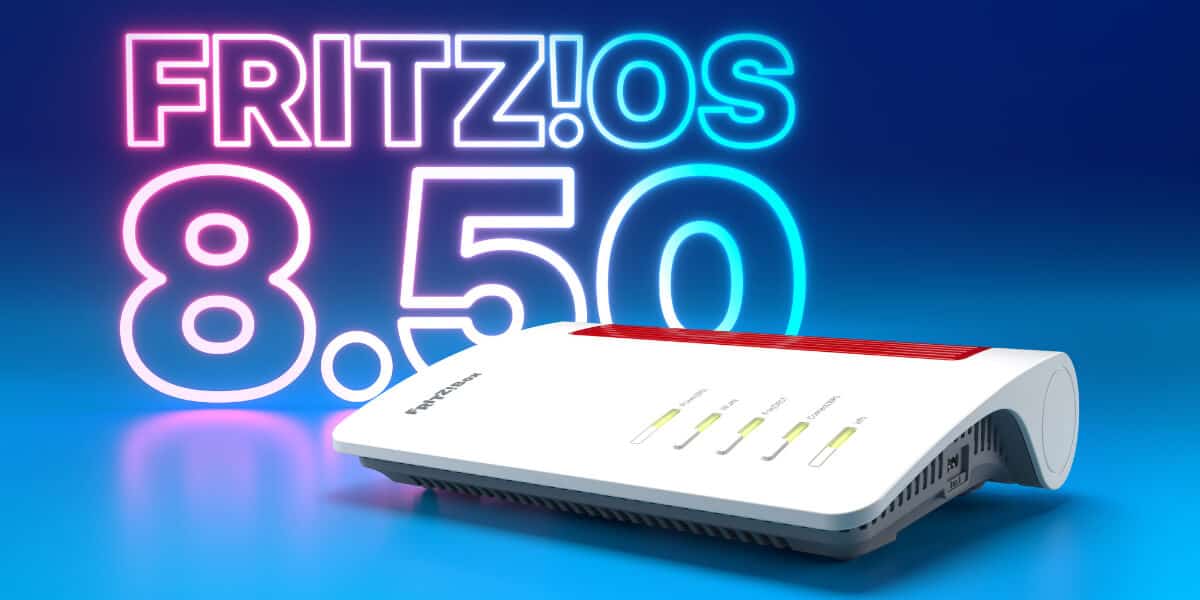
If you use a FRITZ!Box or FRITZ!Repeater, a major upgrade is on the way. AVM has started rolling out FRITZ!OS 8.50, beginning with the FRITZ!Box 7690 and expanding to all current models over the coming weeks. This release centers on what home networks need most right now: stronger security, better reliability, and smarter automation that adapts to your daily life. From a new DNS filter and intelligent traffic prioritization to geofenced routines and Matter integration, 8.50 aims to make your connected home faster, safer, and easier to manage.
Security and stability get a big boost
A standout addition in FRITZ!OS 8.50 is the new DNS filter. It lets your FRITZ!Box block access to specified domains at the network level, using common standards and public blocklists. That means you can filter out advertising, trackers, malware, phishing pages, and botnet domains for every device on your network in one move. If a device tries to reach a blocked address, the query is stopped automatically. The feature launches on the FRITZ!Box 7690 first and will expand to select models as the rollout progresses.
Network resilience also improves with enhanced failover. FRITZ! Failsafe, which keeps you online if your primary connection drops, now works directly on 4G and 5G FRITZ!Box models. These devices can connect to the internet through a LAN port, for example via an upstream ONT on a fiber connection, then seamlessly hand over to mobile broadband if the landline fails. For households and home offices that cannot afford downtime, this is a practical layer of protection.
Smoother video calls and gaming with automatic prioritization
Laggy conference calls and stuttering game sessions are among the most common home networking complaints. FRITZ!OS 8.50 introduces automatic prioritization for real-time applications. The FRITZ!Box can now detect traffic from video conferencing tools and online games and prioritize it dynamically to keep your connection stable when it matters. You can also see when prioritization is active for a specific device in the user interface and review activity for up to 24 hours. This feature begins rolling out to select models in the coming weeks.
MyFRITZ!App adds Smart Check for instant insights
Troubleshooting your home network gets easier with the new Smart Check in the MyFRITZ!App. Right from the app’s start screen, you will see the current status of your FRITZ!Box plus recommendations and warnings across internet, telephony, home network, Wi-Fi, LAN, USB, smart home, and security. Smart Check highlights issues like a missing Mesh connection to a repeater and offers clear steps to fix them. It also helps with tasks such as blocking unwanted premium-rate calls. Tap Smart Check to open a detailed analysis whenever you need a deeper look.
FRITZ!Fon becomes more accessible with simple mode and SOS calling
FRITZ!OS 8.50 brings a new simple mode to FRITZ!Fon that streamlines menus and focuses on the essentials. You can turn the softkeys into quick-dial buttons for frequently called numbers or functions, improving speed and accessibility. An integrated SOS feature lets you store up to four emergency contacts. If the SOS call is triggered, the phone will dial them in sequence, with flexible intervals that you can configure to save valuable time in urgent situations. It is a thoughtful upgrade for families and anyone who values ease of use.
Smarter energy savings and automations for the whole home
Smart home users get several notable enhancements. FRITZ!Smart Energy 200 and 210 plugs, along with the upcoming FRITZ!Smart Energy 201 indoor model, can now automatically power off if a specified current limit is exceeded for a set period. That adds a safety net for connected appliances and supports energy-efficient habits.
Automations get simpler and more powerful too. Preconfigured routines like Leaving the House, Coming Home, and Holidays can be set up with just a few clicks and triggered by zones defined in the FRITZ!App Smart Home. With the next update, routines will be able to combine multiple triggers, including device states and geofences. For example, you can set a routine to activate only when all residents have left the house.
If you own a FRITZ!Box 5690 Pro, it can now serve as a Matter bridge. That means all your FRITZ! Smart Home devices, plus compatible third-party devices registered to the FRITZ!Box 5690 Pro, can be added to an existing Matter network and controlled via Apple Home, Google Home, or Amazon Alexa. Voice control and platform choice become much more flexible without having to replace your existing FRITZ! gear.
How to get FRITZ!OS 8.50
The update will install automatically if you have Automatic Update enabled. You can also trigger it manually by selecting Start Update in the fritz.box user interface. For a full overview of new features and improvements, visit fritz.com/fritzos.
The bottom line
FRITZ!OS 8.50 is a meaningful upgrade for both everyday users and power users. Security hardens with DNS filtering, reliability improves with expanded failover, real-time apps get priority automatically, and smart home control becomes safer and more seamless. Whether you are working from home, gaming, or building out a multi-platform smart home, this release brings practical gains you will feel right away.