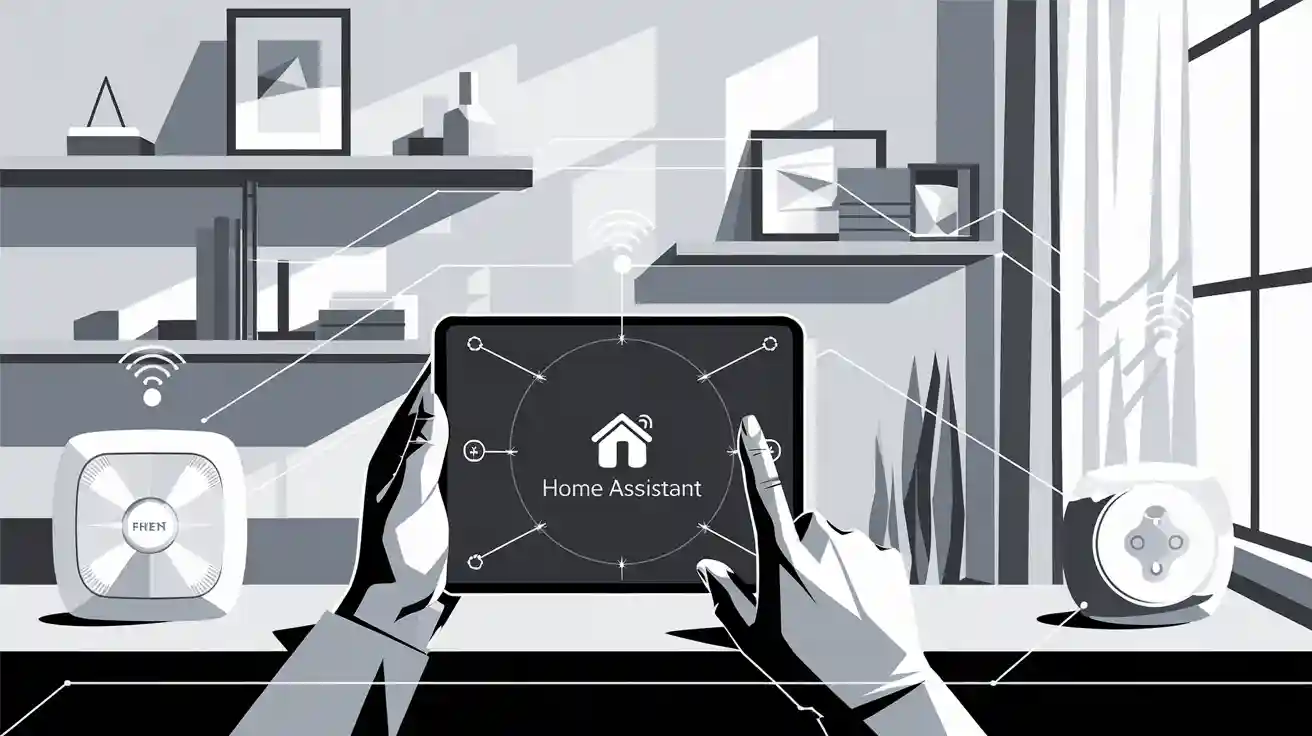
You can quickly link Frient smart home devices compatibility with home assistant. This helps make your home smarter and safer. Home assistant lets you keep your data private. You control everything locally and do not need the cloud. The works with home assistant badge shows it works well. Zigbee2MQTT lets you use more Frient smart home devices. Use these features to create strong automations and enhance your daily life.
Key Takeaways
Frient smart home devices work well with Home Assistant. They help make your home safer and easier to use.
Certified devices are simple to set up and work well. Check compatibility lists before you buy new devices.
Use Frient devices to watch your energy use. This helps you save money and helps the environment.
Join the Home Assistant community for help and advice. You can learn how to automate your smart home better.
Follow easy steps to connect Frient devices with ZHA or Zigbee2MQTT. This gives you a smarter home.
Frient Smart Home Devices Compatibility
Certified Devices
There are many frient smart home devices compatibility options. These work with home assistant right away. Certified devices go through official tests. You can trust them to connect easily and work well. Here is a list of frient Zigbee devices that are certified for home assistant:
frient Motion Sensor Pro
frient IO Module
frient Smart Plug Mini
frient Entry Sensor 2 Pro
frient Smart Siren UK
frient Smart Siren EU
frient Intelligent Keypad
frient Water Leak Detector
frient Smart Button
frient Intelligent Smoke Alarm
frient Air Quality Sensor
frient Smart Humidity Sensor
frient Electricity Meter Interface 2 LED
These devices give you strong frient smart home devices compatibility. You can use them for many things. You can watch your home, control lights, or keep your family safe.
Community-Supported Devices
You might want to use more zigbee devices from frient. Some are not certified yet. The home assistant community helps add support for these devices. They do this with updates and custom integrations. You can look at forums and lists from the community. These show which new frient devices work with home assistant. Many people share their tips and stories. You can get help if you need it. This support makes frient smart home devices compatibility better. You can try new features before they are official.
Tip: Always check the newest compatibility lists and forums before you buy new zigbee devices. This helps you make sure your setup will work.
Key Features
Frient devices are special because they focus on comfort, safety, and saving energy. You can use these features to make your home smarter and safer. The frient smart home devices compatibility with home assistant lets you use these benefits every day.
Feature | Description |
|---|---|
Energy Monitoring | The Smart Cable 2 helps you see how much electricity you use. You can control devices and save money. |
Safety | Frient devices help keep your home and family safe. You get alerts for smoke, water leaks, or open doors. |
Sustainability | Zigbee devices use little power and stay connected. This makes your smart home better for the planet. |
You can use the Smart Cable 2 to check your energy use. You can turn devices on or off. Frient devices help you feel safe by sending alerts if something is wrong. The zigbee protocol keeps your devices working and uses less energy. This makes your home smart and green.
Frient smart home devices compatibility gives you lots of choices. You can build a system that fits your needs. It can grow with new technology. Home assistant and zigbee devices work together to make your life easier and safer.
Works With Home Assistant Program
Certification Process
The works with home assistant program shows which devices work well. If a device has the badge, it followed a clear process. First, the company sends samples to the home assistant team. The team checks if the device connects easily and works right. If there are problems, the company gives an engineer to help fix them fast.
Manufacturers must keep their devices working with home assistant. They promise to update products and fix any issues. This helps you trust your devices will work for a long time.
User Benefits
You get many good things with the works with home assistant badge. These devices are easy to set up and work well. You do not need to worry about losing updates or support.
Manufacturers must keep their devices working with home assistant.
They must make sure users have a good experience.
You can ask for help if you have problems because of the engineer contact.
Any company joining promises to give long-term support and updates. They also help make the Home Assistant community better.
You can trust your smart home will keep working as things change. The works with home assistant program gives you reliable devices, updates, and support. This helps you build a smart home that lasts.
Home Assistant Integration Methods
When you want to use Frient Zigbee devices, you have two main ways to connect them. Each way has its own steps and good points. The table below shows a quick summary:
Method | Description |
|---|---|
ZHA Integration | Home Assistant’s built-in Zigbee Gateway. It is easy to use with most Zigbee devices. |
Zigbee2MQTT | This is an open-source gateway. It works with more devices. You need an MQTT broker to set it up. |
ZHA Setup
You can use ZHA to link Frient devices straight to home assistant. This way is simple and works with many certified devices. Here are the steps:
Open Settings > Devices & services in home assistant.
Pick the Zigbee Home Automation integration and click Configure.
Press Add device to start looking for new Zigbee devices.
Reset your Frient device to factory settings. Look at the manual for help.
When home assistant finds your device, it adds it by itself. You can give it a new name or put it in a room.
Tip: If your device does not connect, try resetting it again. You can also check if something is blocking the Zigbee network.
Zigbee2MQTT Setup
Zigbee2MQTT gives you more choices. It works with more Zigbee devices, even some that are not certified. You need to set up an MQTT broker first. After that, you can add your Frient devices using the Zigbee2MQTT dashboard. Many people pick this way because it works with more devices and has fewer update problems.
Some people say Zigbee2MQTT works better if ZHA has trouble, especially after updates.
Comparison
ZHA is simple and works with most devices that have the works with home assistant badge.
Zigbee2MQTT works with more devices, but setup takes more steps.
Devices tested with ZHA usually work well. Zigbee2MQTT might need extra checks for each device.
If ZHA does not work, Zigbee2MQTT can fix many problems.
Always look at the newest compatibility lists before you pick your method.
If you see errors like “Failed to deliver message” or your devices will not connect, try going back to an older version or use Zigbee2MQTT for better results.
Enhanced Automation Options
Automation Scenarios
You can do lots of automations with Frient Zigbee devices. Home assistant lets you make smart home automations for your daily life. For example, you can use a motion sensor to turn on lights when you enter a room. The water leak detector can send alerts to your phone if it finds water. You can set the smart plug to turn off devices at night and save energy.
Frient devices have a compatibility table on their website. This helps you check if your device works with zigbee home automation.
Some other Zigbee brands need special device handlers. This makes automations harder.
Your automation experience can change if you use zigbee home automation or a different hub.
Frient devices give you more control and choices. You can set up automations that fit your life and keep your smart home working well.
Energy Monitoring
Frient devices help you watch how much energy you use. This makes your smart home better for the planet. You see live data and can change your habits to save money. The Frient Electricity Meter Interface connects to your electricity meter and tracks usage over time. You use this info to find when you use the most energy and lower your bills.
Feature | Description |
|---|---|
Real-time Monitoring | You see electricity use as it happens. You find which devices use the most power. |
Peak Identification | You spot times when you use the most energy. You can change habits or set devices to run at other times. |
Cost Savings | You learn patterns and make choices to use less energy. You see smaller bills. |
Environmental Impact | You use energy when there is more renewable power. You help the planet. |
Frient devices help your smart home use energy wisely. You save money and help the environment.
Community Support
You get strong help from the community when you use Frient Zigbee devices with home assistant. The zigbee2mqtt project supports many Frient devices, like the Electricity Meter Interface and Intelligent Heat Alarm. You can join forums and groups to share tips, ask questions, and fix problems. The community helps you set up automations and solve issues.
Type | Brand | Name | Notes |
|---|---|---|---|
Zigbee | Frient | Frient Electricity Meter Interface | Tracks energy use. Works with zigbee2mqtt. Connects to meter LED. |
Zigbee | Frient | Frient Intelligent Heat Alarm | Works with zigbee2mqtt. Measures temperature. |
You get advice and help from other users. The community helps you keep your smart home automations working well.
When you use Frient devices with home assistant, you get lots of good things. The works with home assistant badge means setup is simple, your data is safe, and updates come often. Here are some main benefits:
Benefit Category | Description |
|---|---|
Enhanced Convenience | You can control all your devices in one place. This makes it easy to manage lights, locks, and security. |
Improved Security | You get alerts right away and your home can react by itself to keep you safe. |
Remote Monitoring and Control | You can check on your home from anywhere and use your devices even when you are not there. |
Increased Energy Efficiency | Smart automation helps you use less energy and save money. |
Overall Cost Savings | You pay less for bills and insurance because of smart features. |
To start making your home smart, follow these steps: First, add your Frient device in ZHA and try out the keypad. Next, make a new automation and use your device as the trigger. Then, pick what you want to happen, like turning the alarm on or off. After that, type in the codes you need and save your automation. Last, test everything to see if it works.
Join the Home Assistant community to get help and share your ideas. Try new automations and make your home smarter every day.
FAQ
How do I add a Frient device to my connected smart home?
You can add a Frient device by using ZHA or Zigbee2MQTT in Home Assistant. Follow the setup steps in the integration menu. Your device will join your connected smart home and appear in your dashboard.
Can I control Frient devices without the internet?
Yes, you can control Frient devices locally. Home Assistant runs on your network. You do not need the cloud. This keeps your data private and your automations fast.
What should home assistant users do if a device is not recognized?
If Home Assistant does not find your device, check the compatibility list. Reset the device and try again. Home assistant users can also ask for help in the community forums.
Does device control work with automations?
Yes, device control works with automations. You can set up actions like turning on lights or sending alerts. Use the automation editor to create rules for your devices.