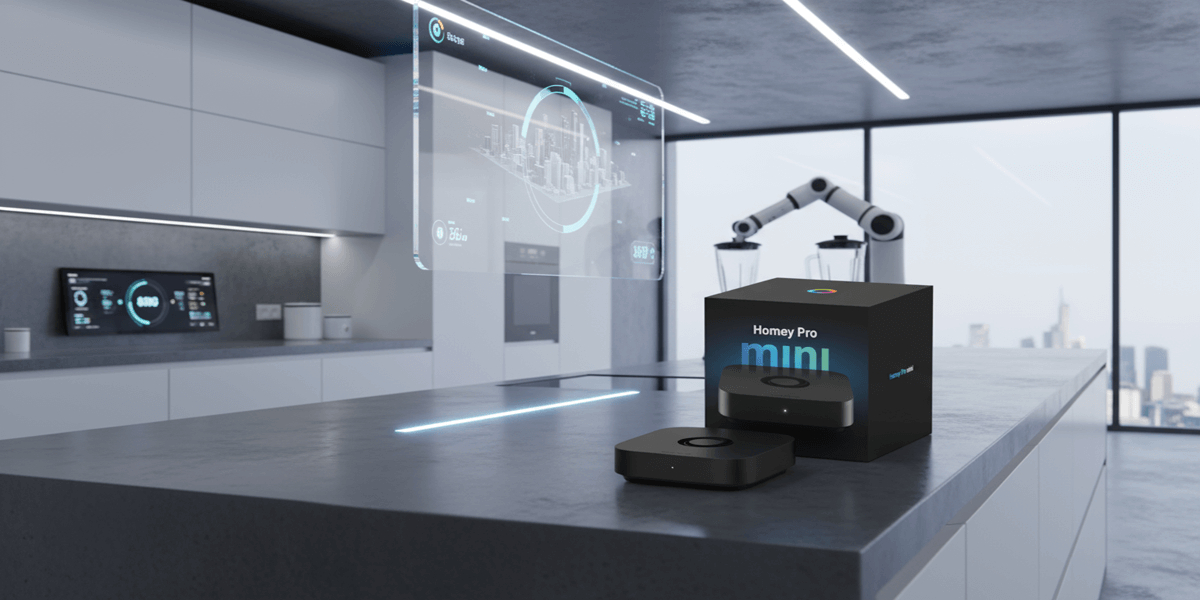
If you have a pile of smart devices—smart bulbs, smart thermostats, smart plugs—and you are fed up juggling lots of different apps, the Homey Pro mini is built to simplify that mess. It is a compact hub that combines Zigbee, Thread and Matter so it can act as the central brain for most smart home gear. In short: one hub, fewer separate bridges and a lot less app-hopping.


What you get in the box
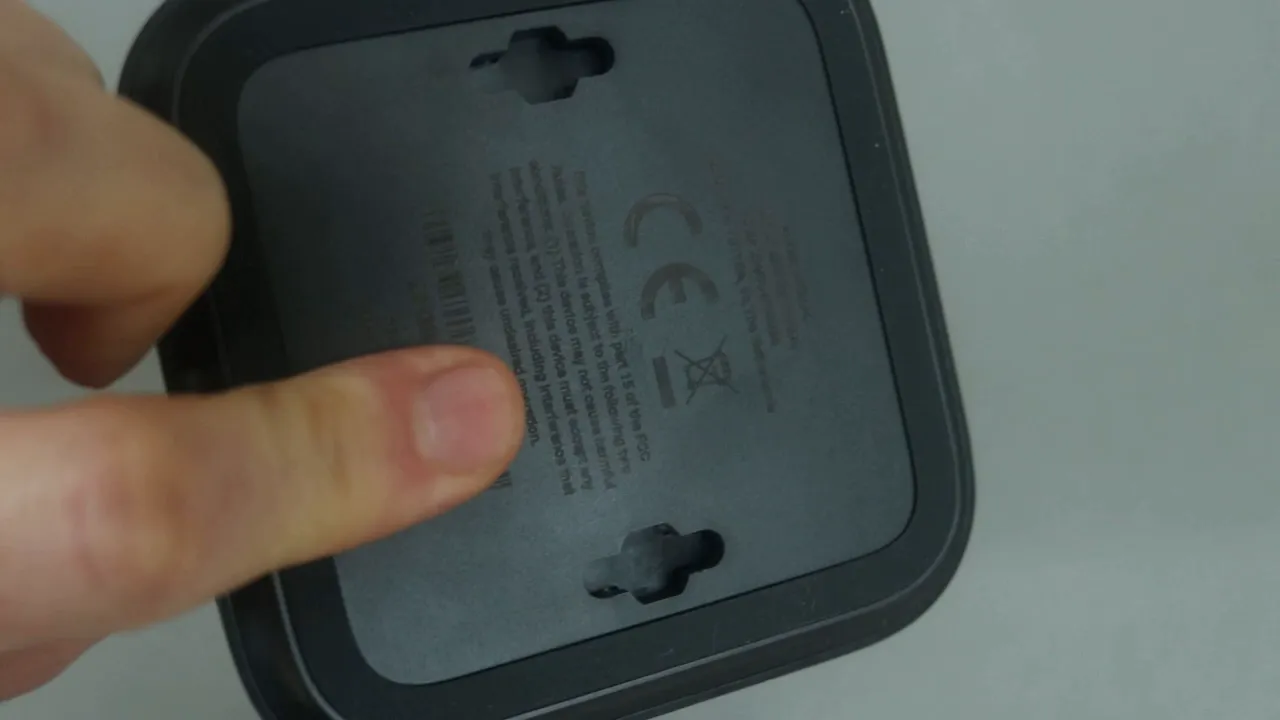
There is not much inside the packaging, but everything you need is included. The design of the hub itself is neat and compact, and you even get a mounting template so you can wall-mount the unit easily.
- Homey Pro mini hub
- USB-C cable
- Power brick
- Ethernet cable (this hub needs a wired connection to your router)
- Mounting template and bracket alignment guide
Quick, straightforward setup
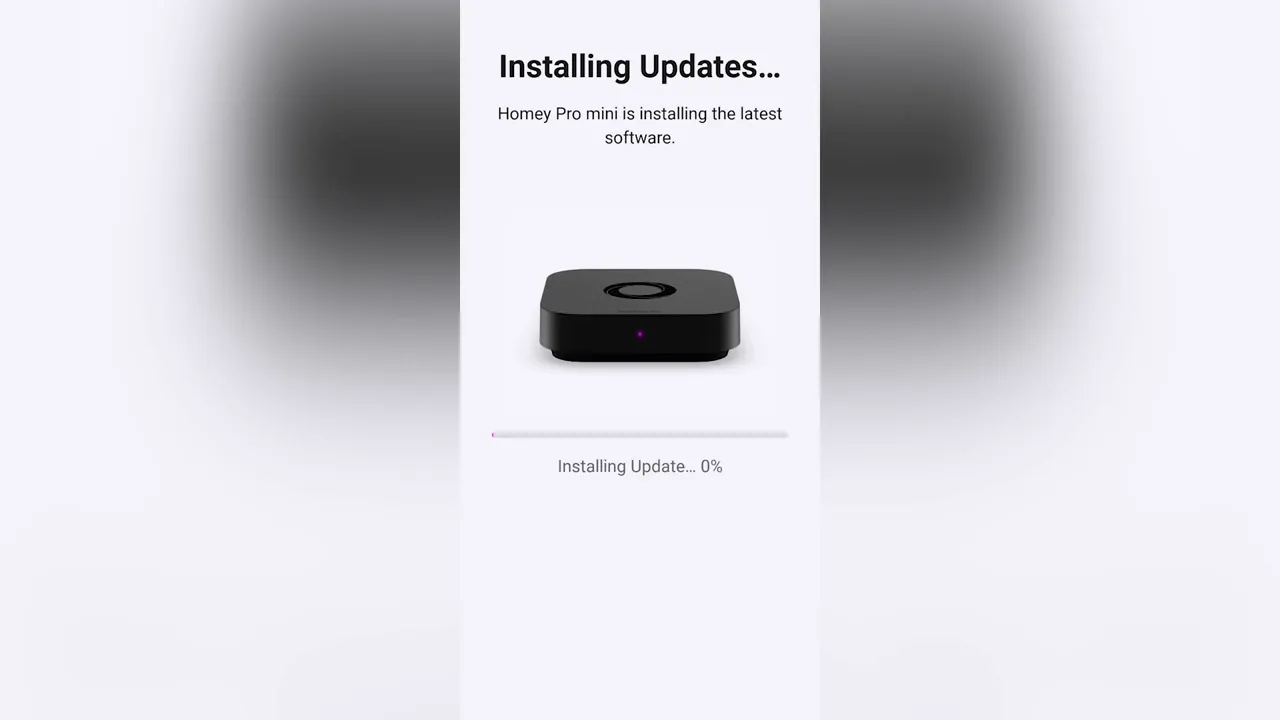
Setting up the Homey Pro mini is done from a mobile phone and it really is quick. Plug the unit into your router using the included Ethernet cable, power it up, open the app and follow the prompts. After activation the hub will check for software updates and install them automatically. During updates the unit shows a flashing light and then restarts to continue the setup.
“I was very impressed with how quick the setup process was and I was up and running in no time at all.”
Organise your home: floors, rooms and icons
Early in the setup you define the structure of your home—how many floors, which rooms, and so on. You can edit this later, but doing it up front is useful because each device you add can be assigned to a specific location. That makes it easy to spot which plug or light belongs to which room when everything starts to multiply around the house.
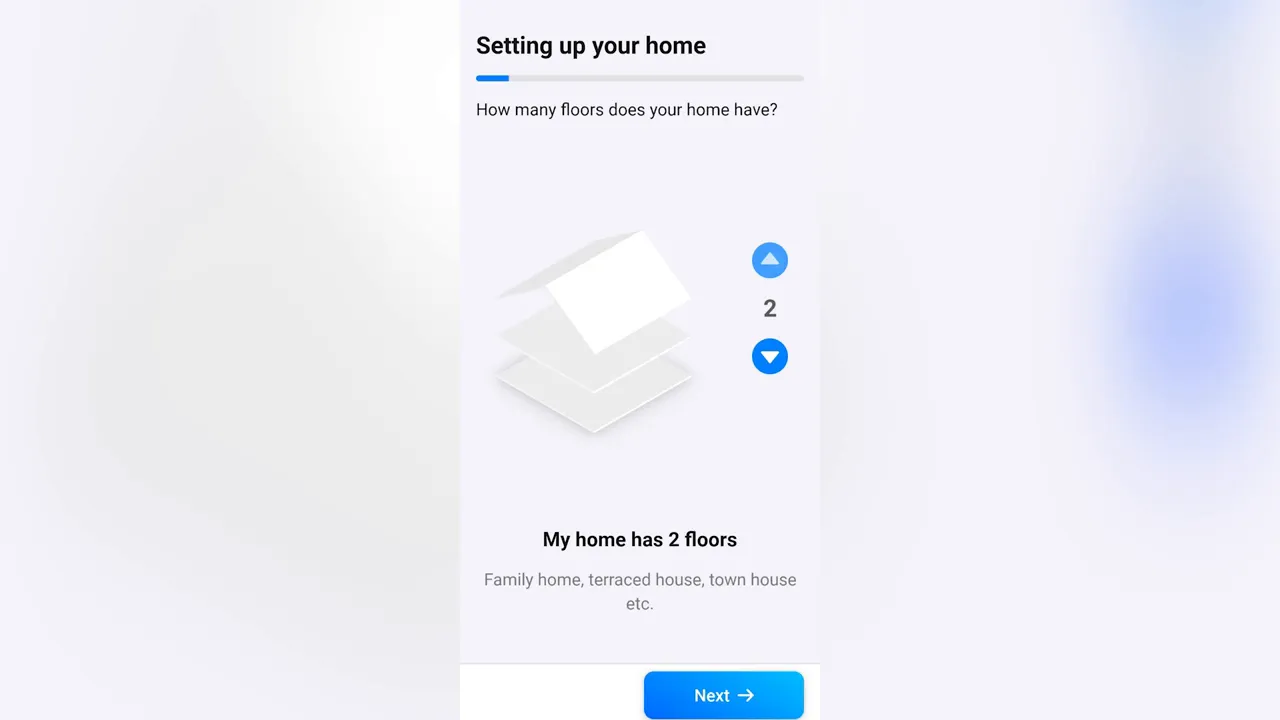
If a predefined room does not match what you need you can add custom rooms, set names and choose icons so the app stays readable and useful.
Adding devices and pairing
Pairing is simple. I used Zigbee and it found a smart plug very quickly. Put the device into pairing mode, let Homey locate it, and it is added to your account. During device setup you assign the device to its room so you always know where it sits.
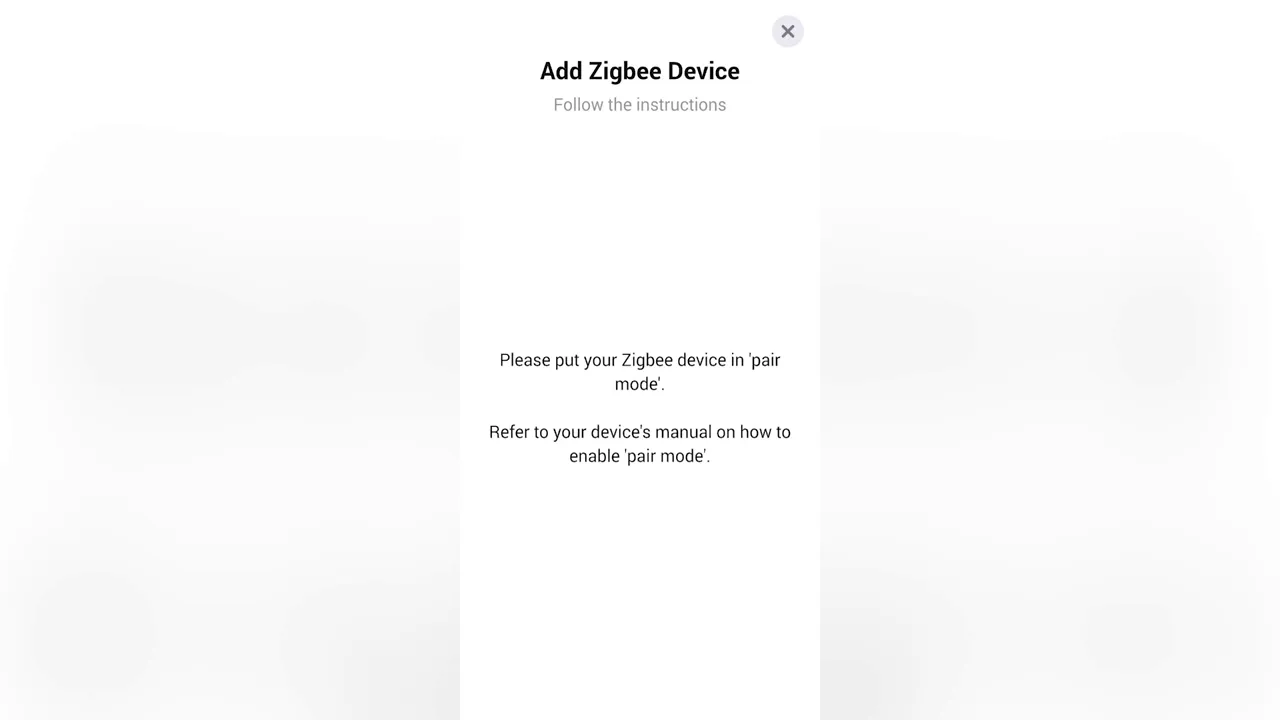
Homey supports multiple radio standards, which means you often do not need separate bridges for Zigbee lights or other ecosystems. That is one of the big benefits—you can manage many different devices through a single hub.
Device info and power monitoring
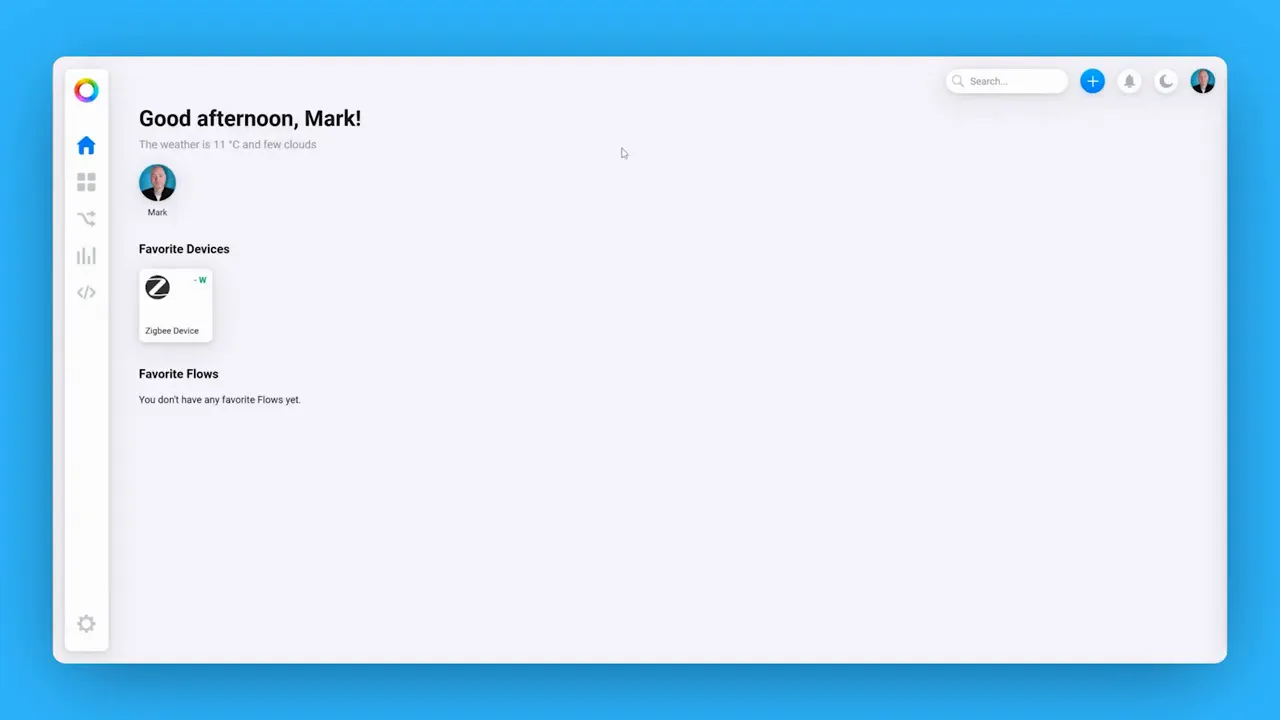
Depending on the device you will see different telemetry. For smart plugs you get power draw information which is handy for identifying high-consumption devices or confirming a kettle actually boiled.
Automations and flows: the real strength
Where Homey really shines is automation. You can create simple triggers like switching a plug on at sunset or more complex flows that string many actions together. For example, a morning flow could turn on the plug that boils the kettle, switch on lights, raise the heating and start your favourite playlist. These are called flows and they range from easy to build to extremely advanced depending on your imagination.
“You can have a really complicated flow that says at this time turn on the plug that boils the kettle, switch on the light, turn on the heating… and it can all be automated within the app.”
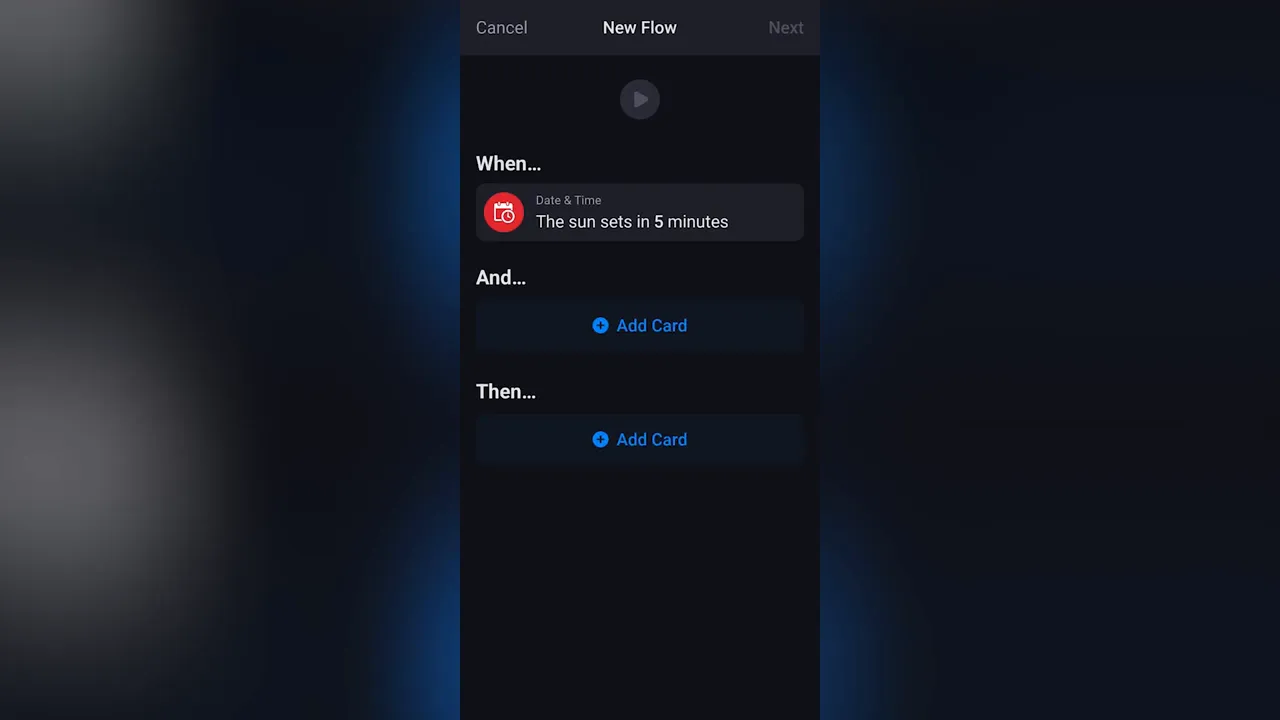
Simple tasks like using a regular lamp without a smart bulb become easy: plug the lamp into a smart plug and have Homey switch it on at sunset and off at a set time. It is a tidy workaround that avoids replacing bulbs or buying extra hardware.
Web dashboard and additional apps
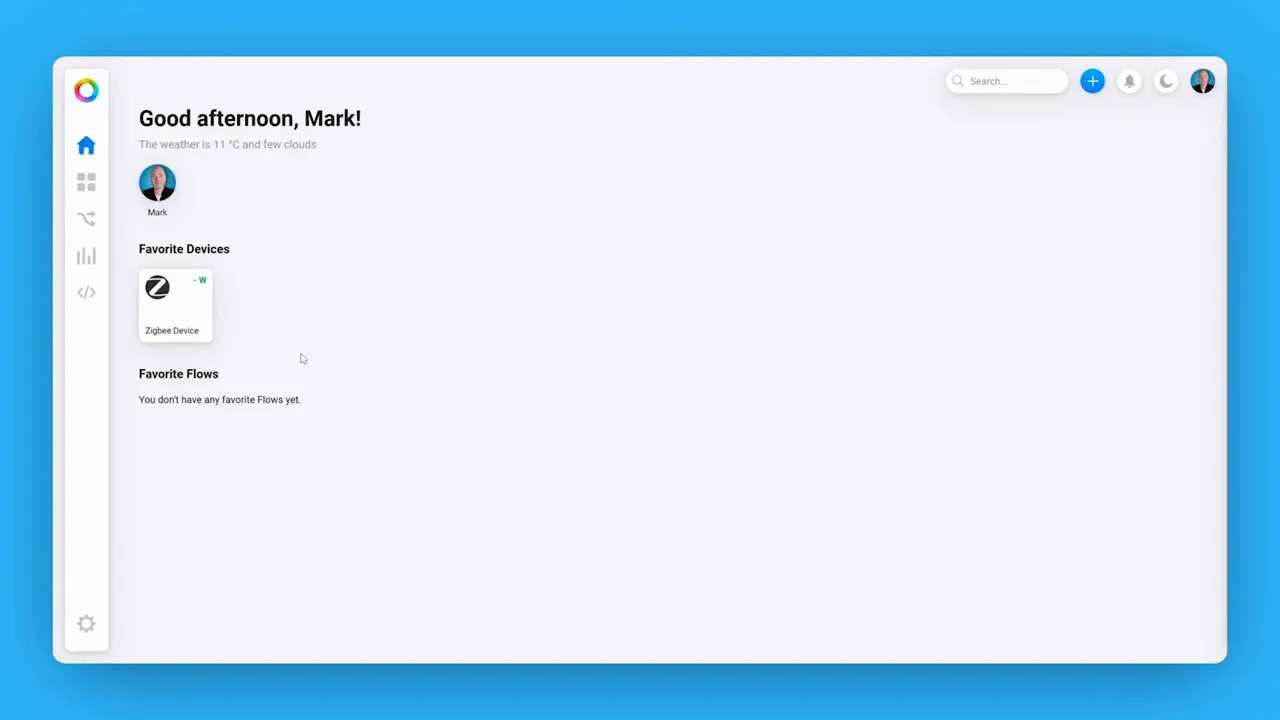
If you prefer a desktop view there is a web dashboard you can log into. The dashboard makes it easier to overview devices, trigger flows manually and build more advanced automations using a larger screen.
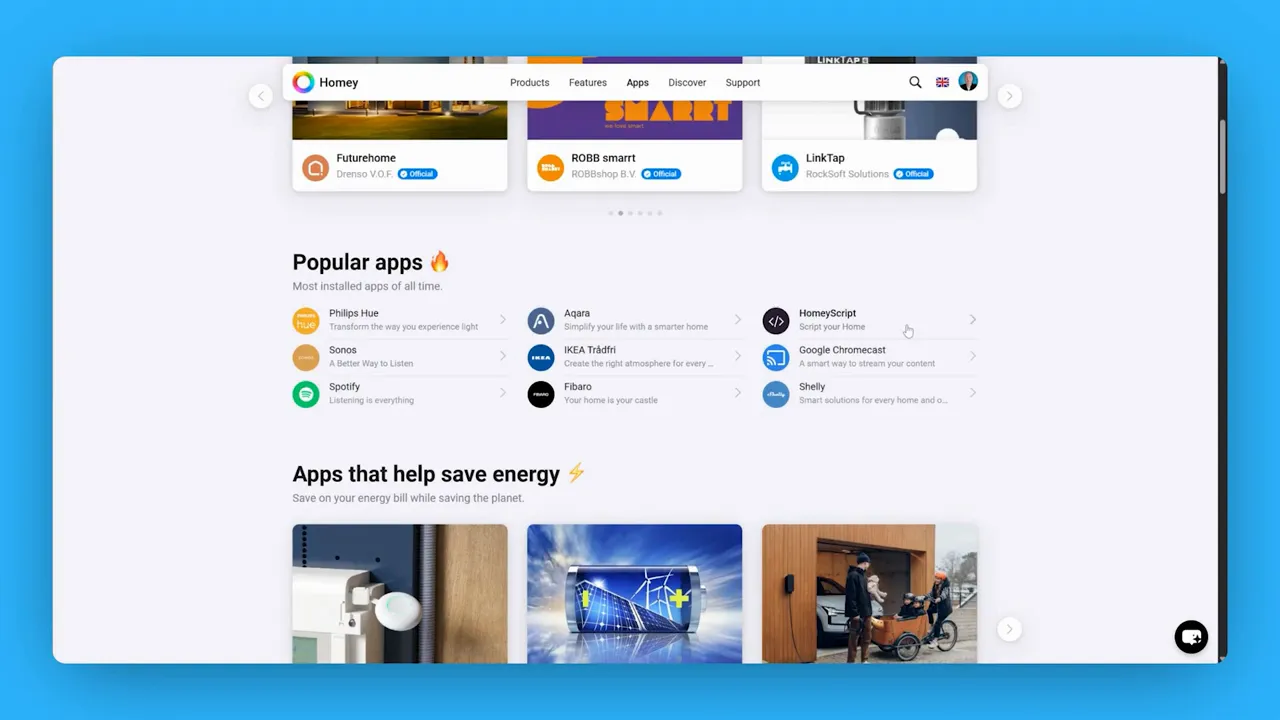
One powerful area is the apps and integrations library. If a particular product does not appear during pairing you can browse Homey’s apps to add extra integrations. Popular integrations include Philips Hue, Sonos, Spotify and IKEA. Enable the relevant app on your Homey Mini, sign into the linked account and you open up new integration possibilities.
When Homey Mini Pro makes sense
- If you own devices across multiple ecosystems and want a single hub to manage them.
- If you want rich automation capabilities beyond simple on/off schedules.
- If you value a local hub with support for Zigbee, Thread and Matter to reduce dependency on cloud bridges.
It is worth noting the hub requires an Ethernet connection for set up and operation, and a mobile phone is needed for initial configuration.
Final thoughts
The Homey Pro mini is a capable, compact central hub that simplifies smart home management by bringing many protocols together. Setup is fast, the interface is straightforward, and the real power comes from the flows you can create. If you are tired of flicking between multiple apps and want one place to build reliable automations, this is a strong option.
It is a great little product if you are looking for a central hub for your smart tech.