
To find your mobile phone, start by accessing your device’s built-in tracking service: Android users should visit android.com/find, while iPhone users can use the Find My app. You’ll need to sign in with your Google or Apple account to see your phone’s last known location and activate remote features like ringing, locking, or erasing data. If your phone is offline, you can still view its most recent location. For enhanced tracking, verify location services and Bluetooth are enabled on your device. Contact your service provider for network-based tracking if other methods fail. Additional recovery options can expand your chances of successful device retrieval.
Phone Finding Apps and Services
Several reliable phone finding apps and services offer broad solutions for locating lost or stolen mobile devices.
When comparing apps, Android Device Manager stands out as Google’s official solution, allowing you to control your device through your Google account with features like remote locating, ringing, locking, and data erasure. The user-friendly interface makes navigation effortless for all skill levels.
For cross-platform compatibility, Prey Anti Theft delivers thorough security features across Android, iPhone, and Windows phones. User experiences consistently highlight its ability to capture photos using both cameras and its robust anti-theft capabilities. Battery life may be impacted due to continuous GPS tracking.
Where’s My Droid offers a straightforward approach for Android users, activating device ringing and sending GPS coordinates via text messages.
Cerberus and Family Locator provide specialized features for different needs. Cerberus focuses on security with its thorough anti-theft measures, while Family Locator emphasizes safety through GPS-based safe zones and location history.
App comparisons show that each solution offers unique advantages, from Cerberus’s detailed security measures to Family Locator’s augmented reality tracking.
To maximize protection, you’ll need to verify proper account synchronization and regular updates, regardless of which app you choose.
Locating Different Phone Operating Systems
Tracking your mobile device requires different approaches based on its operating system, with Android and iOS offering distinct built-in solutions.
For Android devices, Google’s Find My Device service activates automatically when you sign in with your Google account, while Samsung devices offer additional features through Find My Mobile and SmartThings Find. Family Sharing can help others locate your device if needed.
Android features include remote device location, locking, and erasing capabilities through android.com/find. Samsung users get extra functionality like SIM card swap detection and battery life extension through findmymobile.samsung.com. Modern Android devices running version 9.0 or higher can utilize crowdsourced location services to enhance tracking accuracy.
Even when your Android device is offline, you’ll see its last known location and can continue monitoring for when it comes back online.
iPhone capabilities center around the Find My app, which you’ll need to enable through Settings. You must activate Find My iPhone, Find My Network, and Send Last Location for thorough tracking.
Location Services must also be turned on for accurate tracking. Through the Find My app, you can view your device’s location on a map, initiate remote actions, and track its last known position for up to seven days when offline.
Tracking Through Service Providers
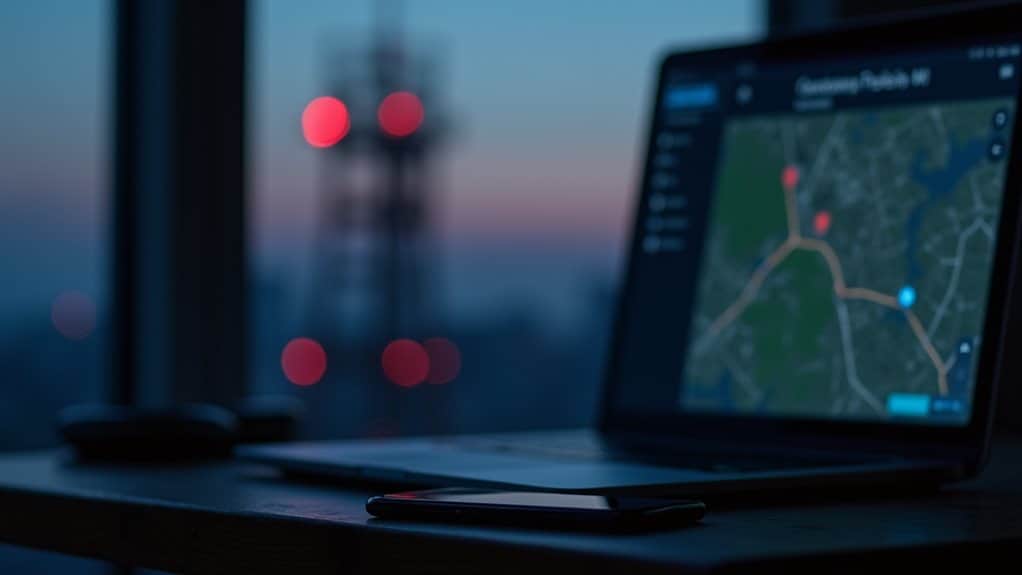
Beyond built-in phone features, your mobile service provider offers another powerful method to locate your device. Service providers utilize advanced network-based tracking systems that don’t require any software installation on your phone, making this approach particularly effective when other methods fail.
Originally developed for military applications only, GPS tracking technology has now become widely accessible for civilian mobile tracking purposes.
Modern tracking systems can achieve location accuracy of within 3/4 mile using three tower triangulation methods.
To track your device through your carrier, you’ll need to follow these essential steps:
- Contact your service provider and verify your identity as the account holder
- Provide explicit service provider consent for location tracking
- Request location data privacy information and tracking limitations
- Specify the timeframe for which you need tracking services
Your carrier employs sophisticated triangulation methods using multiple cell towers to pinpoint your device’s location. In urban areas, this technology can achieve accuracy within 50 meters through techniques like multilateration and Angle of Arrival measurements.
Rural locations may offer less precise results due to fewer towers. The LocationInfo-r10 feature can even provide exact GPS coordinates when available.
Remember that carriers must comply with privacy laws while handling your location data. They’re required to protect your information while maintaining the ability to share data with law enforcement when legally required.
Preventive Security Measures
Your phone’s security begins with proactive measures that safeguard against potential loss or theft. Start by enabling essential device security features like screen auto-lock, PINs, and biometric authentication.
Implement device encryption to protect your sensitive data from unauthorized access, and regularly back up your information to secure cloud storage. Regular data backups to reputable cloud services ensure you can recover your information if your device is compromised.
When it comes to network protection, avoid using public Wi-Fi for sensitive activities and utilize a VPN to encrypt your data transmission. The use of privacy screens can prevent shoulder surfing in crowded places. Connect only to trusted networks and maintain your device’s default security settings to preserve built-in protections.
Managing app permissions is vital – only download applications from official stores and carefully review the access rights you grant to each app.
Set up multi-factor authentication for your accounts and use a password manager to maintain strong, unique passwords.
Enable remote lock and wipe capabilities through your device’s built-in security features or manufacturer’s services. Keep your device’s software and applications updated to guarantee you have the latest security patches.
These preventive measures create a robust security framework that not only protects your data but also increases the chances of recovery if your device is lost or stolen.
Alternative Device Location Methods
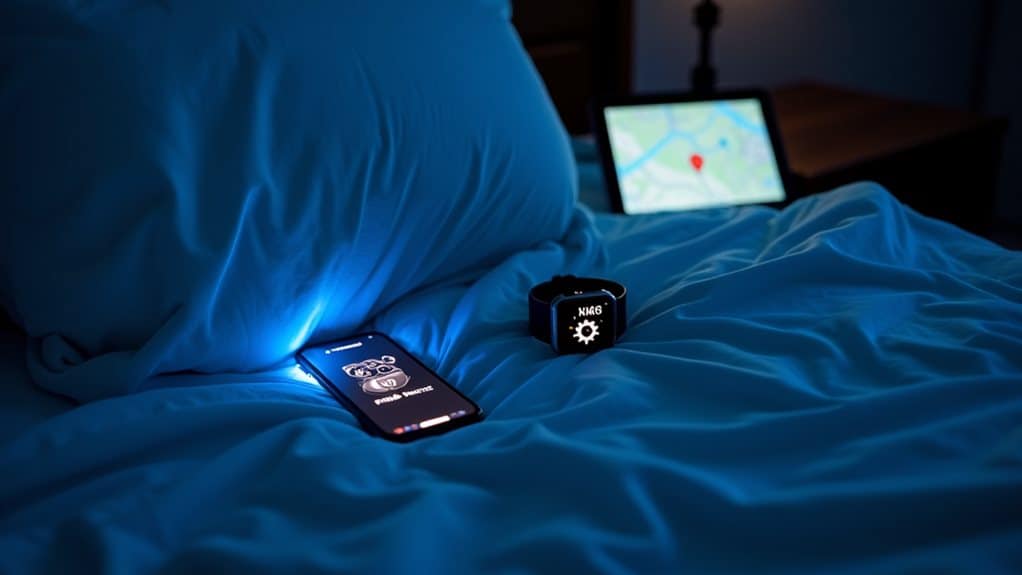
Several robust methods exist for locating a missing mobile device, with Google’s Find My Device and Samsung’s Find My Mobile services leading the industry standard. These platforms leverage GPS tracking and Bluetooth scanning capabilities to provide thorough device location solutions, even when your device is offline.
If you’re unable to access primary tracking services, consider these alternative methods:
- Use Google Maps Timeline to review your device’s last known locations and movement patterns, which can help narrow down where it might be. Location updates occur every 10 minutes when the device is online.
- Access the SmartThings Find network if you have a Samsung device, which utilizes crowdsourced location data from nearby Galaxy devices for enhanced accuracy.
- Deploy the Prey third-party solution, which offers advanced security features and cross-platform tracking capabilities when standard options aren’t available.
- Utilize Guest Mode on another device to access Find My Device through android.com/find, providing a backup method if you can’t access your primary device.
Each of these alternatives offers unique advantages for device recovery, particularly when combined with core location services. Enabling passcode and fingerprint authentication adds an essential layer of security to prevent unauthorized access if your device is found.
Remember to keep your device’s location services, Bluetooth, and relevant tracking permissions enabled to maximize the effectiveness of these methods.
Frequently Asked Questions
Can I Track My Phone if the Battery Is Completely Dead?
You can’t actively track your phone once the battery’s dead, but you can view its last known location through Find My Device or iCloud. Location accuracy depends on when your phone last transmitted its position.
Will My Phone Still Be Traceable After a Factory Reset?
No, you won’t be able to trace your phone after a factory reset. The reset removes all tracking capabilities and Google’s Find My Device settings. Current technology doesn’t offer recovery options once the device is wiped clean.
How Accurate Are Phone Location Services in Indoor Versus Outdoor Spaces?
Your phone’s GPS accuracy drops considerably indoors, reaching only 10-15m versus 5m outdoors. Inside, you’ll get better results using Wi-Fi triangulation or Bluetooth beacons, which can pinpoint location within 1-5m range.
Does Airplane Mode Prevent All Tracking Capabilities on My Device?
No, Airplane mode doesn’t block all tracking. Your device’s GPS still functions, and apps can collect location data. For complete tracking limitations, you’ll need to manually disable location services and implement additional security measures.
Can Someone Track My Phone Without My Knowledge if Find My Is Enabled?
Yes, if Find My is enabled, your phone’s location can be tracked, raising privacy concerns. Anyone with access to your linked account credentials could monitor your device without your direct knowledge or consent.
Final Thoughts
You’ve got multiple reliable options to locate your missing mobile device. Enable built-in tracking features like Find My iPhone or Find My Device for Android, utilize your carrier’s location services, or install third-party tracking apps before loss occurs. For best security, maintain active location services, enable two-factor authentication, and regularly update your recovery contact information. If these methods fail, contact your service provider for IMEI tracking assistance.





hey, so if my phone dead, like completely, it’s a goner? no way to track it down? would love to know, cause i’m always forgettin where i put stuff. thx, Team Reviewify.
airplane mode sounds cool for dodging tracks, never knew that. gonna try next time i’m out. thx for heads up.
wondering if factory reset really wipes everything. Can folks still track ya after? seems a bit sketch if ya ask me.
I highly doubt the accuracy of indoor tracking. Outdoor sure, but indoors? Seems far-fetched.
preventive security’s a big deal, always double down on this peeps. don’t wait til ya lose ur phone to think about it, just saying.
so you’re saying my phone can still be tracked even after I throw it in a lake? yeah right, try selling that story somewhere else.
interesting read but do people really lose their phones that much? i still have my old Nokia, thing’s indestructible.
In the section about locating different operating systems, the information seems outdated. Android and iOS have updated their tracking features recently. Please check.
Does putting my phone in a bag of rice make it easier to find when I lose it? Asking for a friend who’s a serial phone dropper.
Not a fan of all this tracking stuff. feels like we’re just making it easier for big brother to watch over us. miss the days when phones were just phones.
lol, planning a heist or something? good luck dodgin those texts from mom tho.