
Lapis is an AI-powered ad creation tool built to generate on-brand social media adverts, creative variations, and short campaign plans from your website and a few brand assets. This guide explains what Lapis does, who should use it, how it works in practice, and the limitations to watch for so you can decide whether it fits your marketing workflow.
What is Lapis and who is it for?
Lapis is a creative automation platform that converts website content and uploaded assets into finished ad creative for multiple social formats. It is useful for:
- Small marketing teams and freelancers who need fast creative ideas
- Ecommerce shops that want product placement and lifestyle shots
- SaaS and service businesses creating lead-gen ads and social content
- Agencies producing multiple ad variations and platform-ready sizes
Core features explained
Automated brand extraction
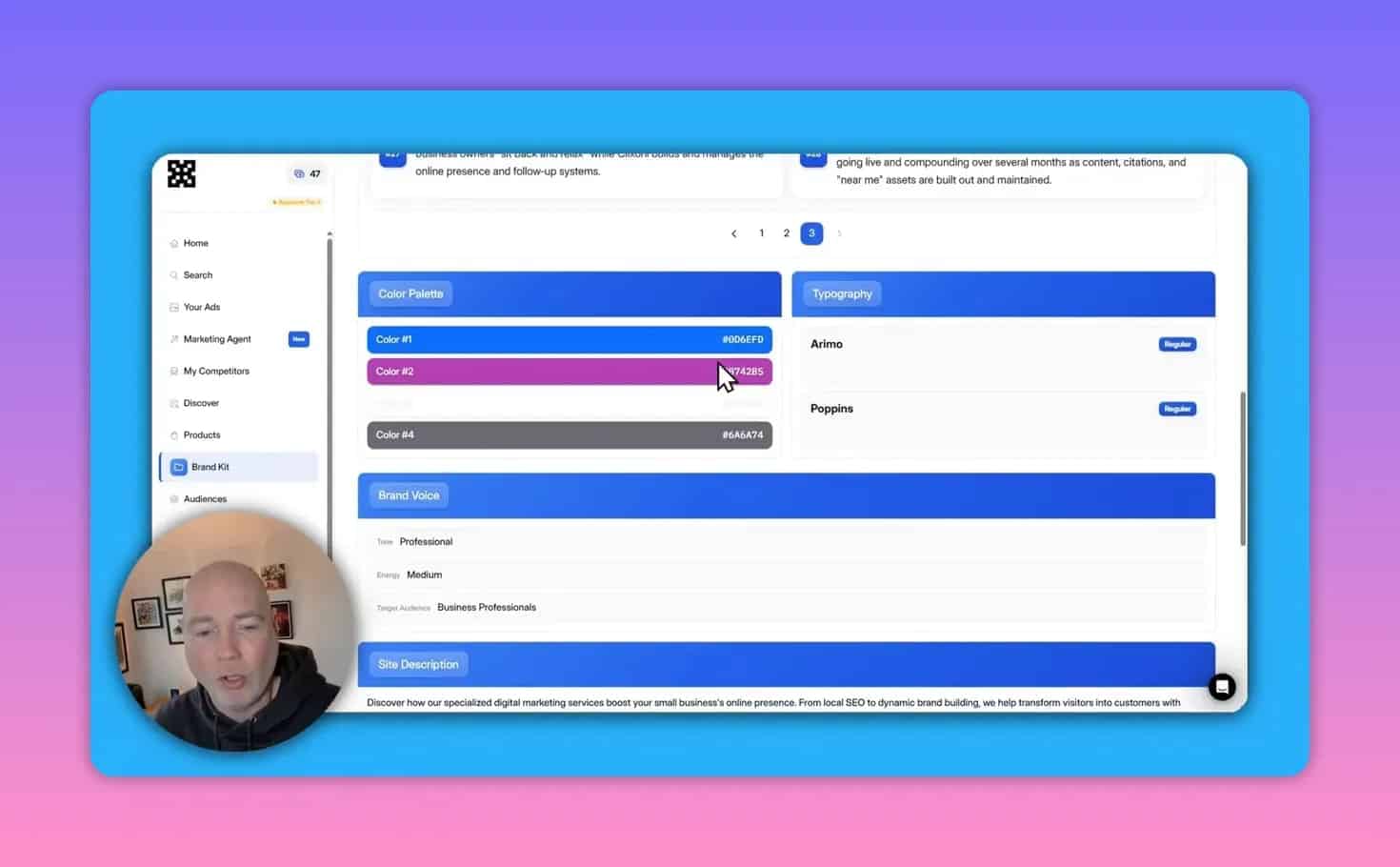
Lapis pulls branding details from your website—logo, color palette, typography, and a brand voice summary—so generated ads match your identity without manual setup. That extraction is designed to speed up consistent creative generation.
AI-based visual editor
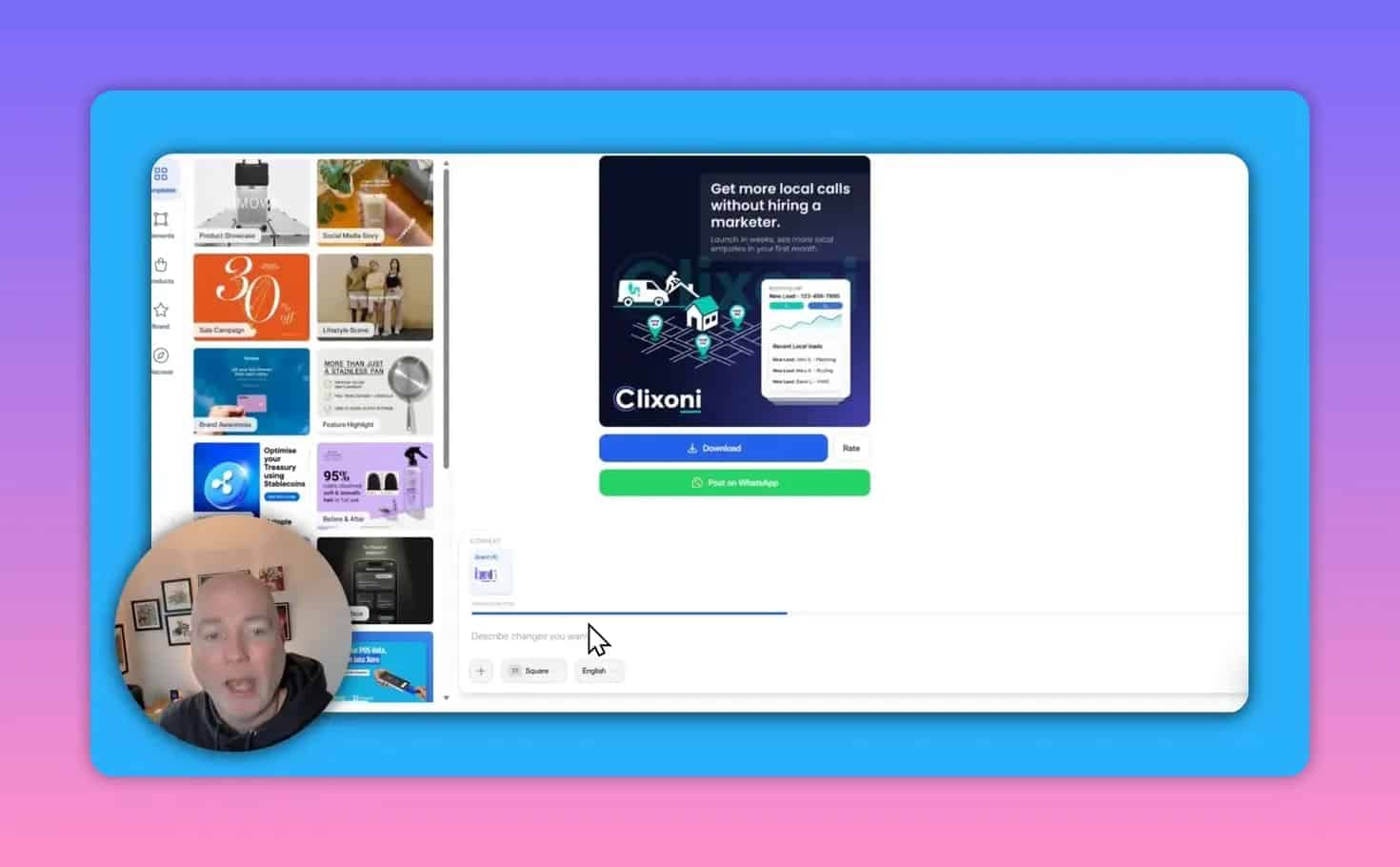
Instead of manual drag-and-drop editing, you describe the change you want in plain language and the AI applies the edit. This covers swaps like replacing a product image, changing copy or CTA, and tweaking colors to brand values.
Discover and “create similar”
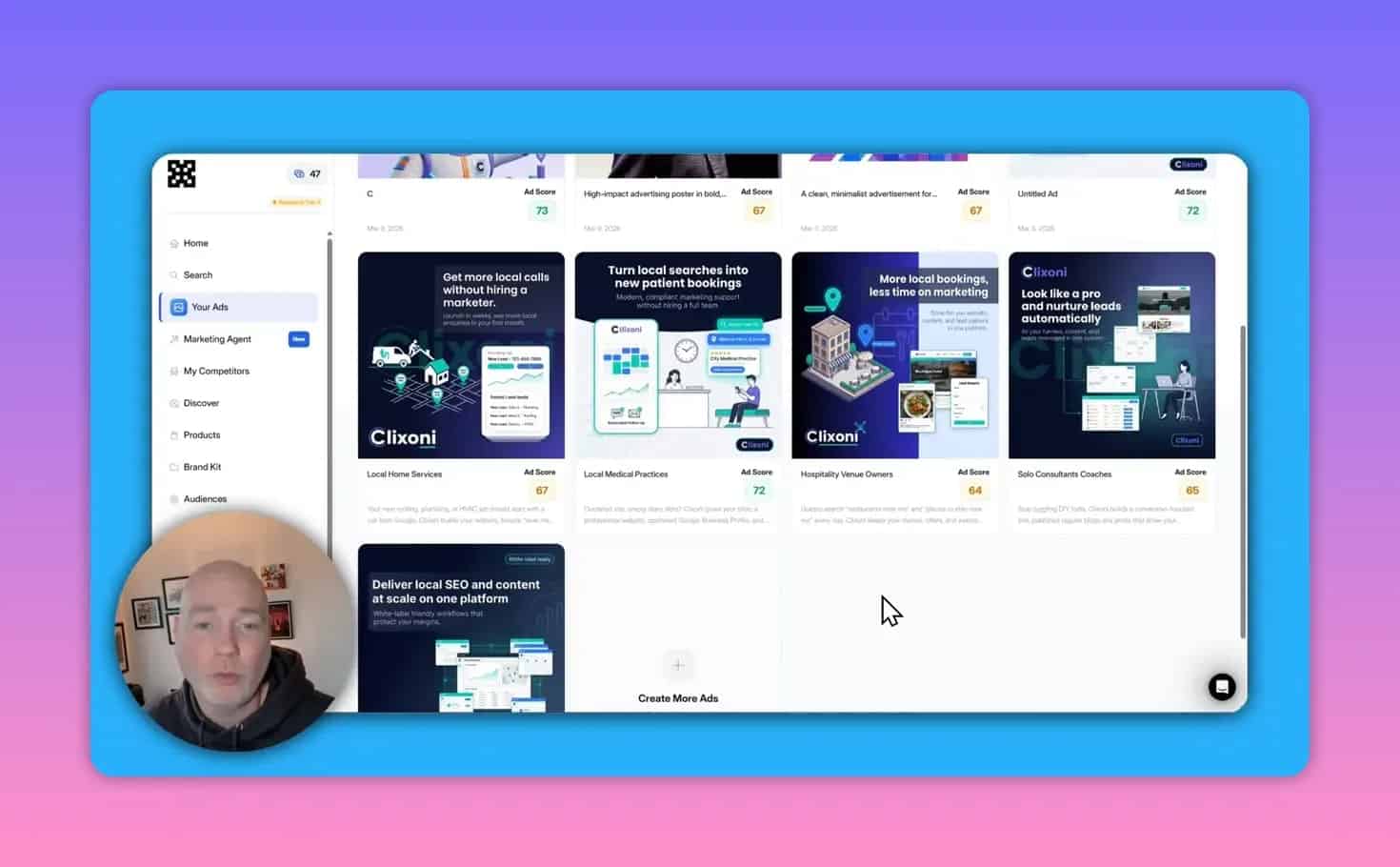
A gallery of existing ad styles provides inspiration. Using a reference creative, you can ask Lapis to generate a similar version that replaces people, products, or text while keeping the original style and composition.
Marketing agent (campaign assistant)
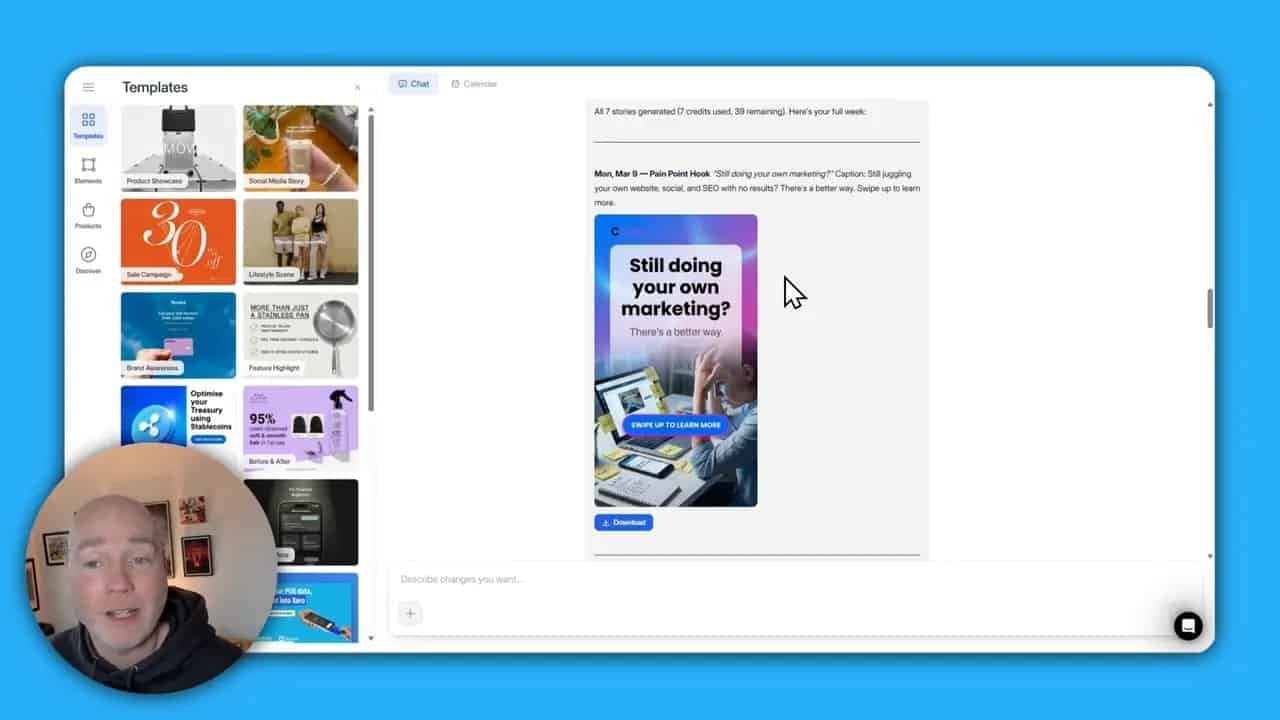
A built-in assistant can generate campaign ideas and content sequences, for example a week of Instagram Stories or a set of ad variations for testing. It uses your brand context to keep messaging consistent.
Product memory and audience suggestions
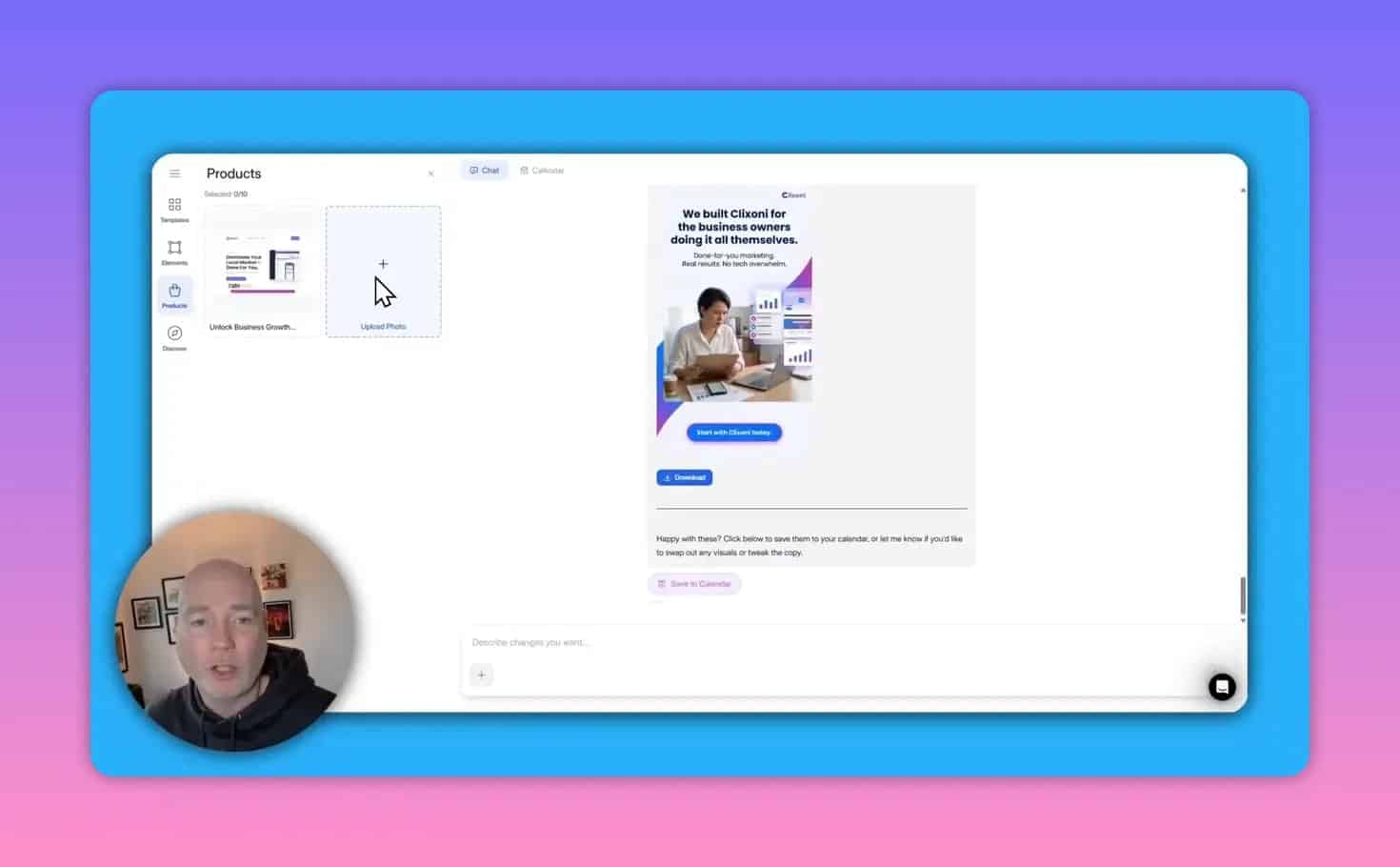
Lapis maintains a product memory and creates a few recommended audience profiles automatically. That helps with contextual creative (product shots, usage scenarios) and quick audience targeting ideas.
Export sizes and platform presets
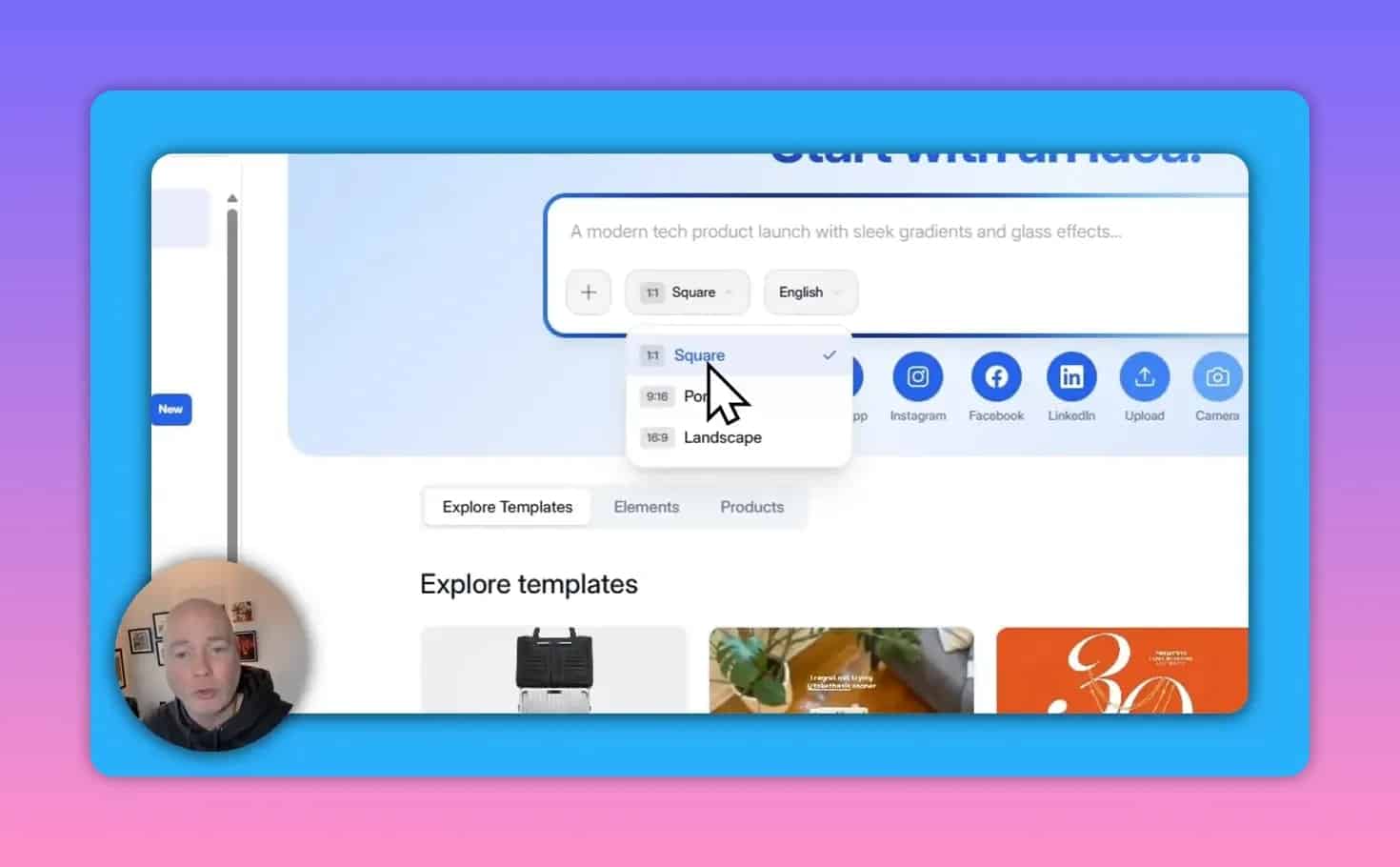
You can choose square, portrait, or landscape outputs and pick specific platform presets so images are delivered in the right aspect ratios for stories, feed posts, and display ads.
How Lapis works — step-by-step workflow
- Sign up and provide a company URL. Lapis scrapes your site to build a brand profile.
- Confirm or upload core assets such as logos, primary product images (up to 10), and any reference creatives you want it to emulate.
- Pick an output format (square, portrait, landscape) and the target platform preset.
- Use Discover or a prompt to generate initial creative. You can ask for lead-gen, product focus, lifestyle, or carousel concepts.
- Edit with natural language — tell the editor what to change and iterate until the visual and copy match your brief.
- Download platform-ready files and push to your ad platform or social scheduler. Run A/B tests with different variations.
Practical prompts and prompt examples
Use clear, action-oriented prompts in the AI editor. Examples:
- Swap image: “Replace the product photo with this uploaded image and center it.”
- Change CTA: “Change CTA to ‘Start Free Trial’ and make the button color our primary blue.”
- Style match: “Make this ad match the attached cartoon-style inspiration but use our brand colors and logo.”
- Ad objective: “Create a lead-gen image with headline focused on ‘Free demo’ and include price starting at $X.”
Use cases and workflows
Ecommerce product launch
- Upload 6 to 10 product images to the product memory.
- Pick a Discover template with a product-centric layout.
- Prompt: “Create 3 ad variations showing the product in use, include 20% off badge and ‘Shop now’ CTA.”
- Export portrait and square sizes for stories and feed. Run A/B tests on image vs lifestyle versions.
SaaS lead generation
- Confirm logo and brand voice are accurate.
- Prompt: “Create a lead-gen ad emphasizing ‘Free 14-day trial’ and a testimonial quote.”
- Generate five variations with different headlines for A/B testing.
Pricing model and AppSumo lifetime deal
Lapis uses a credit-based system where each generation consumes credits. Credits can be bought in packs (for example 10, 50, or 100 units). Some deals sold via marketplaces offer lifetime access with a set number of included monthly credits and options to purchase more.
Limitations, common pitfalls, and how to avoid them
- Brand data accuracy: The platform auto-extracts brand knowledge from your site. If your URL contains outdated product pages or ambiguous content, the extracted profile may need manual correction. Confirm logos, color values, and product details are correct before bulk generation.
- Locked company profile: Some setups lock the platform to the initial company entered at sign-up. Double-check the company information during onboarding to avoid rework.
- Competitor ad matching: Automated competitor discovery can return unrelated ad examples if brand names or social handles are ambiguous. Verify suggested competitors before using their ads as benchmarks.
- Credit limits: Credit-based generation means you should prioritize high-value concepts and use targeted prompts to avoid wasting credits on low-quality variants.
- Compliance and rights: Always confirm that generated images and copy meet platform policies and that you have rights to any uploaded reference images or logos.
Best practices checklist before running ads
- Confirm brand colors, logo, and primary fonts are accurate in the platform.
- Upload high-quality product images and preferred lifestyle shots (up to platform limits).
- Use concise prompts that specify objective, CTA wording, and visual role (product, person, scene).
- Review generated copy for accuracy and legal claims before publishing.
- Export correct aspect ratios and file types for each ad placement.
- Set up pixel tracking and conversion events on the landing page before launching campaigns.
Frequently asked questions
Is Lapis suitable for small ecommerce stores?
Yes. The product memory, multiple upload support, and platform presets make it useful for creating product listings, lifestyle ads, and story content quickly. Keep an eye on credit usage and review visuals before publishing.
Can I edit the brand information later?
Some setups extract brand information automatically and may restrict direct editing. If you need to update or remove outdated product entries, check the account settings or contact support to confirm how brand memory can be updated.
How many credits do I need?
Credit consumption depends on how many variations you generate. Start with a small pack to test workflows and refine prompts to reduce waste. Use guided prompts and the Discover gallery to improve first-pass outputs.
Does Lapis replace a designer?
Lapis speeds up ideation and produces platform-ready creative, but designers are still valuable for complex campaigns, bespoke illustrations, and advanced motion or video edits. Treat Lapis as a creative accelerator rather than a full replacement when precision design is required.
Quick decision guide: Should you try Lapis?
- Try it if you need fast, brand-consistent social creatives, want template-based inspiration, and prefer iterative natural-language edits over manual design.
- Be cautious if your brand identity is evolving rapidly, you need precise design control, or you require guaranteed, audit-ready competitor research.
Summary
Lapis is a practical AI assistant for producing on-brand social ads and campaign content quickly. It automates brand extraction, provides style-matching templates, and replaces manual editing with natural-language instructions. The platform is best used as a creative multiplier: refine your inputs, validate brand data at setup, and iterate with targeted prompts to get consistent, test-ready ads while watching credit usage and verification steps before going live.