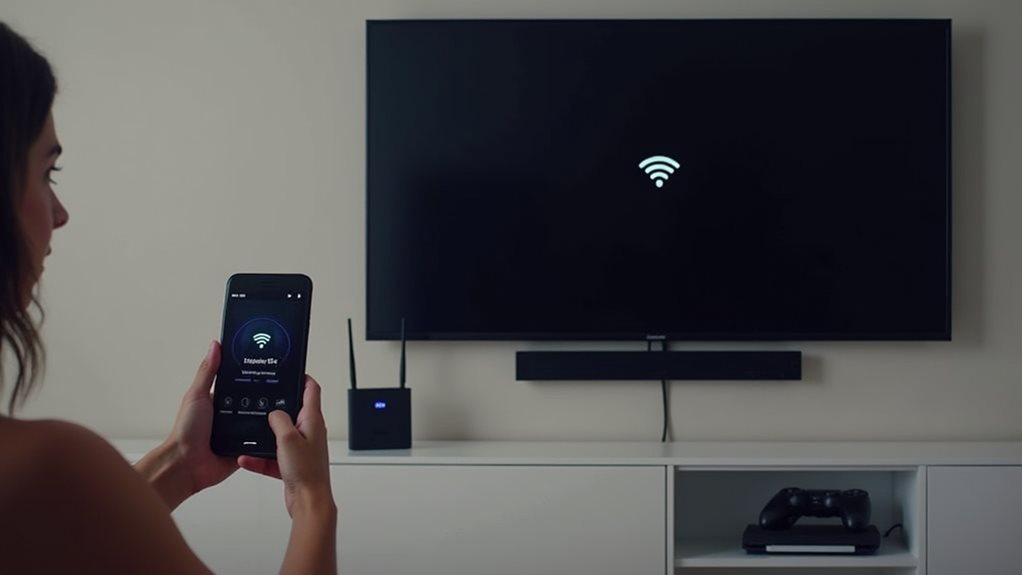
Smart TVs offer both wired and wireless connectivity options. You can connect your TV to the internet using a physical Ethernet cable (wired) for maximum stability and speed, or through Wi-Fi (wireless) for convenience and flexibility in placement. Most modern smart TVs come equipped with both connection types, allowing you to choose based on your home setup and streaming needs. Understanding each option’s strengths will help you optimize your viewing experience.
Understanding Smart TV Connectivity Options
Modern smart TVs offer multiple connectivity options that give you flexibility in how you access content and connect to the internet.
These devices can utilize both wired and wireless methods to keep you connected.
For wired connectivity, most smart TVs come equipped with an Ethernet port that allows you to connect directly to your router using a LAN cable.
This connection typically provides more stable speeds and reduced latency compared to wireless options.
Wireless connectivity occurs through the TV’s built-in Wi-Fi capabilities, enabling you to connect to your home network without cables.
Many newer models support dual-band Wi-Fi (2.4GHz and 5GHz) for improved performance.
Some smart TVs also feature Bluetooth connectivity, which lets you pair wireless headphones, speakers, or gaming controllers directly to your television.
The Benefits of Wireless Connections for Smart TVs
Wireless connectivity offers several advantages for smart TV users who want more flexibility in their home entertainment setup.
Embrace wireless freedom and transform your viewing experience with flexible entertainment options that adapt to your lifestyle.
Without cables cluttering your living space, you’ll enjoy a cleaner, more organized viewing area that improves your overall aesthetic.
- Freedom of placement – Position your TV anywhere within your Wi-Fi network’s range without worrying about proximity to Ethernet outlets.
- Simplified installation – Connect to your home network in minutes without drilling holes or running cables through walls.
- Easy expansion – Add streaming devices, speakers, or other compatible equipment to your entertainment system without additional wiring.
When you choose wireless connectivity, you’re embracing convenience without sacrificing performance.
Modern Wi-Fi standards provide sufficient bandwidth for streaming 4K content, though occasional interference might occur in congested network environments.
Why Wired Ethernet Might Be Better for Your Smart TV
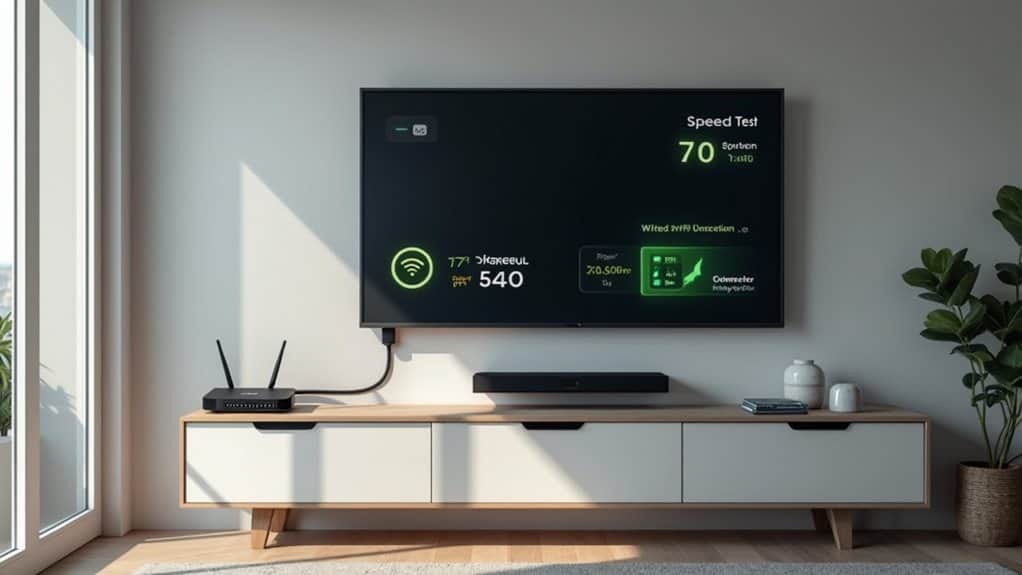
While wireless connections offer convenience, a wired Ethernet connection can provide your smart TV with superior speed performance that you’ll appreciate when streaming high-definition content.
Your viewing experience won’t suffer from the signal interference that sometimes plagues Wi-Fi networks, guaranteeing more reliable performance during critical moments in movies or shows.
Gamers will particularly benefit from the reduced lag that comes with a wired connection, making fast-paced competitive gaming more responsive and enjoyable on your smart TV.
Superior Speed Performance
Ethernet connections offer considerably faster and more reliable data transfer rates compared to wireless options for your smart TV.
When you’re streaming 4K content or playing online games, this speed difference becomes particularly noticeable with less buffering and lag.
A wired connection typically delivers these superior speed benefits:
- Consistent bandwidth without the fluctuations common in Wi-Fi signals, facilitating uninterrupted streaming even during peak usage times.
- Lower latency (ping rates) which is critical for responsive gaming and video conferencing through your smart TV.
- Full network speeds without the signal degradation that occurs with wireless connections as you move farther from your router.
This speed advantage becomes even more important as streaming services continue to increase their video quality requirements and smart TVs gain more internet-dependent features.
Reliability Without Interference
Beyond raw speed advantages, a major benefit of connecting your smart TV with a wired Ethernet cable is its remarkable reliability in environments filled with potential interference.
Wireless networks are susceptible to disruptions from household devices like microwaves, cordless phones, and even neighboring WiFi networks. These interruptions can cause buffering, quality drops, and disconnections during your streaming sessions.
A wired connection eliminates these interference concerns entirely. Your TV receives a consistent, stable signal regardless of what other wireless activities are happening in your home.
This stability becomes particularly valuable during peak usage times when multiple devices compete for wireless bandwidth.
You’ll also experience fewer drops in video quality during high-definition streaming. The consistent connection maintains your picture quality without the sudden resolution changes that often plague wireless streaming during network fluctuations.
Gaming Lag Reduction
For serious gamers who use their smart TVs as gaming displays, a wired Ethernet connection offers substantial advantages in reducing input lag and response times. The stable, direct connection minimizes the processing delays that can cost you critical milliseconds during competitive gameplay.
When gaming on your smart TV, a wired connection provides several benefits:
- Consistent data transfer speeds without the fluctuations common in Wi-Fi connections
- Lower latency (typically 5-15ms lower than wireless), giving you quicker response to controller inputs
- Reduced packet loss that can cause game stuttering or missed actions
Many professional gamers and eSports competitors exclusively use wired connections to eliminate variables that could impact performance.
The difference might seem small, but in fast-paced games, even milliseconds matter when precision is required.
How Wi-Fi Technology Works in Modern Smart TVs

Modern smart TVs offer a range of Wi-Fi connectivity options, including dual-band support for both 2.4GHz and 5GHz frequencies.
You’ll find that most premium models now include Wi-Fi 5 (802.11ac) or Wi-Fi 6 (802.11ax) standards, which provide faster speeds and more stable connections for streaming 4K content.
To optimize your TV’s signal strength, you can position your router closer to the television, minimize interference from other devices, or consider using Wi-Fi extenders in larger homes where the signal needs to travel greater distances.
Wi-Fi Connectivity Options
Most smart TVs come equipped with built-in Wi-Fi capabilities that allow them to connect wirelessly to your home internet network. This feature eliminates the need for ethernet cables running across your living space, creating a cleaner setup and more flexible placement options.
When setting up your smart TV’s wireless connection, you’ll typically find your way to the network settings menu and select your home Wi-Fi network.
Here are the primary Wi-Fi connectivity options available on most smart TVs:
- Standard 2.4GHz connection – Offers wider coverage but potentially slower speeds
- 5GHz connection – Provides faster data transfer but with shorter range
- Dual-band connectivity – Automatically switches between 2.4GHz and 5GHz for peak performance
For peak streaming performance, position your TV within a strong signal area or consider adding a Wi-Fi extender if needed.
Signal Strength Optimization
While your smart TV’s wireless capabilities provide convenience, understanding how to optimize signal strength can dramatically improve your streaming experience.
Position your router in an open, central location away from physical obstructions like walls, metal objects, and large furniture. These barriers can block Wi-Fi signals and create dead zones in your home.
Many smart TVs allow you to check signal strength through network settings menus. If you notice weak connectivity, consider using a Wi-Fi range extender or mesh network system to boost coverage throughout your home.
For the most reliable connection, keep your router’s firmware updated and select less congested Wi-Fi channels.
In multi-story homes, place your router on the same floor as your smart TV whenever possible to minimize signal degradation.
Setting Up Your Smart TV’s Network Connection
Once you’ve unpacked your smart TV, connecting it to your home network becomes the critical next step for accessing streaming services, apps, and internet content.
Most modern smart TVs offer both wired and wireless connectivity options to suit your home setup and preferences.
Smart TVs adapt to your needs with versatile connection options for seamless home integration.
Setting up your network connection typically involves finding your way to the TV’s settings menu and selecting the network option. The process varies slightly between manufacturers but follows similar principles.
- For wireless connections: Select your Wi-Fi network from the available list, enter your password, and confirm the connection.
- For wired connections: Connect an Ethernet cable from your router to the TV’s LAN port, and your TV should automatically detect the network.
- For troubleshooting: Most TVs include built-in connection tests that can identify and help resolve common network issues.
Troubleshooting Common Smart TV Connection Problems

Even the most advanced smart TVs can experience network connectivity issues that prevent you from enjoying your favorite streaming services. When problems occur, start with basic troubleshooting steps to restore your connection quickly.
First, restart your smart TV and router by unplugging them for 30 seconds before reconnecting. This simple reset often resolves temporary network glitches.
Check your network strength by moving your router closer to your TV or reducing interference from other electronic devices. Many connection issues stem from weak WiFi signals.
For wired connections, inspect your Ethernet cables for damage and verify they’re properly seated in both the TV and router ports.
If problems persist, restore your TV’s network settings to factory defaults through the settings menu, which will clear any configuration errors.
Comparing Connection Speeds: Wired vs. Wireless Performance
When choosing between wired and wireless connections for your smart TV, understanding the performance differences can greatly impact your streaming experience.
Ethernet connections typically provide faster, more reliable performance than WiFi for streaming high-definition content.
Wired connections offer consistent speeds without the interference issues that can plague wireless networks. You’ll notice this difference most when streaming 4K content or during competitive online gaming.
- Wired ethernet connections typically deliver 100-1000 Mbps with under 10ms latency.
- Wireless connections range from 54-1300 Mbps depending on your router standard (802.11n/ac/ax).
- Actual wireless performance drops considerably with distance, walls, and interference from other devices.
While modern WiFi can theoretically match ethernet speeds, real-world conditions often make wired connections superior for demanding applications.
Future-Proofing Your Smart TV’s Internet Connectivity
As technology evolves at a rapid pace, making smart decisions about your TV’s connectivity options now can save you headaches in the future.
Consider investing in a smart TV that offers both wired and wireless capabilities to maximize your flexibility. Many experts recommend installing Ethernet cables during home construction or renovation, as this provides a future-proof foundation for connectivity.
Watch for emerging standards in both wired and wireless technology. Wi-Fi 6E and the upcoming Wi-Fi 7 offer substantial improvements in wireless performance, while HDMI 2.1 cables support higher bandwidths for streaming and gaming.
Don’t overlook your router’s capabilities. A modern router with the latest standards guarantees your smart TV can take full advantage of your internet connection, regardless of whether you connect wirelessly or through Ethernet.
Frequently Asked Questions
Can Smart TVS Be Hacked Through Wi-Fi Connections?
Yes, your smart TV can be hacked through Wi-Fi connections. Hackers exploit vulnerabilities in TV software, weak passwords, or unsecured networks to access your device. You’ll reduce risks by updating firmware and using strong passwords.
Do Smart TVS Need Internet to Function as Regular TVS?
No, you don’t need internet for your Smart TV to function as a regular TV. You can still watch cable, satellite, or use HDMI devices without being connected to WiFi or Ethernet.
How Much Data Does Streaming on a Smart TV Consume?
Streaming on your smart TV uses about 1-3GB per hour for HD content and 4-7GB for 4K. You’ll consume less data with standard definition or if you’re watching shorter content.
Can I Use My Phone as a Backup Remote for My Smart TV?
Yes, you can use your phone as a backup remote for your smart TV. Most manufacturers offer free remote control apps that you’ll need to download. Just make sure your phone and TV are connected to the same Wi-Fi network.
Do All Smart TVS Have Built-In Content Filtering for Children?
No, not all smart TVs have built-in content filtering for children. You’ll need to check your specific TV model or consider adding parental control apps or external devices for extensive protection.
Final Thoughts
Your smart TV supports both wired and wireless connectivity, giving you flexibility based on your needs. You’ll find wireless connections offer convenience and clean setup, while wired ethernet provides more reliable streaming and faster speeds. Consider your home layout, internet usage, and performance requirements when deciding between the two options. Whichever method you choose, your smart TV will deliver the internet-connected entertainment experience you’re looking for.