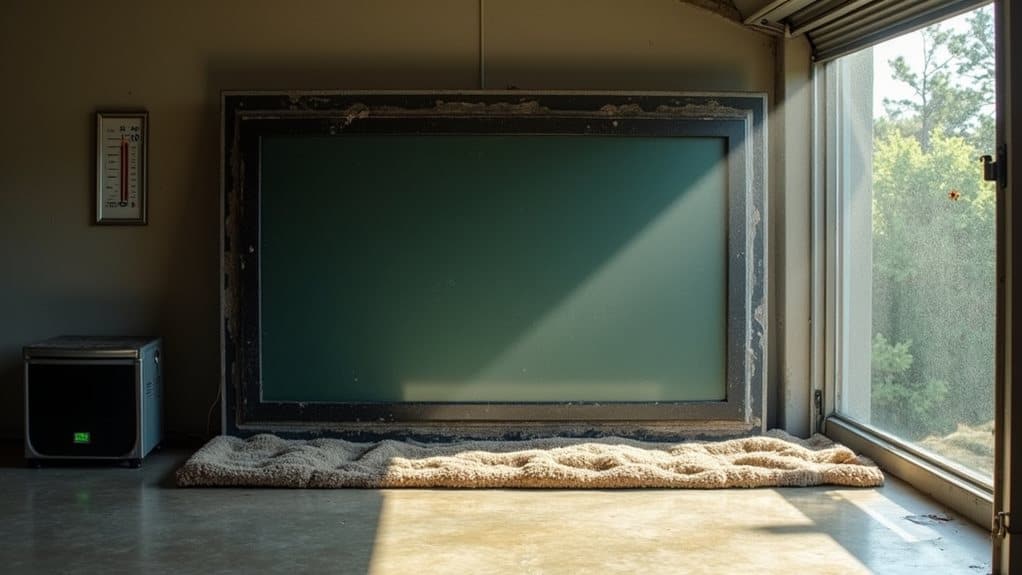
Your TV can survive in a storage unit with proper precautions. Choose a climate-controlled unit that maintains temperatures between 50-80°F to protect sensitive electronics. Clean your TV, wrap the screen carefully with packing paper and bubble wrap, and always store it upright—never flat. Position it away from the unit door, raised off concrete floors. Regular maintenance checks every 3-6 months will help guarantee your television remains in working condition when you’re ready to use it again.
Climate Control: The Most Critical Factor for TV Storage
When storing your television in a storage unit, climate control emerges as the single most crucial factor that will determine whether your TV survives the storage period intact.
Temperature fluctuations can severely damage electronic components inside your television. Extreme cold may crack LCD screens, while excessive heat can warp circuit boards and melt internal soldering. Most manufacturers recommend keeping TVs in environments between 50-80°F (10-27°C).
Humidity presents another notable threat to stored televisions. High moisture levels can cause condensation inside the TV, leading to corrosion of metal parts and potential short circuits. Conversely, extremely dry conditions may create static electricity that damages sensitive electronics.
You’ll want to choose a climate-controlled storage facility that maintains consistent temperature and humidity levels year-round.
These units typically cost more than standard storage, but the investment protects your valuable television from environmental damage.
Proper Packing Methods to Protect Your Television
Once you’ve secured a climate-controlled storage unit, properly packing your television becomes your next critical task.
Start by cleaning your TV with a microfiber cloth to remove dust and fingerprints. Never use chemical cleaners that might damage the screen.
Remove all cables and accessories, labeling them clearly for future setup. Wrap these components separately in bubble wrap or packing paper.
For the television itself, wrap the screen first with a layer of packing paper, followed by bubble wrap. Avoid placing tape directly on the screen surface.
Place your wrapped TV in its original box if available—these are specifically designed with proper cushioning. If you don’t have the original packaging, use a TV-specific moving box with foam corner protectors.
Position the packed TV upright in your storage unit, never flat or on its screen.
Optimal Positioning and Storage Placement
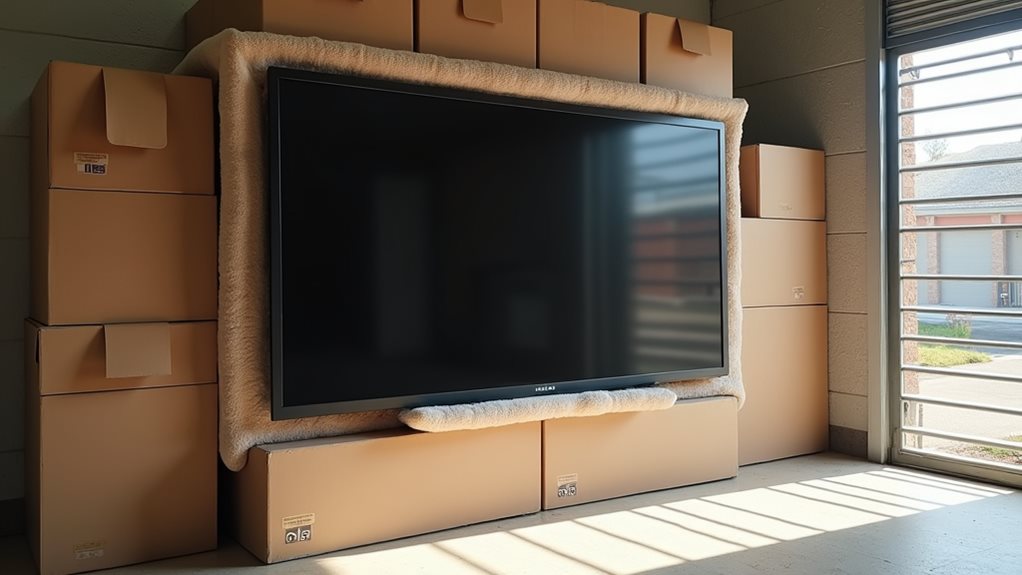
How you position your television in the storage unit greatly impacts its longevity and condition.
Always store your TV upright in its original position, never flat or on its screen side.
Place your television toward the back of the unit, away from the door where temperature fluctuations are most extreme.
Avoid positioning it directly on concrete floors; instead, use pallets or shelving to raise it slightly.
Keep your TV separate from heavy items that could fall or shift during storage.
Leave a few inches of space around the television for proper air circulation, which helps prevent moisture buildup.
If possible, position your TV in the center of the unit where it’s less likely to experience temperature extremes from exterior walls or be damaged when accessing other items.
Security Considerations for Valuable Electronics
Proper positioning of your TV sets the foundation for safe storage, but securing your valuable electronics against theft requires additional measures.
When storing a TV in a storage unit, select a facility with extensive security features. Look for properties with 24-hour surveillance cameras, individual unit alarms, and gated access with personalized entry codes. These systems greatly reduce the risk of unauthorized access.
Consider purchasing insurance for your stored electronics, as many standard homeowner’s policies don’t cover items kept in off-site storage. Document your TV’s serial number, take photos, and keep receipts as proof of ownership.
Choose a unit that isn’t visible from the facility’s entrance, making your valuables less obvious to potential thieves.
A sturdy disc lock provides better protection than standard padlocks, as they’re more resistant to bolt cutters.
Maintenance and Testing Procedures During Extended Storage
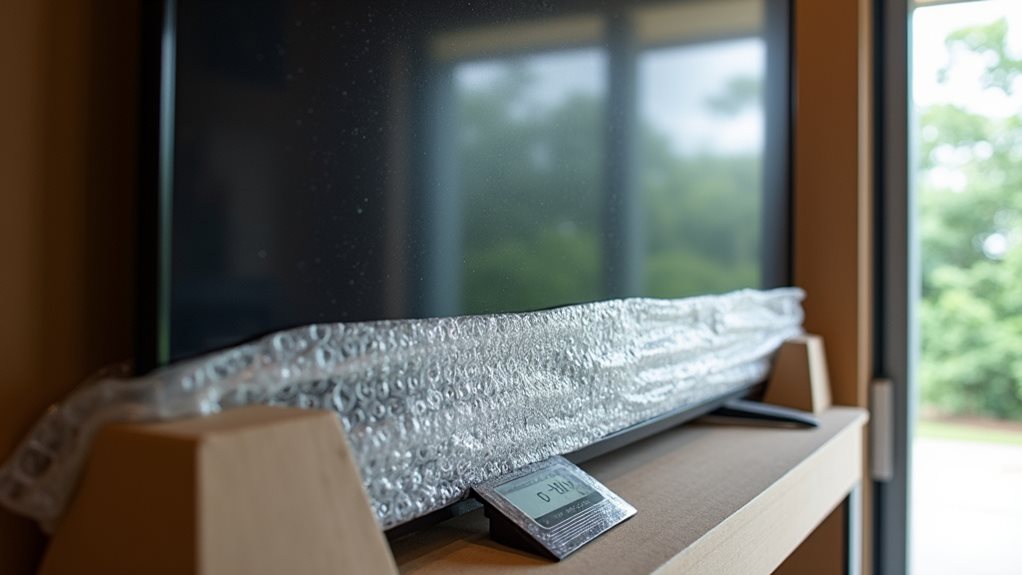
Even with perfect initial packing and climate control, TVs in long-term storage benefit from regular maintenance checks to verify they remain in working condition.
You should visit your storage unit every 3-6 months to inspect your television for dust accumulation, moisture exposure, or pest activity.
Remove the protective coverings carefully and examine all surfaces and connection ports.
When possible, connect your TV to a power source to test its functionality.
Allow it to run for 15-20 minutes to verify all components operate correctly.
This periodic testing helps identify potential issues before they become permanent failures.
Keep a maintenance log documenting each visit, noting the TV’s condition and any actions taken.
This record helps track gradual changes that might indicate developing problems requiring intervention.
Frequently Asked Questions
How Long Can a TV Safely Remain in Storage?
Your TV can safely remain in storage for 5-10 years if kept in climate-controlled conditions. Don’t leave it in extreme temperatures or humidity, and store it upright with proper padding to prevent damage.
Will My TV Warranty Be Voided by Storing It?
Storing your TV may void its warranty, but it depends on your manufacturer’s specific terms. Check your warranty documentation carefully. Most warranties don’t explicitly forbid storage, but any damage from improper storage won’t be covered.
Can I Store Plasma TVS Differently Than Led/Lcd Models?
Yes, you’ll need to store plasma TVs differently than LED/LCD models. Always keep plasma TVs upright—never lay them flat. They’re more fragile due to their glass panels and can be permanently damaged if not positioned correctly.
Should I Disconnect Internal Batteries Before Storage?
Yes, you should disconnect internal batteries before storing your TV. This prevents potential leakage and damage to electronic components. For plasma TVs, it’s especially important as their internal batteries can cause issues during long-term storage.
How Do Insurance Policies Typically Cover TVS in Storage Units?
Most storage insurance policies offer limited coverage for TVs, typically requiring you to list valuable electronics specifically. You’ll need to verify coverage limits and consider additional riders for full protection against damage or theft.
Final Thoughts
Your TV can survive in a storage unit if you take proper precautions. Choose a climate-controlled facility to prevent damage from temperature fluctuations and humidity. Pack your television thoroughly with appropriate materials, position it upright, and guarantee the facility has adequate security measures. Regular maintenance checks will help identify potential issues before they cause permanent damage. With these steps, your valuable electronics should remain in working condition throughout storage.