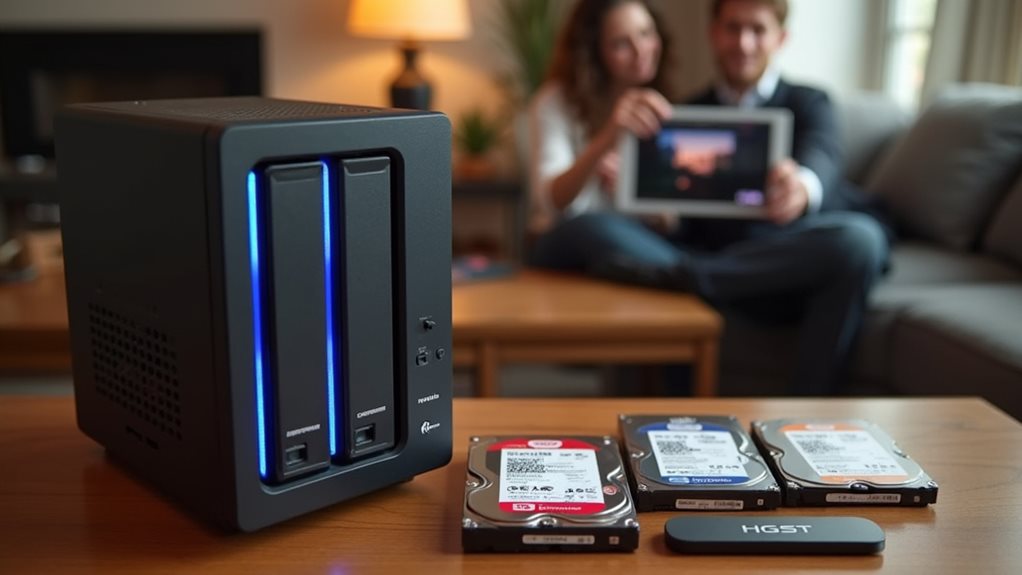
For home NAS systems, you’ll get the best performance from drives specifically optimized for NAS use, such as Western Digital Red, Seagate IronWolf, or Toshiba N300. These drives offer better reliability with 24/7 operation, error recovery controls, and vibration resistance compared to standard desktop drives. A home NAS is worth the investment if you need centralized storage, media streaming, or remote file access capabilities. The upfront cost becomes more economical than cloud storage after about three years for users with 2TB+ of data.
Understanding NAS Storage and Its Home Applications
Network Attached Storage (NAS) serves as a dedicated file storage system that connects to your home network, allowing multiple users and devices to access data simultaneously.
These specialized devices function as private cloud storage solutions within your home environment.
NAS systems offer notable advantages for residential use, including centralized backup storage, media streaming to smart TVs and devices, and remote file access when you’re away from home.
They typically support multiple hard drives in RAID configurations, providing data redundancy protection against disk failures.
For home users with growing digital collections, NAS provides an organized solution for photos, videos, music, and important documents.
Modern NAS devices feature user-friendly interfaces that don’t require advanced technical knowledge, making them accessible for everyday household implementation.
Key Features to Look for in NAS-Optimized Hard Drives
When selecting a NAS hard drive, you’ll want to prioritize reliability and endurance since these drives typically run 24/7 in multi-disk environments.
Workload optimization features, such as vibration tolerance and power management, guarantee your NAS system operates efficiently under continuous data access conditions.
Error recovery controls, particularly time-limited error recovery (TLER), prevent drives from dropping out of the RAID array during read/write errors, maintaining overall system stability.
Reliability and Endurance
While shopping for NAS drives, reliability and endurance stand as the most critical features you’ll need to prioritize. NAS-specific drives are engineered to operate 24/7 in multi-drive environments, unlike standard desktop drives that aren’t designed for continuous use.
The best NAS drives offer:
- Higher workload ratings (typically 180-300TB per year) compared to consumer drives’ 55-70TB ratings
- Improved vibration tolerance through specialized firmware and physical components
- Lower annualized failure rates (AFR), often below 1% for enterprise-grade options
When evaluating reliability, look for manufacturers’ Mean Time Between Failures (MTBF) specifications, which typically range from 1-2.5 million hours for NAS drives.
Most reputable NAS drives come with 3-5 year warranties, reflecting the manufacturer’s confidence in their product’s durability under demanding storage conditions.
Workload Optimization Features
Unlike standard consumer drives, NAS-optimized hard disks come equipped with specialized features designed to handle the unique demands of network storage environments.
NAS drives incorporate vibration resistance technology to maintain performance when multiple drives operate simultaneously in an enclosure. This reduces read/write errors and extends drive lifespan.
Error recovery control is another critical feature, allowing drives to maintain RAID stability without triggering time-consuming rebuild processes. Unlike desktop drives that might spend too long attempting to recover data, NAS drives quickly report errors to the RAID controller.
Most NAS-optimized drives also include workload rate limits that specify the amount of data they can process annually, typically measured in terabytes per year (TBW).
Higher-end models support 180-300TB of workload per year, making them suitable for business environments with constant data access.
Error Recovery Controls
Error recovery controls represent one of the most critical features you’ll need to contemplate when selecting a NAS-optimized hard drive.
Unlike desktop drives that might spend minutes attempting to recover data from bad sectors, NAS drives implement specialized Time-Limited Error Recovery (TLER) technology.
This technology prevents drives from dropping out of the RAID array during extended recovery attempts, maintaining system stability and preventing potential data loss.
Most manufacturers offer proprietary versions of this vital capability:
- WD uses TLER (Time-Limited Error Recovery)
- Seagate implements ERC (Error Recovery Control)
- HGST features CCTL (Command Completion Time Limit)
When a standard drive enters deep recovery mode in a NAS environment, the RAID controller might mistakenly mark it as failed.
NAS-optimized drives avoid this problem by limiting recovery attempts to 7 seconds, balancing data integrity with system reliability.
Top NAS Hard Drive Models Comparison for 2023
Several standout NAS hard drive models have emerged in 2023, each offering unique advantages for network storage solutions.
When comparing top contenders, you’ll find the WD Red Pro series excels with capacities up to 20TB and improved reliability features for intensive workloads.
Seagate’s IronWolf Pro drives offer competitive performance with 300TB/year workload ratings and built-in health monitoring through IronWolf Health Management.
For budget-conscious users, the standard WD Red drives provide reliable performance in smaller NAS environments with 1-8 bays.
Toshiba’s N300 series represents a middle ground, balancing cost with performance through 7200 RPM speeds and specialized vibration sensors.
Each model provides different warranty periods, with premium options like IronWolf Pro and WD Red Pro offering five years of coverage compared to the standard three years.
Cost-Benefit Analysis: NAS vs. Cloud Storage Solutions
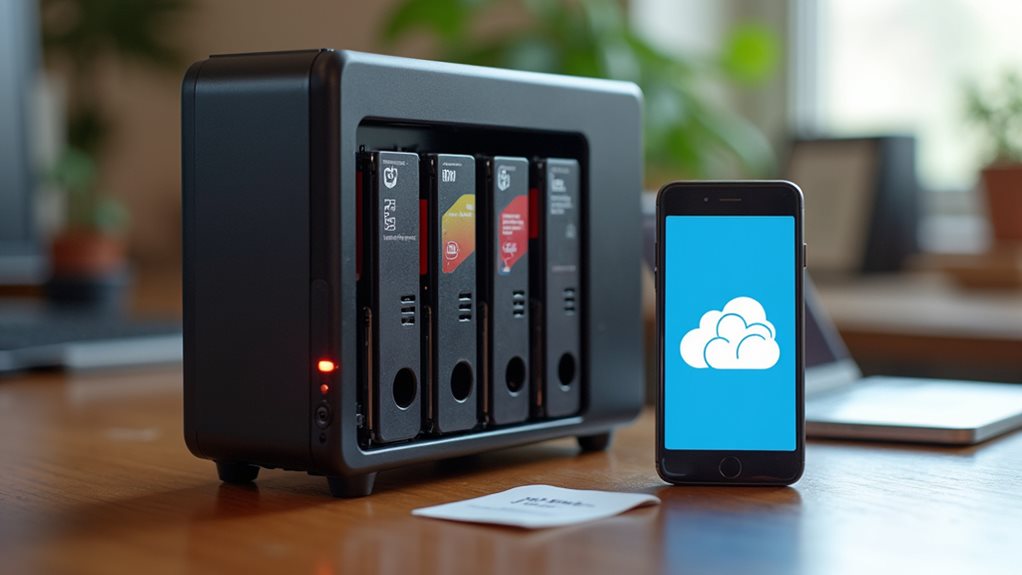
While selecting the right NAS hard drive matters considerably, you might wonder whether investing in NAS hardware makes financial sense compared to cloud storage options. The decision often comes down to long-term costs versus initial investment.
The true value of NAS lies in balancing upfront hardware costs against the perpetual subscription model of cloud alternatives.
When comparing NAS to cloud storage, consider these key factors:
- A one-time NAS purchase typically costs $300-800 plus drives, while cloud services charge recurring monthly fees that accumulate over time.
- NAS offers consistent performance without internet bandwidth limitations, unlike cloud solutions that depend on your connection speed.
- Cloud providers handle maintenance and upgrades automatically, whereas NAS systems require your attention for updates and hardware replacements.
For most homes storing over 2TB of data long-term, NAS becomes more economical after approximately 3 years of ownership.
Setting Up Your Home NAS System: Hardware Requirements
Setting up a home NAS system requires several vital hardware components that you’ll need to gather before assembly.
You’ll want to understand the key performance specifications for each component, including processor speed, RAM capacity, and drive interface types to guarantee peak performance.
The right combination of hardware will determine your NAS system’s reliability, speed, and storage capacity, making it imperative to select compatible components that meet your specific needs.
Essential Components Checklist
Before building your home NAS system, you’ll need to gather several important components that work together to create a reliable storage solution.
Making sure you have all the necessary hardware will prevent delays and compatibility issues during setup.
Your vital NAS components include:
- A dedicated NAS enclosure or case with sufficient drive bays and proper ventilation to prevent overheating during continuous operation
- Compatible hard drives specifically designed for NAS use, offering higher workload ratings and vibration resistance than standard desktop drives
- A dependable power supply unit that can handle continuous operation and provide stable power to all components
Remember to check compatibility between your chosen components.
Many NAS manufacturers provide lists of approved hard drives that are guaranteed to work with their systems.
Performance Specifications Explained
Now that you’ve identified the key components for your NAS build, understanding the performance specifications will help you select hardware that meets your specific storage needs.
When evaluating NAS drives, pay attention to spindle speed (5400-7200 RPM), which affects access times and data throughput. Higher RPM drives offer better performance but generate more heat and noise.
Cache size (usually 64-256MB) serves as a buffer between the drive and your system, with larger caches improving performance for frequently accessed files.
Mean Time Between Failures (MTBF) indicates reliability, with NAS-specific drives typically rated for 1 million+ hours. This translates to better durability for 24/7 operation.
Power consumption matters for devices running constantly, so look for drives with lower wattage ratings to reduce electricity costs over time.
Performance Expectations: Speed, Reliability, and Longevity
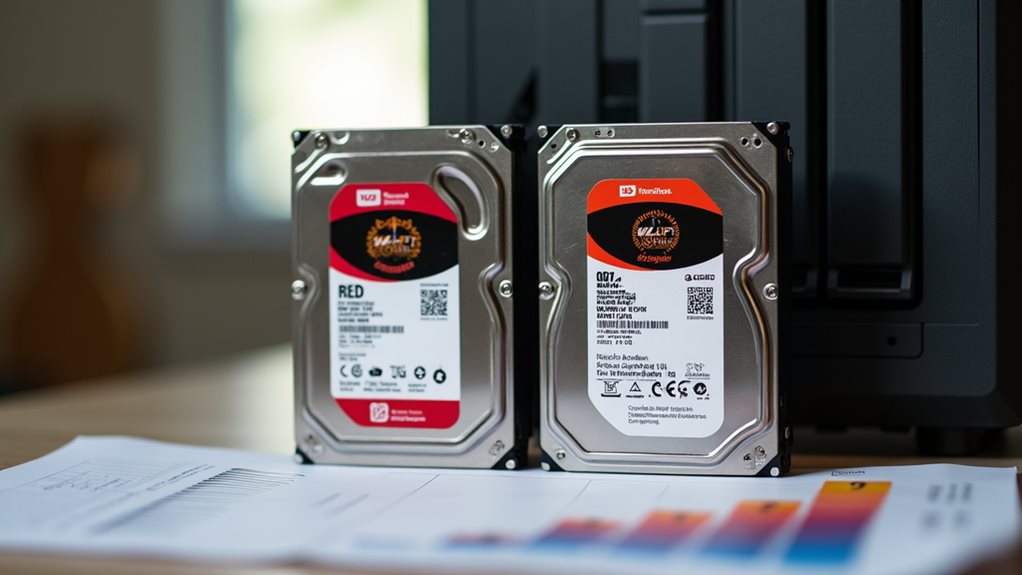
When selecting a NAS hard drive, you’ll need to contemplate three critical performance factors that directly impact your overall experience.
Understanding realistic expectations helps you choose a drive that meets your specific needs.
Setting realistic performance expectations is essential when matching a NAS drive to your storage requirements.
NAS-optimized drives typically deliver:
- Speed ratings between 180-250 MB/s for standard drives, with enterprise models reaching higher throughput for intensive workloads
- Reliability measured in Mean Time Between Failures (MTBF) ranging from 1 million hours for consumer drives to 2.5 million hours for premium options
- Longevity estimates of 3-5 years for regular use, extending to 7+ years for enterprise-grade drives under proper environmental conditions
Temperature control greatly affects performance over time.
Most NAS drives operate ideally between 0-60°C, but maintaining temperatures under 40°C can remarkably extend drive lifespan.
Data Protection Strategies for Home NAS Systems
Safeguarding your precious data requires more than just purchasing quality NAS drives.
You’ll need to implement proper backup routines and redundancy measures to guarantee complete protection.
Most NAS systems support RAID configurations, with RAID 1 (mirroring) or RAID 5 (distributed parity) being popular choices for home users.
These provide protection against single drive failures without excessive storage penalties.
Consider adopting the 3-2-1 backup strategy: maintain three copies of your data, store them on two different media types, and keep one copy offsite.
Many NAS devices offer cloud backup integration to simplify this process.
Regularly test your backup restoration procedures to verify they work when needed.
Schedule automatic backups of critical files, and enable snapshot functionality if your NAS supports it for quick recovery from accidental deletions.
Frequently Asked Questions
Can I Use Regular Desktop Hard Drives in My NAS?
Yes, you can use regular desktop hard drives in your NAS, but they’re not optimized for 24/7 operation. NAS-specific drives offer better reliability, vibration resistance, and warranty coverage for continuous use environments.
How Noisy Are NAS Systems During Operation?
NAS systems vary in noise levels. You’ll hear gentle humming from the drives and cooling fans. Higher-quality NAS units typically operate more quietly, and placing them in well-ventilated cabinets can further reduce noise.
Can I Access My NAS Remotely When Away From Home?
Yes, you can access your NAS remotely when away from home. Most NAS devices offer remote access features through mobile apps, web interfaces, or VPN connections. You’ll just need to configure proper security settings first.
What Happens to NAS Data During Power Outages?
During power outages, your NAS data remains intact but becomes inaccessible until power returns. You’ll want a UPS (uninterruptible power supply) to protect against data corruption during sudden shutdowns.
Is It Possible to Upgrade NAS Drives Without Losing Data?
Yes, you can upgrade NAS drives without losing data. You’ll typically use a process called disk migration or RAID expansion, which allows you to replace drives one at a time while maintaining your data integrity.
Final Thoughts
You’ll get the most value from your home NAS with drives specifically designed for 24/7 operation, like WD Red or Seagate IronWolf models. For most households, a NAS represents a worthwhile investment when you need reliable, centralized storage with better privacy controls than cloud services. Consider your data growth needs, backup requirements, and technical comfort level before purchasing. With proper setup, your NAS will provide years of secure, accessible storage for your digital life.