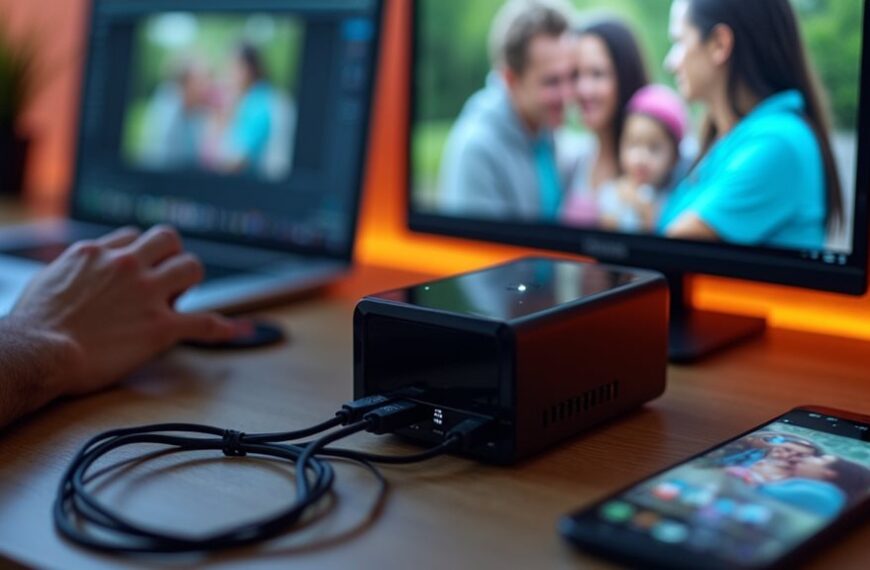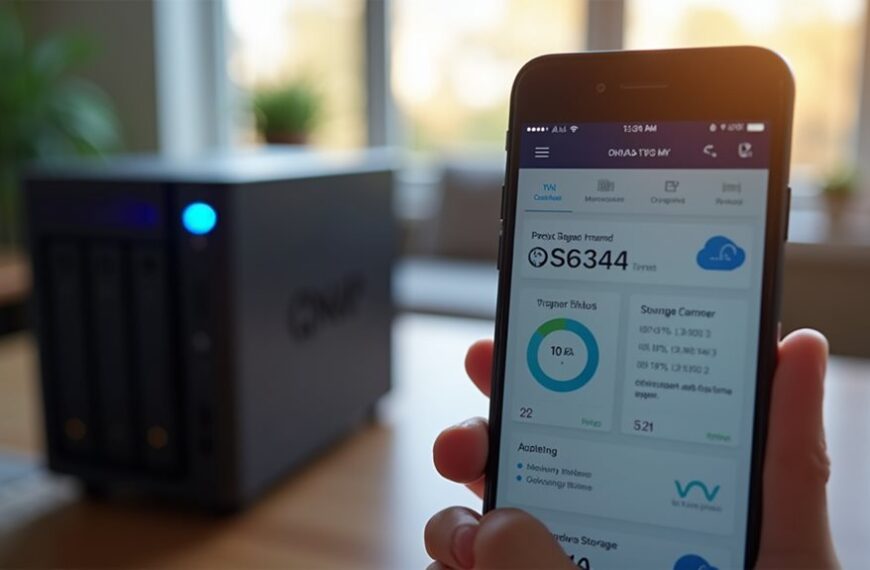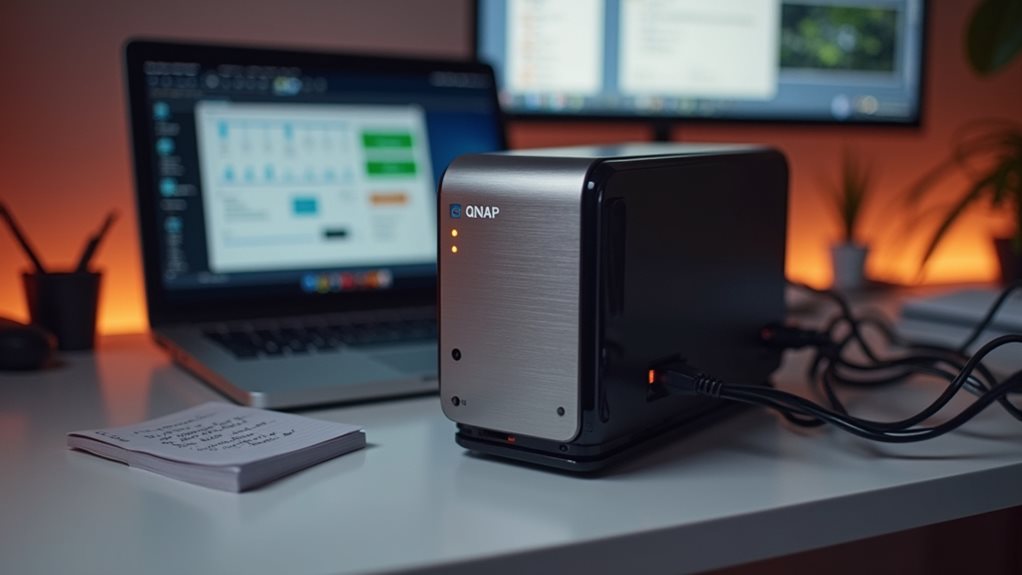
Your QNAP NAS offers far more than just storage. You can build a personal cloud solution with Qsync for remote access to all your files without subscription fees. Transform it into a media server using Plex to stream content throughout your home. Set up automated backups with Hybrid Backup Sync to protect against data loss. Create a surveillance system with IP cameras, or even host websites and run virtual machines. These versatile applications make your NAS investment remarkably more valuable.
Build Your Own Personal Cloud Storage Solution
While commercial cloud services offer convenience, creating your own personal cloud storage with a QNAP NAS provides superior control over your data.
You’ll eliminate monthly subscription fees while maintaining full ownership of your files.
Setting up your personal cloud is straightforward with QNAP’s built-in apps.
QNAP’s intuitive apps transform complex cloud setup into a simple, user-friendly experience anyone can master.
Install Qsync or QuFiles to access your documents, photos, and videos from anywhere with an internet connection.
Your QNAP NAS offers robust security features that commercial services can’t match.
You can implement multi-factor authentication, encryption, and custom access controls for different users.
For families or small businesses, you’ll appreciate the ability to create separate storage spaces with individualized permissions.
This guarantees everyone has appropriate access while maintaining privacy between users.
Set Up a Comprehensive Media Server for Home Entertainment
Beyond cloud storage capabilities, your QNAP NAS can transform your home entertainment experience by serving as a powerful media server.
With Plex Media Server or QNAP’s built-in Media Station, you can organize and stream your entire collection of movies, TV shows, and music throughout your home. These applications automatically categorize your media and download metadata like cover art and descriptions.
Your QNAP device supports 4K video transcoding on compatible models, allowing seamless playback across different devices regardless of their native format support. You can access your media library from smart TVs, gaming consoles, smartphones, and tablets.
Set up multiple user accounts for family members with customized libraries and parental controls.
The NAS can also record TV programs when paired with a compatible TV tuner, creating a thorough entertainment hub that eliminates the need for multiple streaming subscriptions.
Implement Automated Backup Systems for Data Protection
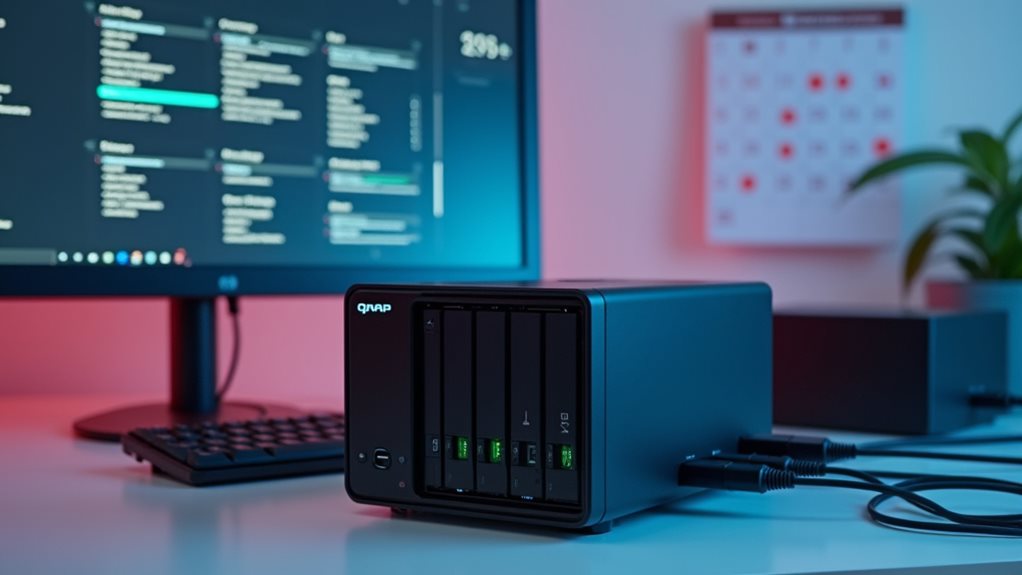
Because data loss can occur unexpectedly, setting up automated backup systems on your QNAP NAS is essential for thorough protection.
QNAP offers several built-in solutions to safeguard your important files.
QNAP’s comprehensive built-in backup solutions provide robust protection for all your critical data assets.
Hybrid Backup Sync provides a detailed platform for automating backups to local, remote, and cloud destinations. You can schedule regular backups to run during off-hours, guaranteeing minimal disruption to your workflow.
QNAP’s Snapshot feature creates point-in-time copies of your data, allowing you to recover files from specific moments if corruption or accidental deletion occurs.
For maximum protection, implement the 3-2-1 backup strategy: maintain three copies of your data on two different media types with one copy stored offsite.
Cloud backup services like Google Drive, Dropbox, and Amazon S3 integrate seamlessly with QNAP systems.
Create a Surveillance System With IP Cameras
Your QNAP NAS can transform into a powerful surveillance hub when connected to IP cameras around your property. QNAP’s Surveillance Station application makes this integration seamless, supporting hundreds of camera models from major manufacturers.
Setting up your surveillance system requires installing the Surveillance Station app from the QNAP App Center. Once configured, you’ll have access to live monitoring, recording schedules, and motion detection alerts.
The system allows you to view multiple camera feeds simultaneously through a single interface. You can set recording parameters based on time schedules or motion triggers, optimizing storage space on your NAS.
For remote monitoring, QNAP offers mobile apps that let you check camera feeds from anywhere. Many users appreciate the ability to expand their system gradually, adding more cameras as needed without considerable additional costs.
Host Websites and Run Applications on Your NAS
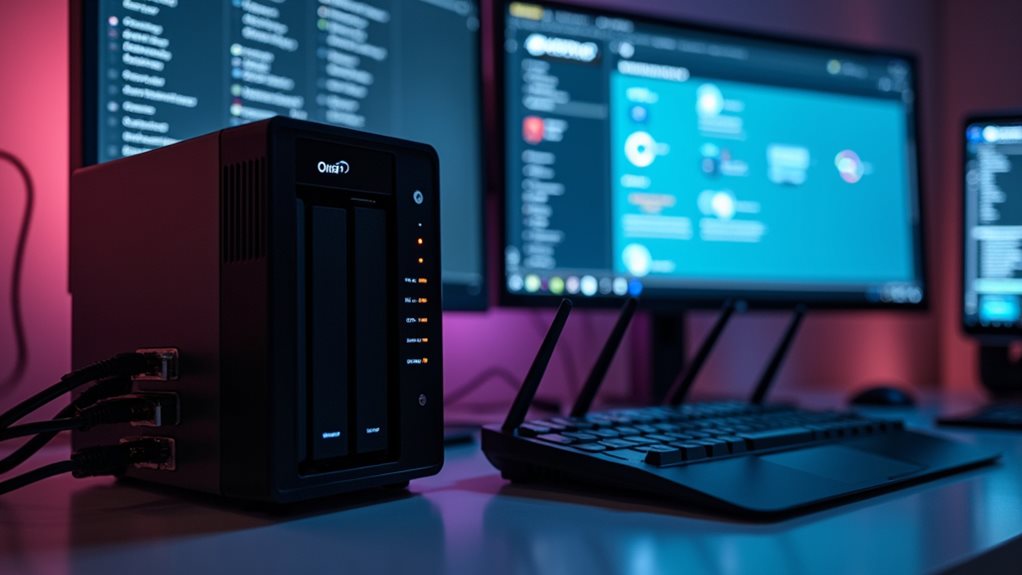
While security monitoring improves your home protection, QNAP NAS systems offer another powerful capability: web hosting functionality.
QNAP NAS devices can function as personal web servers, allowing you to host your own websites without paying monthly hosting fees. You’ll need to configure your router for port forwarding and set up proper DNS settings to make your site accessible.
Transform your QNAP NAS into a cost-effective web hosting solution with simple router and DNS configuration.
The App Center provides numerous web applications you can install with just a few clicks. Popular options include WordPress for blogging, Joomla for content management, and phpMyAdmin for database administration.
For developers, QNAP supports Docker containers, making it easy to deploy and test applications in isolated environments. Container Station lets you run multiple applications simultaneously without compatibility issues.
You can also create virtual environments using Virtualization Station to run different operating systems alongside your NAS functions.
Leverage Virtualization for Testing Environments
When traditional server setups prove too expensive, QNAP NAS systems offer powerful virtualization capabilities that transform your storage device into a thorough testing environment.
QNAP’s Virtualization Station allows you to run multiple operating systems simultaneously, including Windows, Linux, and Unix variants. You can create isolated virtual machines to test software deployments, configurations, and updates without risking your production environment.
This functionality is particularly valuable for developers and IT professionals who need to validate compatibility across different platforms.
With allocated resources for each virtual machine, you’ll maintain stable performance while experimenting with various configurations.
The snapshot feature lets you capture system states and quickly revert to previous versions if something goes wrong.
You’ll save considerable hardware costs by consolidating multiple test environments onto a single NAS device.
Frequently Asked Questions
How Long Does a Typical QNAP NAS Last Before Needing Replacement?
Your QNAP NAS can last 5-7 years with proper maintenance. However, you’ll notice performance decline as technology advances. If you’re experiencing sluggishness or compatibility issues, it’s probably time for an upgrade.
Can I Access My QNAP NAS Securely From Public Wifi Networks?
Yes, you can access your QNAP NAS securely from public WiFi by using VPN connections, QNAP’s myQNAPcloud service, or setting up SSL encryption. Always enable two-factor authentication for additional protection when connecting remotely.
Does QNAP NAS Support Hardware Encryption for Sensitive Files?
Yes, QNAP NAS supports hardware encryption for sensitive files. You’ll find AES-NI hardware acceleration on many models, allowing you to encrypt entire volumes or specific folders without considerable performance impact when securing your data.
What’s the Power Consumption of Different QNAP NAS Models?
QNAP NAS power consumption varies by model – entry-level units use 5-15W idle, 20-30W active, while high-end models consume 30-50W idle, 60-120W under load. You’ll find detailed specs on QNAP’s product pages.
Can QNAP NAS Directly Connect to Cloud Services for Hybrid Storage?
Yes, you can connect your QNAP NAS directly to cloud services like Google Drive, Dropbox, and Amazon S3 through HybridMount, enabling you to create a flexible hybrid storage solution for backups and file access.
Final Thoughts
Your QNAP NAS offers incredible versatility beyond basic storage. You can transform it into your own cloud system, create a complete media center, establish reliable backup routines, build a home security system, host websites, and run virtual machines. These options maximize your investment and provide customized solutions for your digital needs. With proper setup and maintenance, your NAS becomes a powerful digital hub at the center of your home technology ecosystem.