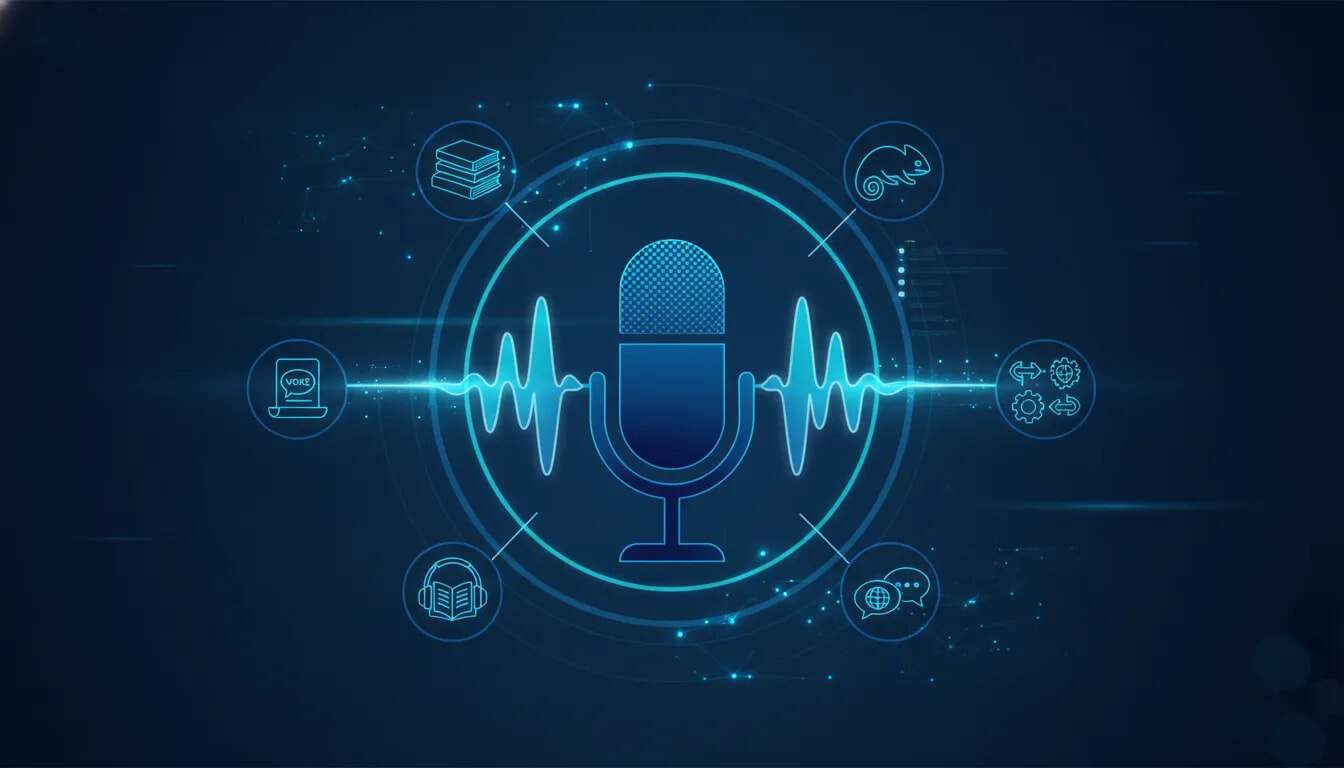
VocalLab is an AI voice generation platform built for more than basic text to speech. It combines a searchable voice library, script controls, custom voice design, voice cloning, audiobook production, dubbing, and technical integrations for automated narration workflows.
It is most relevant for authors, course creators, marketers, agencies, and developers who need scalable voiceovers without recording every script manually. The strongest use cases are long-form narrated content, multi-character audiobooks, reusable brand voices, and motion-graphics narration powered through an API.
What can VocalLab do?
At its core, VocalLab turns written scripts into generated speech using a choice of voices and models. Its broader toolset supports several different audio production jobs:
- Text to speech: Generate speech from a typed script.
- Voice discovery: Browse and filter voices by language, gender, and intended use case.
- Voice controls: Adjust emotion, speed, and delivery style.
- Expression tags: Add directions such as laughter, sighs, or whispers where supported.
- Audiobook creation: Import a book, identify chapters and characters, then create narration with a cast of voices.
- Voice design: Create an original synthetic voice from a written description.
- Voice cloning: Build a usable copy of a voice from a short recording or uploaded sample.
- Dubbing: Revoice uploaded video, audio, or captions into another language.
- API and MCP access: Connect speech generation to other applications and AI-client workflows.
Choosing the right AI voice for a script
The quality of a voiceover depends on more than selecting a voice that sounds pleasant. A narration voice for compliance training should have a different tone from a dramatic fiction character or a fast-paced product explainer.
VocalLab’s voice browser can narrow choices by:
- Language for the script’s intended audience
- Gender where that is relevant to the project
- Use case such as e-learning or storytelling
Saving preferred voices is useful when producing a series, course, or recurring content format. It reduces the risk of a project sounding inconsistent simply because a different default voice was selected for each new script.
Use generation settings to shape delivery
After selecting a voice, add the script and tune the available speech settings. VocalLab provides controls for emotion, speed, and delivery, along with expression tags that can make a reading feel less flat.
For example, a suspenseful fiction scene may benefit from slower delivery and a carefully placed whisper tag. An instructional lesson may need a steadier pace and restrained emotion. The best approach is to generate a short passage first, then revise the script directions and settings before rendering the full project.
How to create an audiobook with multiple character voices
VocalLab’s audiobook workflow is designed to turn a written book into a structured audio project rather than treating it as one long text field. After importing a manuscript, the platform can recognize its chapters and extract a cast of characters.
The usual process is:
- Import the manuscript. The project is analyzed for its structure and character references.
- Review detected chapters and characters. Check that the imported structure makes sense before assigning voices.
- Assign a narrator and character voices. Use automatic casting as a starting point, but replace voices that do not suit a role.
- Generate a small section first. A chapter excerpt is safer and more efficient than committing immediately to an entire book.
- Check dialogue, pronunciation, and tone. Confirm that each voice fits the character and transitions naturally.
- Generate the completed book. Once the cast is approved, render chapters or the full project.
- Export in the needed format. Available options include a single audio file, a ZIP of chapters, and M4B audiobook output with chapter support.
Automatic character detection can save substantial setup time, but it should not be treated as final casting. A system can identify a character correctly while still choosing a voice that does not match the role. Human review remains especially important for fiction, dialogue-heavy writing, and projects where character identity needs to remain consistent across many chapters.
Why test one chapter before generating the whole audiobook?
Long-form audio uses more generation credits and takes longer to review. A brief test exposes issues early, including unnatural pacing, a mismatched character voice, or expression choices that become distracting over time.
Use a section that contains both narration and dialogue. That gives a more realistic check than testing a short paragraph with only one speaker.
Understanding audiobook exports
For simple distribution or editing, a single audio file may be suitable. A ZIP of chapters is more practical if each chapter will be edited or uploaded separately. M4B is intended for audiobook-style delivery and can include chapter markers, which helps listeners navigate longer work.
How VocalLab voice cloning works
Voice cloning lets a creator generate new scripts using a voice based on a supplied sample. In VocalLab, the clone setup includes language and accent selection, followed by either recording a sample directly or uploading one.
The sample requirements shown in the interface are:
- Up to 30 seconds of audio
- Up to 4 MB for an uploaded file
A short sample can produce a close approximation suitable for many voiceover tasks. However, a clone should be tested with real project scripts before it becomes part of a production workflow. The result may be usable without being an identical reproduction of every inflection, pronunciation, or emotional nuance.
Voice cloning best practices
- Use clean audio: Record in a quiet space with minimal room echo and background noise.
- Speak naturally: Read at the pace and tone expected in the finished narration.
- Match the language and accent: Select settings that correspond to the source recording and intended output.
- Test a representative script: Include product names, numbers, technical terms, and phrases common to the final work.
- Clone only with authorization: Use your own voice or obtain clear permission from the person whose voice will be cloned.
Custom voice design vs. voice cloning
These features solve different problems.
| Feature | Best for | Starting point |
|---|---|---|
| Voice cloning | Preserving a recognizable voice for recurring narration | A recorded or uploaded voice sample |
| Voice design | Creating a new voice for a brand, character, or specialized use case | A written description and selected voice attributes |
VocalLab offers a basic voice design mode for broad requests and an advanced mode for more detailed control. Basic mode is suitable when the goal is simply to describe a general voice, language, accent, and test script. Advanced mode is the better fit when a project requires specific characteristics that should not be left to interpretation.
A designed voice is useful when you want a unique narrator or character without tying output to a particular individual. A cloned voice is a better fit when a consistent personal or client voice is central to the content.
Using VocalLab for dubbed content
The dubbing feature supports uploads of original video, audio, or captions and can revoice content in another language. This is useful when adapting existing material for another market without rerecording every line from scratch.
Before publishing dubbed content, verify that the translated script communicates the intended meaning, that the selected voice fits the audience, and that any names, technical terms, or brand language have been reviewed. Generated speech can speed up localization, but editorial checks still matter.
API integration for automated voiceover workflows
VocalLab includes API access on qualifying plans. This opens the platform to external applications and automation tools, allowing narration to become part of a larger production process instead of a manual export step.
One demonstrated integration connects VocalLab to Pocomotion. In that workflow, a voice from VocalLab, including a cloned voice, can be selected inside Pocomotion’s voice settings. Pocomotion handles the motion graphics and design work, while VocalLab provides the spoken audio.
This separation can be helpful for teams that already have credits or allowances in different tools. It also enables a consistent custom voice to be used in generated motion graphics without separately recording narration for each project.
Other automation possibilities
API access can support workflows in automation platforms and custom applications. A practical pattern could be:
- Create or receive a script.
- Send the script to VocalLab for speech generation.
- Use the returned audio in a motion-graphics, publishing, or content-production workflow.
- Store the output with the associated project or deliver it to the next workflow step.
VocalLab also provides MCP capabilities for compatible AI clients. Available tools include checking the balance, listing models and voices, and generating speech directly through the connected client.
How credits and plan limits affect your choice
VocalLab uses points for generation activities, so the relevant question is not only which features are available but also whether the included monthly generation capacity fits the length and frequency of your work.
Plan availability and pricing can change. In the plan comparison shown at the time of the demonstration, the $299 Tier 3 option included one seat, 24,000 points, and 400 minutes per month. API access was available from Tier 3 upward, while lower tiers did not include API access.
The same comparison showed that the lower entry tier had 50 minutes of audio capacity. That can be sufficient for shorter voiceovers, but it would not be enough for an audiobook of roughly one hour. The higher tier also expanded the clone allowance from 10 voices to 100 voices, which may matter for agencies or client-facing work.
A simple plan-selection checklist
- Choose a lower-capacity option if you mainly need occasional short narration and do not need external integrations.
- Prioritize more monthly minutes if you are producing audiobooks, long lessons, or regular batches of content.
- Choose an API-enabled tier if speech generation must connect to Pocomotion, another application, or an automated workflow.
- Check clone limits carefully if the work involves multiple clients, presenters, or recurring character voices.
For current availability, feature limits, and pricing, consult the VocalLab deal page before purchasing.
Common mistakes when generating AI voiceovers
Generating the full project before testing
Rendering an entire audiobook or long course before hearing a sample can waste time and points. Generate a small but representative passage first.
Accepting automatic character casting without review
Character extraction can streamline the setup, but the first automatic voice choice may not fit the character. Adjust the cast manually and test dialogue.
Using one voice style for every content type
A voice selected for storytelling may not work for an e-learning module, and a high-energy promotional delivery can be tiring in long-form narration. Match the voice, pace, and emotional range to the format.
Ignoring expression controls
Speech can sound overly neutral if no delivery directions are used, but too many expressive tags can make it unnatural. Use them selectively at moments where the script genuinely calls for a vocal change.
Buying a plan without checking integration requirements
If an API or MCP workflow is essential, confirm that the chosen tier includes access. The lowest-cost plan is not necessarily the least expensive option if it cannot support the workflow you actually need.
Who is VocalLab best for?
VocalLab is a strong fit for people who need both straightforward speech generation and more advanced production tools in one platform.
- Authors: Produce single-narrator or full-cast audiobooks with chapter-based exports.
- Course creators: Find voices suited to e-learning and control pacing for clear instructional narration.
- Content creators: Reuse a personal cloned voice across scripts and generated visual content.
- Marketing teams: Design distinct synthetic voices for campaigns, explainers, and localized assets.
- Agencies: Manage multiple client voice clones, subject to the limits of the selected plan.
- Developers and automation builders: Use API and MCP tools to generate speech within external workflows.
Final takeaway
VocalLab stands out because it connects everyday AI narration with long-form audiobook tooling, voice cloning, designed voices, dubbing, and integrations. For short scripts, its voice filters and delivery controls provide a practical text-to-speech workflow. For larger projects, the ability to assign character voices, test a chapter, export structured audiobook files, and connect narration to external tools provides substantially more flexibility.
The most important decision is to match the plan to the workload. Estimate the number of minutes needed each month, determine whether API access is essential, and test voice quality on real scripts before committing to a full audiobook or automated production pipeline.