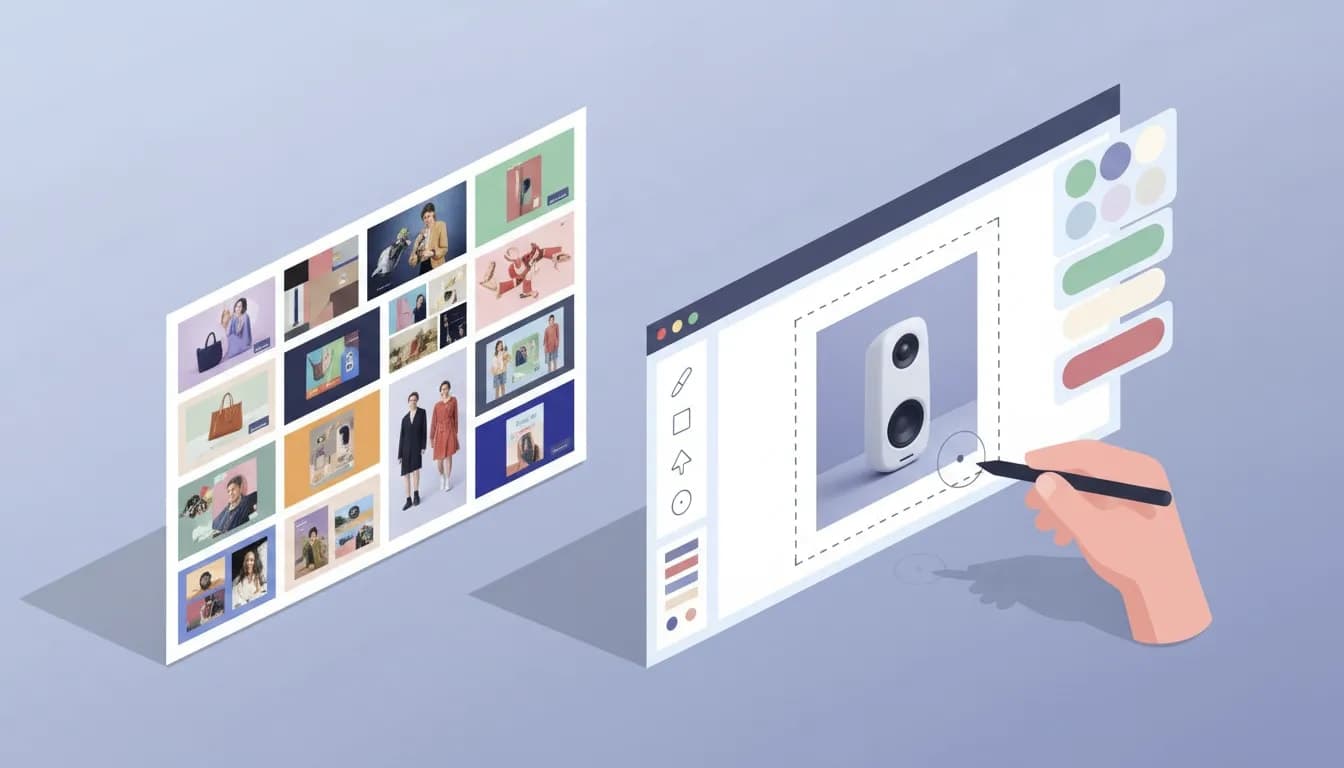
Creative OS is a combined inspiration library and creative editor built for marketers and designers who need to produce ads, emails, and landing pages quickly. It’s especially strong for e-commerce teams that want ready-made creative direction plus the ability to edit and export assets without rebuilding everything from scratch.
Lifetime Deal 👉 View Deal (affiliate link)
How Creative OS is organized
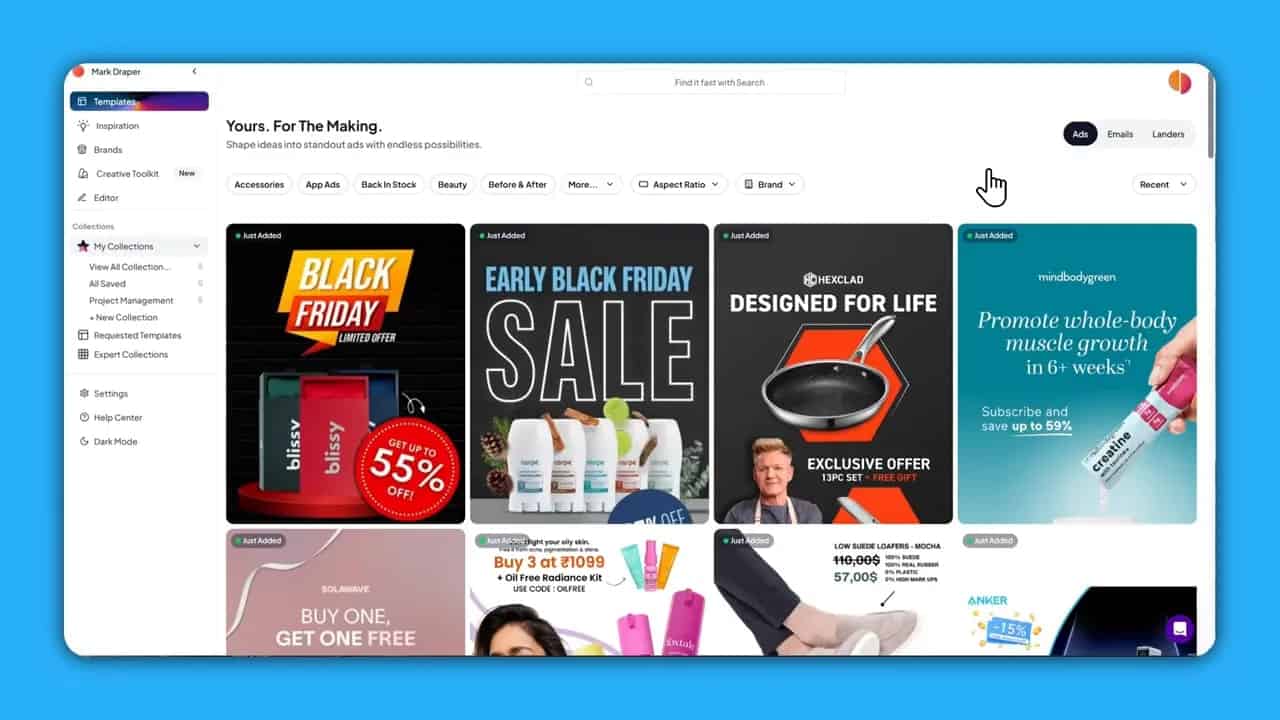
The platform splits content into two primary buckets: Inspiration and Templates.
- Inspiration contains a wide library of real-world examples—ads, emails, and landers—to study and borrow ideas from.
- Templates are editable recreations derived from actual ads. You can customize them directly inside the editor and drop in your products and copy.
Editor: a Canva-like experience with extra context
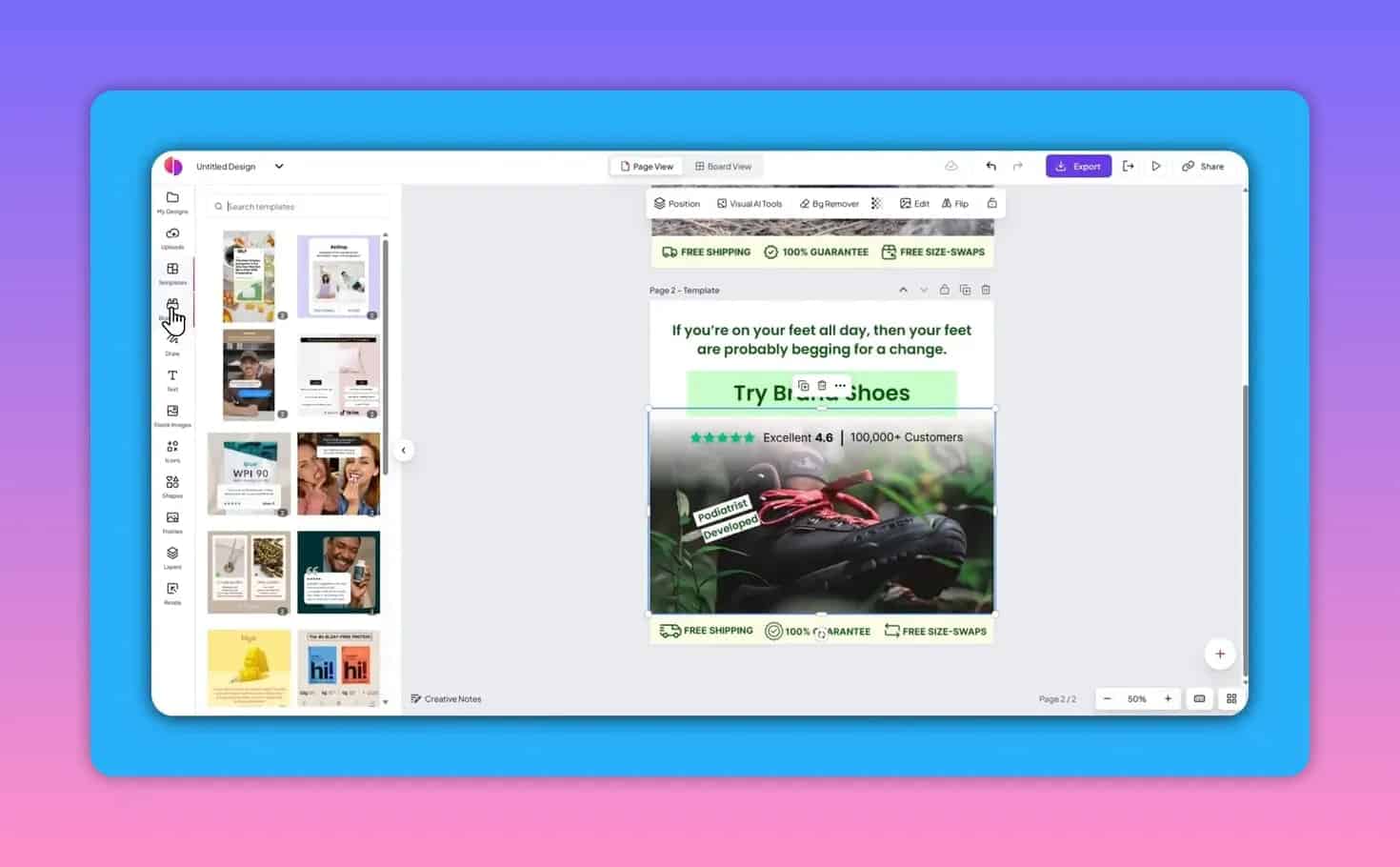
The editor will feel familiar if you have used tools like Canva or Crello. Templates show the original ad alongside an editable version. The editable version uses intuitive selection boxes so you can change text, swap images, and upload your own product shots. This saves time compared to recreating a layout from scratch or trying to coax non-editable AI output into a usable format.
Why this approach matters
Many AI ad generators produce static, non-editable output. Creative OS lets you keep the creative control—change copy, reposition elements, and tune visuals—so the final asset matches brand guidelines precisely.
Figma integration for professional mockups
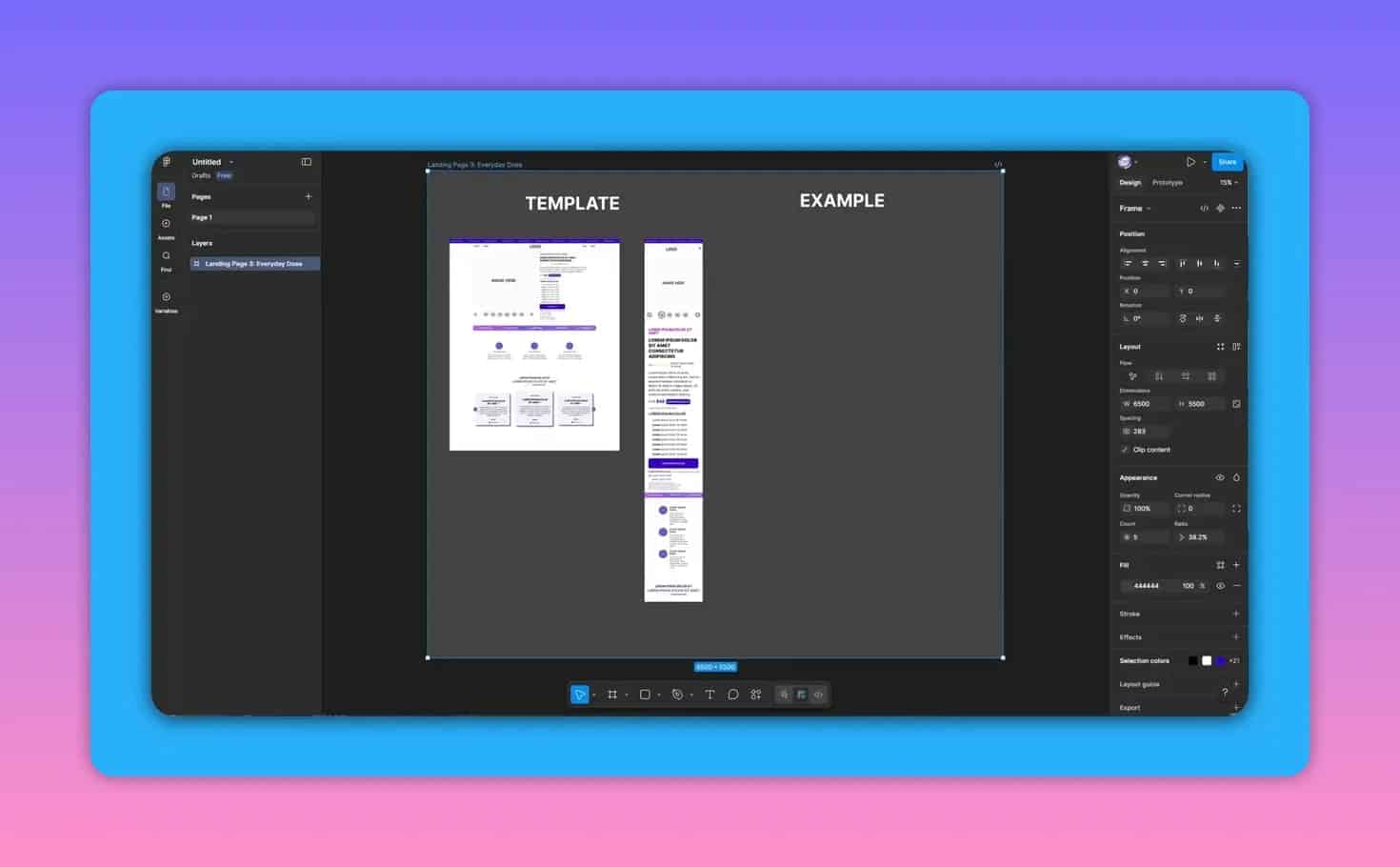
When you find a landing page layout you like, you can copy it into the clipboard and paste directly into Figma. This is a nice shortcut for designers who want a ready-made structure to refine in a design tool.
Brand research and competitive insights
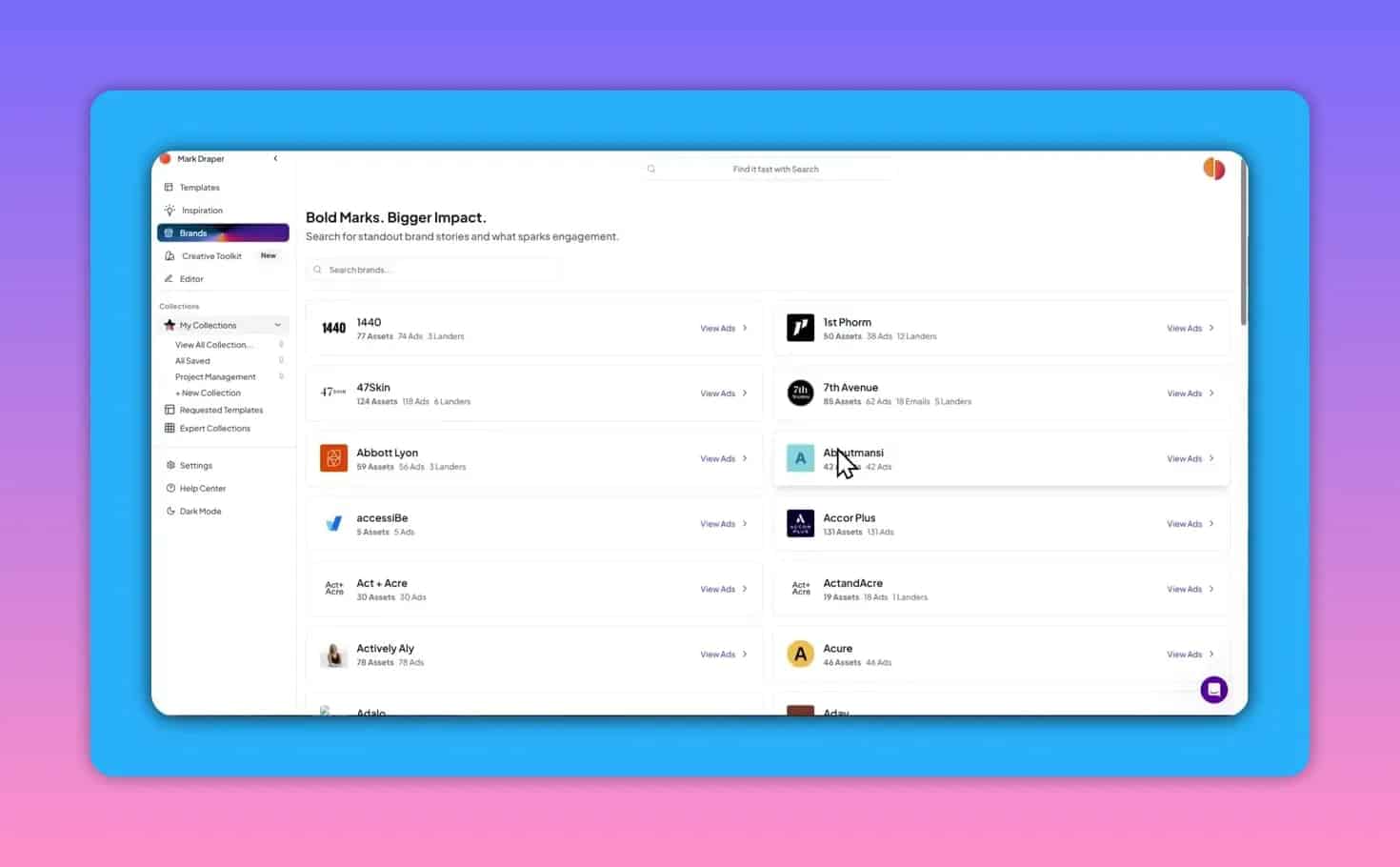
Search by brand, industry, or aspect ratio to see what competitors and big players are doing across ads, emails, and landing pages. For many brands the platform collects multiple assets—ad creatives, supporting emails, and landing templates—giving a more complete picture of a campaign.
Requesting templates
If a specific asset isn’t immediately available as an editable template, you can request a recreation. Requests can take a day or two, but this feature helps expand the editable library with items you actually need.
Pricing tiers and the Creative Toolkit
There are tier differences worth noting. The entry tier covers core templates, collections, and a handful of requests. The higher tier unlocks the Creative Toolkit, several analysis tools that shift the platform from inspiration-only to actionable evaluation.
Toolkit highlights
- Readability / Persuasion scoring — paste text to get reading grade and persuasive quality metrics.
- Ad Text Calculator — estimates ideal spend and test sizing based on your inputs (useful as a rough guide).
- Funnel Analysis — upload an ad image and paste the landing page URL to analyze alignment between ad and page messaging; highlights mismatches and suggestions.
- Creative Analyzer — grades an ad and surfaces strengths, weaknesses, hooks, and messaging opportunities.
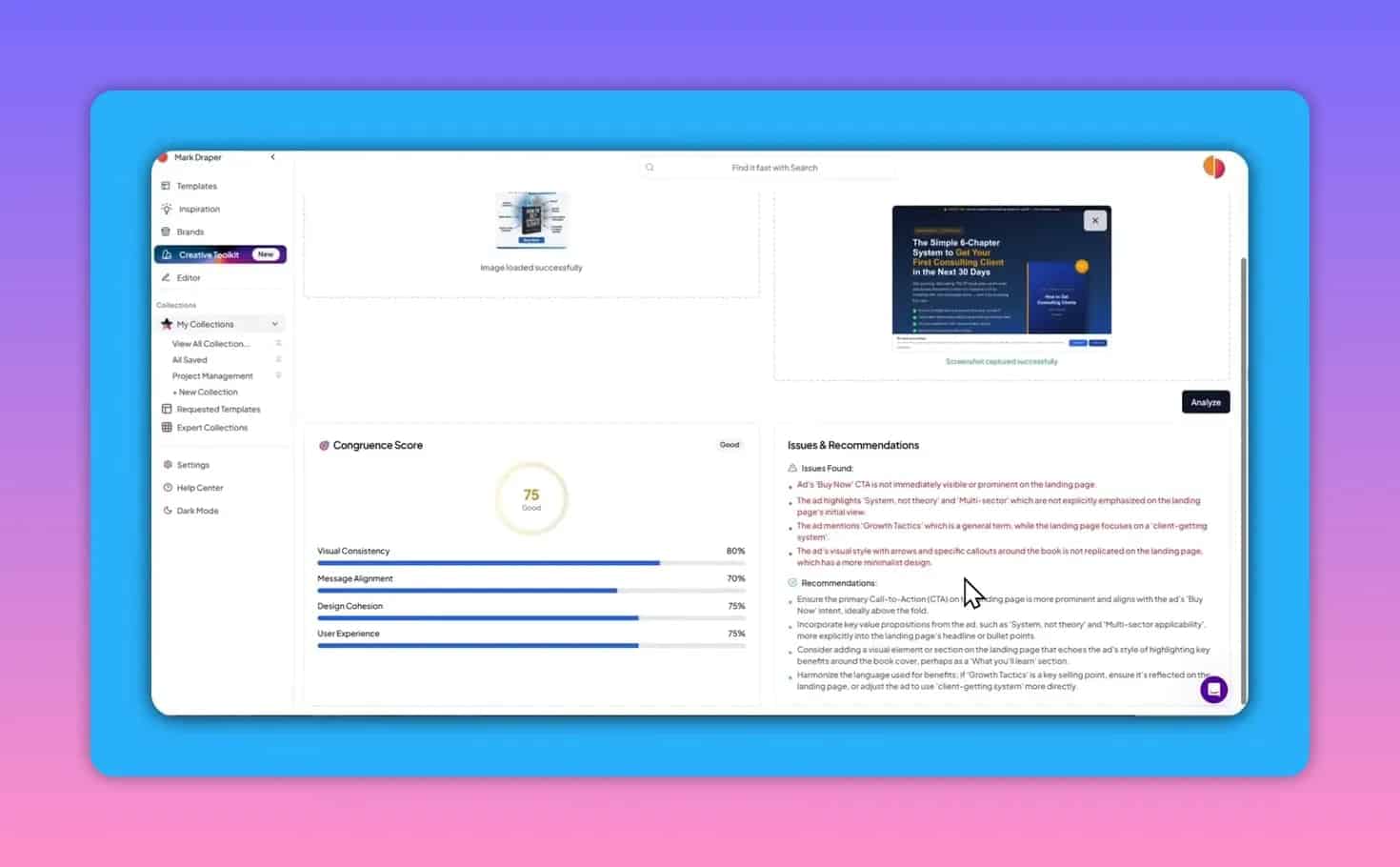
The Funnel Analysis and Creative Analyzer are particularly useful when combining AI-generated creatives with manually built landing pages. They help ensure the visual hook and messaging align across the funnel, which is critical for conversion rates.
Collections, expert collections, and workflow
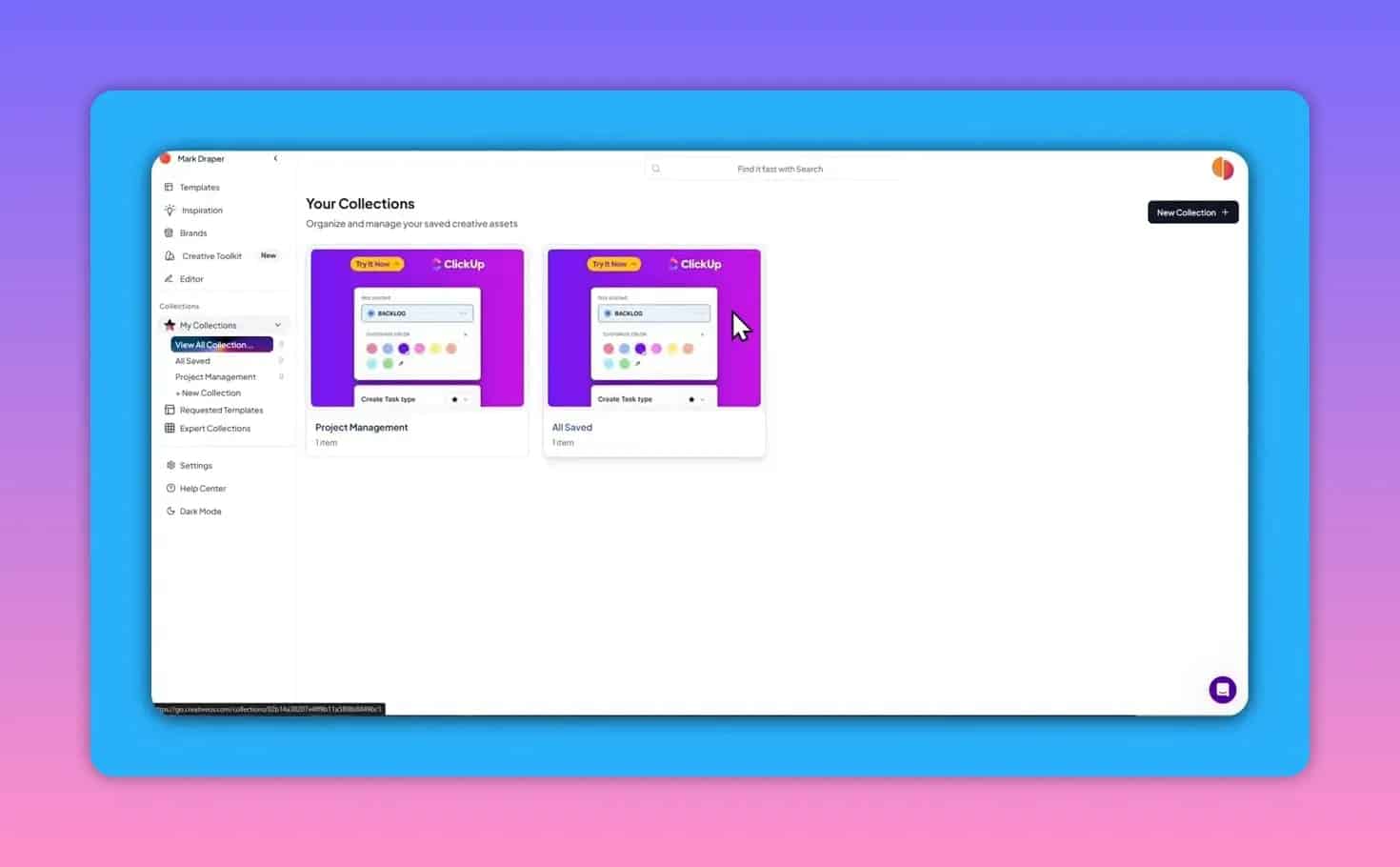
Star creatives to add them to your collections and group assets by project, campaign, or client. Collections act as a lightweight project management and inspiration board. You can also download assets to share with teammates or include in pitches.
Best use cases
- E-commerce brands that need fast, proven ad and email structures and want to customize rather than start from zero.
- Small creative teams that benefit from a shared inspiration library and downloadable mockups.
- Designers who use Figma and want to jumpstart landing page mockups with ready-made layouts.
Pros and cons
Pros
- Large library of real-world ads, emails, and landing pages.
- Editable templates preserve control over copy and layout.
- Figma export speeds up professional mockups.
- Toolkit provides actionable feedback on alignment and creative quality.
Cons
- Library currently leans heavily toward e-commerce examples.
- Some advanced tools are behind the higher tier.
- Requested template turnaround can take 24 to 48 hours.
Final verdict
Creative OS bridges the gap between inspiration and execution. It lets teams study high-performing creative, turn examples into editable assets, and test whether an ad and landing page tell the same story. For teams focused on e-commerce and speed of execution, it is a compelling addition to the stack—especially when paired with a design tool like Figma and an AI creative generator for rapid iteration.
If you want a streamlined way to pull real campaign examples into your workflow, tweak them, and check funnel alignment, Creative OS is worth exploring.