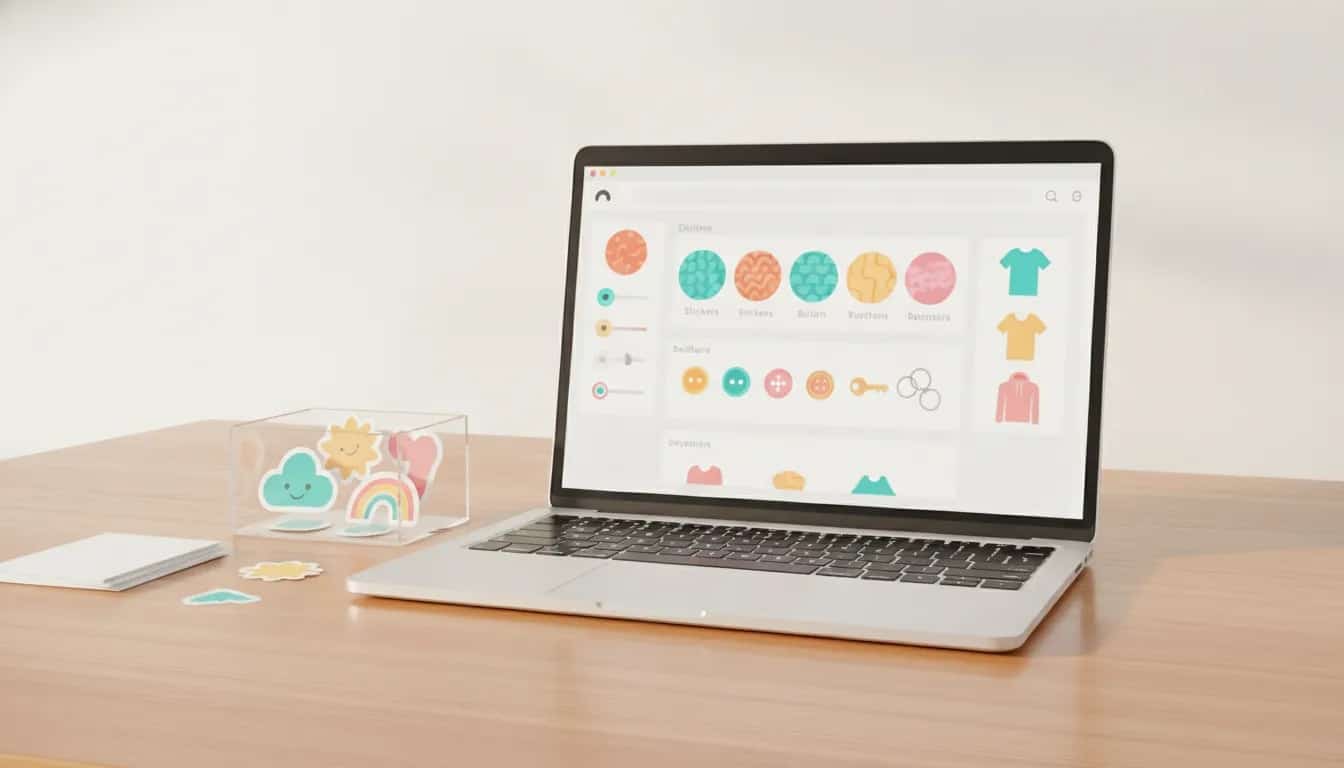
Sticker Mule Stores provides a simple way to create a branded online shop for custom products such as stickers, buttons, keychains, and apparel. It can be a practical option for artists, small brands, creators, and niche communities that have designs to sell but do not want to hold physical inventory themselves.
The process centers on uploading artwork, choosing a product format, approving a production proof, and listing the finished item in a storefront. Before building around it, however, it is important to understand how pricing, payouts, and country restrictions affect your ability to earn a markup.
What Is Sticker Mule Stores?
Sticker Mule Stores is an ecommerce storefront feature within Sticker Mule Pro. It lets sellers create a shop with a store name, username, banner, logo, and product listings. Products are made from uploaded artwork and fulfilled through Sticker Mule.
This model suits anyone with original visual assets who wants a lightweight route to selling custom merchandise. Rather than sourcing inventory upfront, the seller builds a catalogue around designs and publishes products through the store.
A store can include more than physical product listings. Available content types include:
- Products
- Services
- Images
- Templates
- Blog posts
- Events
- Frequently asked questions
That broader publishing capability can make a store feel more like a branded destination than a single product page.
Who Should Consider Starting a Sticker Store?
A Sticker Mule store is most relevant when the design is the main value of the product. Good fits include:
- Illustrators with a recognizable art style
- Creators building merchandise around a community or theme
- Small businesses that want branded stickers, buttons, or apparel
- Event organizers selling themed merchandise
- People testing demand for a collection before expanding it
It is less suitable if your business depends on complex product customization, a large catalog from many suppliers, or payout support outside the currently supported territories for commissions and markups.
How to Set Up a Sticker Mule Store
The initial setup is straightforward. A focused first store is usually better than attempting to launch dozens of unrelated products at once.
1. Create the store identity
Start by choosing a store name and username. Then add branding elements, including a banner and logo. These details matter because they establish the context for the artwork and make the collection look cohesive.
Choose a clear niche rather than a vague collection. For example, a cat-themed illustration shop, an outdoor club collection, or a local business sticker line gives customers an immediate reason to understand the products together.
2. Upload artwork you have permission to sell
Upload the graphic you want to turn into merchandise. Use artwork that you created or that you have clear commercial rights to use. Avoid relying on copyrighted characters, logos, or artwork owned by another party unless you have appropriate permission.
Prepare the artwork carefully before upload. Small details, low-resolution images, and artwork placed too close to an edge can reduce the quality of the final product.
3. Select a product type and size
After uploading the design, choose the product format. The available product range includes several sticker formats and other custom items, such as buttons, apparel, and keychains. Product choices can also have size options.
For a first listing, choose a product that complements the artwork:
- Die-cut stickers: Useful for illustrations with distinctive outlines.
- Circle or square stickers: A simple choice for logos and compact designs.
- Buttons: Appropriate for bold, readable graphics that work at a small size.
- Apparel and keychains: Better suited to designs that remain clear at larger or different proportions.
Do not assume one file will look equally effective across every product type. Test the design against the product preview and select formats where the artwork has enough visual space.
4. Submit the product for setup and review the proof
Once the product is selected, submit it for setup. A proof is created before the item can be added to the store. This is a critical quality-control step, not a formality.
When reviewing a proof, check the following:
- Important artwork is not clipped at the edges.
- Fine details remain visible at the chosen size.
- The intended shape matches the composition.
- There is no unwanted empty space or awkward cropping.
- Text, if used, is legible.
Approve the proof only when the design looks correct. Once approved, the product can be prepared for listing.
5. Add listing details and publish
Give each item a clear product title. Add tags where useful, and accurately identify whether the listing contains mature content. A good title should describe both the design and the item, such as “Pink Cat Die-Cut Sticker” rather than a vague internal file name.
Product pages can include purchasing options such as add to cart and sending an item as a gift. Shipping information is presented within the store experience.
How Pricing and Markups Work
Sticker Mule Stores can display a base price for a product. If you want to add a markup and earn commissions from sales, a Stripe account connection is required.
This distinction is essential:
- Listing a product is not the same as earning a profit from it.
- Adding a markup requires payout setup through Stripe.
- Payout eligibility depends on the seller’s country of residence.
Before promoting a store, confirm that the product pricing and your payout setup match your business goals. A store may be usable for showcasing products even when markup payouts are unavailable, but it will not function as the same type of revenue channel.
Which Countries Support Sticker Mule Commissions and Markups?
Commissions and markups are available only to residents of the United States, Canada, and Mexico. These are the locations available during the Stripe payout connection process.
If you live outside these countries, you cannot connect Stripe for Sticker Mule Store markups and commissions through this setup. This is particularly important for international sellers, because it limits the ability to earn from product markups even if the storefront and product creation tools are otherwise useful.
Check the current terms and eligibility requirements before committing time to a launch, since payment availability and platform policies can change.
What Can You Sell in a Sticker Mule Store?
Although stickers are the obvious starting point, the product selection extends beyond one sticker format. Options shown in the product workflow include custom sticker types and products such as buttons, t-shirts, and keychains.
A sensible launch strategy is to start with two or three closely related items instead of creating every possible format. For example:
- A die-cut sticker as the hero product
- A smaller sticker format for lower-cost purchases
- A button or keychain using the same recognizable artwork
This provides choice without making the store feel unfocused. Expand the range only after you have a clear reason to do so.
Important Note About Product Reviews
Store product pages may show reviews and ratings for the general Sticker Mule product category, such as die-cut stickers. Those reviews are not necessarily reviews of your specific artwork or listing.
That distinction matters when setting customer expectations. Product-category feedback can help explain the underlying item type, but it should not be presented as proof that a newly listed design has its own customer review history.
Extra Sticker Mule Pro Tools for Store Owners
Sticker Mule Pro includes tools that can help prepare and promote product artwork alongside the storefront feature. Relevant capabilities include:
- Redraw: Converts an image into vector graphics.
- Upscale: Enlarges images without simply relying on the original small file.
- Background removal: Removes the background from an image.
- Email and SMS campaigns: Supports customer communications.
- Giveaways: Can be used for promotions.
These tools can reduce the number of separate applications needed for basic artwork preparation and store promotion.
Store Limits and Subscription Considerations
Sticker Mule Pro includes one store. Creating an additional store is shown at a monthly cost of $9. If you operate multiple brands, collections, or client storefronts, factor that recurring cost into your plan.
Promotional access may be offered from time to time, including limited-duration access to Pro. These offers are time-sensitive and can change, so confirm the current price, included features, and renewal terms directly before signing up. The current AppSumo listing is one place to check whether an offer remains available.
Common Mistakes When Launching a Sticker Business
Launching before confirming payout eligibility
The biggest avoidable problem is designing a profitable store plan before checking whether Stripe payouts and markups are supported in your country. Confirm this first, especially if you live outside the United States, Canada, or Mexico.
Approving proofs too quickly
A proof is your opportunity to spot cropping, poor sizing, or designs that do not fit a chosen format. Review it at the actual product context, not only as a standalone image.
Using inconsistent art styles
A store with a clear subject, visual style, or audience is easier to understand. Random designs can work individually, but a cohesive collection makes branding and promotion simpler.
Using unclear listing names
Customers should be able to identify the item at a glance. Include the design subject and product type in the title, then use tags to reinforce discoverability.
Confusing category reviews with listing reviews
Be transparent about what ratings refer to. General feedback on die-cut stickers is helpful product context, but it is not customer feedback on a particular design.
Sticker Mule Store Launch Checklist
- Choose a focused niche or collection theme.
- Create a consistent store name, banner, and logo.
- Use original artwork or artwork licensed for commercial use.
- Select product formats that fit each design.
- Check every production proof for clipping, scale, and readability.
- Write descriptive product titles and add relevant tags.
- Verify whether Stripe markups and commissions are available where you live.
- Understand the number of included stores and the cost of additional stores.
- Use promotional tools and visual cleanup tools where they improve the listing.
Is Sticker Mule Stores a Good Way to Start Selling Stickers?
Sticker Mule Stores can be a useful starting point for sellers who already have strong artwork and want a direct path to a branded custom-product shop. Its biggest strengths are the integrated product setup, proof approval workflow, and access to creative tools such as redraw, upscaling, and background removal.
The key limitation is payout availability. If your business depends on adding markups and receiving commissions, you must be a resident of the United States, Canada, or Mexico. For eligible sellers, the best approach is to begin with a small, polished collection, approve every proof carefully, and build from the products that best represent the brand.