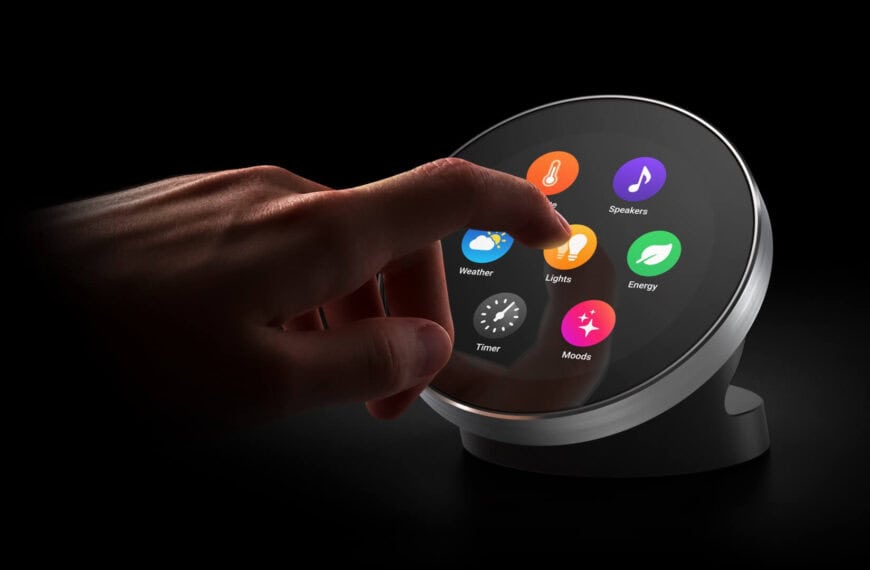
The SuperBOX S7 Max is marketed as an Android streaming box that promises to replace multiple monthly subscriptions with a single, one-time purchase. This guide explains how these devices work, what to check before buying, the legal and privacy questions to consider, and practical steps to set up and use one safely.
Discount code 👉 markjdraper 👈 use during checkout on https://mysuperbox.shop/
If you need a VPN try Nord.
What is the SuperBOX S7 Max (and similar Android streaming boxes)?
The SuperBOX S7 Max is a consumer Android TV-style device: compact hardware with HDMI output, USB ports and network connectivity that runs Android apps. On its own it behaves like any Android media player, but some sellers pair it with or provide access to third-party app stores that include apps which aggregate live TV, movies, and on-demand content.

Hardware overview — ports, remote, and basic features
Typical features you can expect:
- HDMI output to connect to a TV or AV receiver.
- Wi-Fi and Ethernet for streaming; many owners use a guest or isolated network for safety.
- USB and microSD slots for peripherals, external storage or keyboard/mouse.
- Small front display (time or status) and a remote with “mouse” mode for pointer control.
- Can be powered via USB or the included power adapter depending on the model.

How the device gives access to “all” content
Devices sold under this model often include or point to a third-party app store rather than relying solely on Google Play. That app store can host apps that list and stream live channels, video-on-demand libraries, and sports feeds. The box itself may arrive mostly empty with only basic system apps, and the third-party storefront must be installed or enabled to access the extra apps.

Some important technical and account details reported by users:
- Device-based authorization — certain services on these boxes use a unique device identifier (such as a MAC address) to grant access rather than requiring a traditional username/password login.
- Minimal personal data — some setups require only an email address to activate the service.
- Aggregated metadata — interfaces sometimes show user ratings and cataloged content for many streaming services in one place.

Is the SuperBOX S7 Max legal?
Short answer: the device itself is not inherently illegal, but using it to stream copyrighted content without authorization may be.
Key legal distinctions:
- Hardware vs content: Selling a general-purpose Android box is lawful. The legal risk arises from the content accessed through installed apps and whether those apps provide licensed streams.
- Preloaded illegal software: Devices preloaded with apps or configured to give immediate access to pirated streams have attracted legal action in several jurisdictions.
- Buyer responsibility: If you install or activate apps that provide unlicensed streams, you can be exposing yourself to copyright infringement claims depending on local law.
Laws differ by country. Some regions focus enforcement on sellers or distributors; others can pursue end users. If in doubt consult a legal professional about the laws where you live.
Red flags to watch for before buying
If a seller or product listing makes any of these claims, treat the offer with caution:
- “All channels for a one-time fee” — major rightsholders generally do not license content this way.
- Preinstalled “premium” apps that are not available through official app stores.
- Secret app stores or private activation codes that bypass standard app marketplaces.
- No or vague update/support path — lack of official firmware updates increases security risk.
- Seller discourages screenshots or proofs of functionality — that often indicates content that violates copyright.
Practical checklist: How to evaluate a streaming box safely
- Research the seller — look for reviews, complaints, and whether the product is sold through reputable retailers.
- Confirm what’s preinstalled — devices with only official apps (Netflix, YouTube, Google Play) are lower risk.
- Ask about licensing — legitimate services will document licensing and subscription models.
- Check for official app store access — if the Google Play Store is available, you can install well-known apps safely.
- Consider support and updates — regular security and OS updates matter for safety and longevity.
How to set up a SuperBOX-style device with privacy and security in mind
Use the following steps to reduce risk while keeping functionality:
- Initial network isolation: Connect the device to a guest or isolated VLAN rather than your main home network. This limits access to other devices if the streaming box is compromised.
- Factory reset on arrival: Reset the device to clear any preinstalled third-party software you did not explicitly approve.
- Install only official apps: Prefer apps from Google Play or other official sources. Avoid sideloading APKs from unknown websites.
- Audit installed apps: Review permissions and uninstall anything unfamiliar or unnecessary.
- Keep software updated: Install firmware or OS updates from the manufacturer if available.
- Use a VPN for privacy if streaming legitimate content: A VPN can add privacy by encrypting traffic, but it does not legalize access to unlicensed content.
- Monitor bandwidth and logs: Unexpected spikes in streaming or unknown connections may indicate unauthorized apps.
Troubleshooting and useful tips
- No image on TV: Check HDMI connection, source selection on TV, and try a different HDMI cable or port.
- Remote not responsive: Replace batteries, re-pair remote if supported, or try a USB mouse via the box’s USB port for navigation.
- Poor streaming quality: Switch to Ethernet or improve Wi-Fi signal; check network speed and close background apps.
- Apps crash or fail to open: Clear app cache, reinstall the app from an official store, or check for firmware updates.
Alternatives to consider
If avoiding legal and security risk is important, consider these legitimate cord-cutting options:
- Roku, Apple TV, Amazon Fire (officially configured) — mainstream platforms with official app ecosystems.
- Individual streaming subscriptions — Netflix, Disney+, Amazon Prime Video, and sport-specific services for licensed content and support.
- Live TV streaming services — Sling TV, YouTube TV, Hulu + Live TV (availability depends on region).
- Free, ad-supported legal services — Pluto TV, Tubi, Crackle, and others that offer licensed content with ads.
Frequently asked questions
Is owning a SuperBOX illegal?
Owning the hardware is not inherently illegal. The legal issue relates to how the device is used and whether the software provides unlicensed streams.
Can I be prosecuted for streaming from unofficial apps?
Laws and enforcement vary. In many places enforcement targets distributors and sellers, but individuals who knowingly access pirated content can face civil claims or penalties in some jurisdictions. Consult local law for specifics.
Does using a VPN make illegal streaming legal?
No. A VPN may provide privacy and encrypt traffic, but it does not authorize copyrighted content. Using a VPN to hide illegal activity can complicate legal issues.
How can I tell if an app is legitimate?
Legitimate apps are typically available in official stores, provide clear subscription terms, and link to a verified content provider. If an app promises paid content for a single low fee or hides its source, treat it with suspicion.
Final takeaway
SuperBOX-style Android devices can be a convenient way to play media, but they come with mixed risks depending on the software installed and how they are used. The hardware itself is generally lawful, but accessing unlicensed content is not. Before buying or installing third-party app stores, evaluate the seller, audit what is installed, isolate the device on your network, and prioritize official apps and services to reduce legal and security exposure.
If you already own one, perform a factory reset, remove unfamiliar apps, connect it on a guest network, and consider using only verified streaming services.