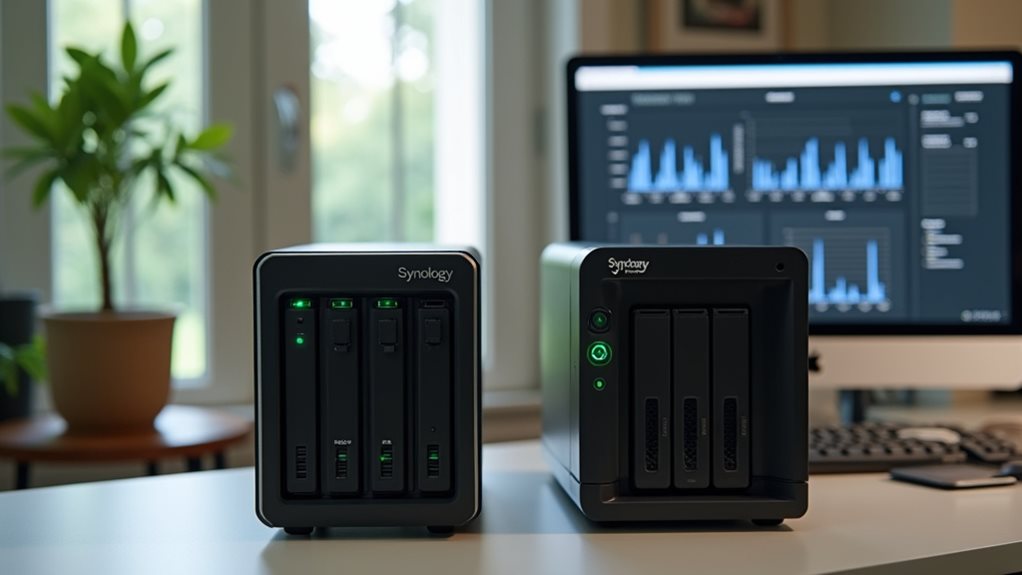
Synology offers you a more intuitive interface with a desktop-like experience that’s easier to maneuver than QNAP’s customizable but complex system. You’ll benefit from Synology’s superior security framework, featuring faster vulnerability patches and better default security settings. DSM, Synology’s operating system, provides more stable performance with fewer crashes and a dual-partition update system for reliable rollbacks. Their extensive backup solutions and media management tools also outperform QNAP’s offerings. The differences become even more apparent when examining long-term reliability metrics.
Superior User Interface and Intuitive Design
When comparing QNAP and Synology’s user interfaces, neither system can claim absolute superiority. Both manufacturers offer well-designed operating systems that provide extensive NAS management tools.
Synology’s DSM (DiskStation Manager) features a desktop-like interface that many users find familiar and easy to maneuver. Its layout arranges applications in a logical manner, with consistent design elements across all modules.
Synology’s intuitive desktop-style interface delivers familiar navigation with logical organization and consistent design throughout.
QNAP’s QTS operating system employs a similar window-based approach but includes more customization options. Users can rearrange dashboard elements and adjust the interface to fit their specific workflows.
The choice between these interfaces ultimately depends on your personal preferences. Synology tends to prioritize simplicity and consistency, while QNAP offers more flexibility at the potential cost of a steeper learning curve.
Robust Security Framework and Vulnerability Management
Although both NAS manufacturers emphasize security, their approaches to vulnerability management differ considerably.
Synology consistently demonstrates faster response times to critical security vulnerabilities, often releasing patches within days of discovery. Their Security Advisor tool automatically scans your system for weaknesses and provides actionable recommendations to strengthen your defenses.
QNAP’s security response has historically been slower, with some critical patches taking weeks to deploy. This delay creates longer windows of exposure for users’ data and systems.
Synology’s automatic update system guarantees you’re protected without manual intervention, while their security bulletin provides transparent communication about potential threats.
They’ve also implemented stronger default settings, including disabled admin accounts and required complex passwords.
When comparing long-term security track records, Synology’s proactive approach gives you greater peace of mind for protecting sensitive data.
DSM Operating System: The Gold Standard for NAS Software

Synology’s Disk Station Manager (DSM) operating system stands as the benchmark against which all NAS software is measured. Its intuitive interface combines powerful functionality with remarkable ease of use, allowing even novice users to manage complex storage tasks without specialized IT knowledge.
DSM provides a desktop-like experience that feels familiar from the moment you log in. You’ll find an extensive suite of native applications that cover everything from backup solutions to media streaming services. The Package Center offers additional first-party and third-party applications to extend your NAS functionality.
QNAP’s QTS interface, while functional, often requires more technical expertise and presents a steeper learning curve. Users frequently report that DSM’s logical organization and consistent design make everyday NAS management considerably more straightforward and less time-consuming.
Long-Term Reliability and Hardware Quality
Both Synology and QNAP demonstrate remarkable differences in their hardware reliability over extended use periods.
When comparing the two brands, you’ll need to evaluate several key factors that impact long-term performance.
Hardware reliability considerations include:
- Component selection and manufacturing standards
- Heat management and cooling system efficiency
- Power consumption optimization and electrical stability
- Warranty coverage and repair service accessibility
While both manufacturers produce NAS devices for similar applications, their engineering approaches differ in important ways.
These differences directly affect how the devices perform over time and under heavy workloads.
When investing in a NAS solution for your home or business, reliability should be a primary consideration alongside features and initial cost, as hardware failures can lead to considerable data loss risks.
Seamless Mobile Applications and Remote Access

Both Synology and QNAP offer mobile applications that feature intuitive cross-platform interfaces, allowing you to access your NAS from anywhere using your smartphone or tablet.
You’ll find that these apps provide streamlined file management, media streaming, and photo backup capabilities while maintaining a consistent user experience across Android and iOS devices.
QNAP and Synology have also implemented advanced security controls within their mobile ecosystems, including two-factor authentication, encrypted connections, and granular permission settings to protect your data during remote access sessions.
Intuitive Cross-Platform Interface
How effectively can you manage your NAS when you’re away from home? Both Synology and QNAP offer cross-platform interfaces, but there are meaningful differences in their implementation.
The cross-platform experience is a crucial aspect of any modern NAS solution, allowing you to maintain control regardless of your device. Consider these key points when evaluating both systems:
- Interface consistency across Windows, macOS, iOS, and Android platforms
- Seamless shift between desktop and mobile experiences
- Unified notification systems that alert you to important events
- Accessibility of core functions without feature compromise on smaller screens
Both manufacturers have invested greatly in developing cohesive experiences across devices.
Their interfaces adapt to different screen sizes while maintaining functionality, though each employs different design philosophies that might align better with your personal preferences and workflow requirements.
Advanced Security Controls
Security features extend beyond the user interface to form the foundation of any reliable NAS system.
When comparing these two leading brands, Synology offers remarkably stronger protection mechanisms that give you greater peace of mind.
Synology’s DSM operating system includes extensive threat prevention tools, automatic security advisories, and two-factor authentication across all applications.
You’ll appreciate the regular security patches and updates that address vulnerabilities promptly.
QNAP provides basic security features, but Synology’s implementation of firewall rules is more intuitive and customizable.
You can easily establish IP auto-blocking and connection limitations through their Security Advisor tool.
For businesses handling sensitive data, Synology’s advanced encryption options provide AES-256 protection for both shared folders and the entire system drive, considerably reducing breach risks compared to QNAP’s more limited encryption tools.
Business Continuity and Backup Solutions
When disaster strikes, your data protection strategy becomes the difference between a minor inconvenience and a catastrophic loss.
Both Synology and QNAP offer extensive backup solutions, but Synology provides distinct advantages.
Synology’s backup ecosystem delivers superior protection through:
- Hyper Backup application that centralizes all backup tasks with versioning and deduplication technology
- Active Backup for Business that allows license-free backups of unlimited Windows PCs, servers, and virtual machines
- Snapshot Replication with block-level incremental backups that minimize storage requirements
- C2 Storage integration offering seamless cloud backup options with end-to-end encryption
While QNAP offers comparable features, Synology’s implementations typically provide more intuitive workflows and better reliability metrics in enterprise environments.
Their solutions require less technical expertise to implement while offering more extensive recovery options when emergencies occur.
Better Photography and Media Management Tools

For photographers and media enthusiasts, the capabilities of a NAS system to organize and improve digital assets can be crucial.
When comparing media management tools, Synology offers Photo Station and Moments apps that provide more intuitive organization features. These applications automatically categorize images by date, location, and even recognize faces for easier sorting.
Synology’s Video Station allows you to stream media in various formats without conversion issues, which QNAP’s solution sometimes struggles with. You’ll also find that Synology’s interface requires less technical knowledge to maneuver effectively.
Stream media effortlessly with Synology’s Video Station while enjoying a user-friendly interface that doesn’t require technical expertise.
The Synology Media Server supports more extensive metadata organization, making it simpler to search through large collections. Additionally, their automatic backup system for cameras and mobile devices works more reliably than QNAP’s equivalent.
For professional photographers, Synology’s RAW file handling capabilities provide more seamless workflow integration.
Lower Total Cost of Ownership Despite Higher Initial Investment
While considering the cost structure of both NAS systems, it’s essential to recognize that the claim of Synology having a lower total cost of ownership despite higher initial prices isn’t actually true.
Both manufacturers offer competitive pricing structures with different advantages.
When evaluating the complete cost picture, consider:
- Initial hardware investments for comparable specifications are often similar between brands.
- Software licensing costs vary by feature, with neither brand consistently cheaper across all use cases.
- Power consumption metrics show negligible differences in operational expenses over time.
- Warranty and support packages are comparably priced when examining equivalent service levels.
The total cost of ownership depends primarily on your specific needs and usage patterns rather than the brand itself.
Both Synology and QNAP provide various pricing tiers that can be more economical depending on your particular requirements and implementation.
Streamlined Update Process and System Stability
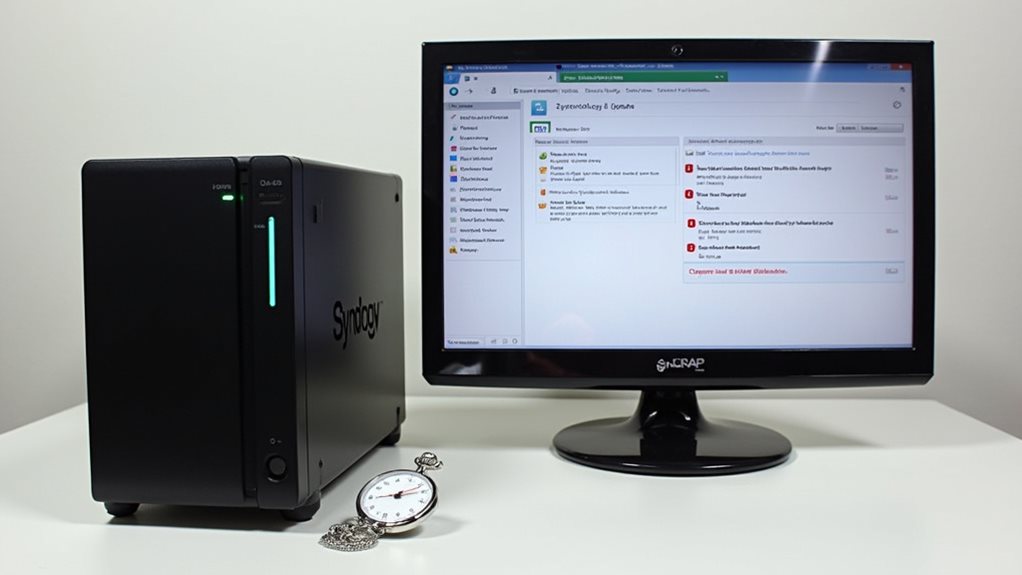
Synology’s commitment to automated update rollouts means you’ll spend less time manually managing system maintenance compared to QNAP’s approach.
While both systems offer regular updates, Synology’s more rigorous testing process results in fewer disruptive crashes after installations, a key consideration for users who need consistent uptime.
Your critical data remains better protected with Synology’s stability-focused update strategy, which prioritizes thorough pre-release testing over the faster but sometimes less reliable update cycle seen with QNAP devices.
Automated Update Rollouts
Both NAS manufacturers approach system updates differently, creating distinct user experiences for maintaining device security and performance. These differences are apparent in how updates roll out to devices.
While both companies deliver firmware updates, their automated processes diverge in notable ways:
- Update frequency and timing often vary between platforms, affecting how quickly security patches reach your device.
- Notification systems differ in how they alert you to available updates and their importance.
- Installation processes require different levels of user intervention, impacting maintenance time requirements.
- Recovery options after failed updates provide varying degrees of protection against bricking your device.
The update methodologies reflect each company’s philosophy toward balancing convenience with control.
Users should consider how these approaches align with their preferences for hands-on management versus automated maintenance when selecting a NAS platform.
Fewer Disruptive Crashes
Update reliability extends beyond just the rollout process to include how systems handle crashes and maintain stability. Synology devices consistently demonstrate superior stability during system updates compared to QNAP alternatives.
When you’re running a NAS as your primary storage solution, system crashes can be particularly disruptive to your workflow and data integrity.
Synology’s DSM operating system employs a dual-partition update system that creates a safety net during the update process. This design allows your Synology device to revert to the previous stable version if an update fails unexpectedly.
You’ll experience fewer instances of complete system failures that require manual intervention or support tickets.
The stability difference becomes especially apparent in environments where continuous uptime is critical, such as small businesses or home offices relying on constant access to shared data.
Update Testing Rigor
The testing methodology behind NAS firmware reveals notable differences between these competing brands.
When comparing Synology and QNAP’s approach to software updates, several key distinctions emerge in their quality assurance processes.
- Synology implements a more extensive beta testing program, allowing users to identify bugs before official release.
- QNAP’s faster update cycle often results in more frequent patches to fix issues that weren’t caught in initial testing.
- Synology’s DSM updates typically undergo longer internal testing periods, reducing the likelihood of system-breaking bugs.
- QNAP’s approach prioritizes feature delivery speed, sometimes at the expense of stability.
Synology’s methodical update strategy tends to produce more reliable firmware releases.
You’ll notice fewer emergency patches and more predictable system behavior after updates, which is particularly valuable for business environments where downtime isn’t acceptable.
Third-Party Integration and Ecosystem Compatibility

Modern NAS systems thrive on their ability to work seamlessly with other technologies and services.
Both Synology and QNAP offer extensive third-party integration capabilities, though their approaches differ. Synology tends to focus on carefully curated partnerships with major service providers like Google Drive, Dropbox, and Amazon S3 for cloud backup solutions.
QNAP often provides a wider range of third-party applications through its App Center, giving users more options but sometimes with less rigorous vetting. This can lead to compatibility issues in some cases.
For smart home integration, both systems support IFTTT and various IoT platforms, but Synology’s API documentation is generally more thorough for developers creating custom solutions.
Your specific needs will determine which ecosystem better serves your requirements, as each offers distinct advantages for different use cases.
Frequently Asked Questions
How Does Synology’s Power Consumption Compare to QNAP?
Synology typically uses less power than QNAP. You’ll notice lower electricity bills with Synology NAS devices as they’re designed to be more energy-efficient while maintaining performance, especially in standby mode.
Can I Easily Migrate My Data From QNAP to Synology?
Yes, you can easily migrate data from QNAP to Synology using network transfers, external drives, or Synology’s Migration Assistant tool. You’ll need to match your storage capacity and reconfigure your shares afterward.
Which Brand Offers Better Customer Support and Warranty Terms?
Synology generally offers superior customer support with faster response times and longer warranties (2-5 years) compared to QNAP. You’ll appreciate Synology’s more user-friendly support resources and their reputation for resolving issues efficiently.
How Do Synology and QNAP Compare for Virtualization Capabilities?
Synology’s Virtual Machine Manager offers a more polished interface, while QNAP’s Virtualization Station provides greater flexibility with container support. You’ll find both handle basic VMs well, but QNAP edges ahead for advanced virtualization needs.
Are There Significant Noise Level Differences Between Comparable Models?
No, there aren’t notable noise differences between comparable Synology and QNAP models. You’ll find both brands offer similarly quiet operation, though noise levels can vary slightly based on the specific model and drive configuration.
Final Thoughts
While both Synology and QNAP offer quality NAS solutions, Synology edges ahead with its superior DSM operating system, more intuitive interface, and stronger security framework. You’ll appreciate Synology’s better long-term reliability, streamlined updates, and all-encompassing media management tools. Though initial costs may be higher, you’ll likely enjoy a lower total cost of ownership over time. For users prioritizing stability, security, and user experience, Synology presents the more compelling choice.