Choosing between two powerful AI-focused mini PCs can be challenging when both promise cutting-edge performance in a compact form. The Minisforum AI X1 Pro 470 features AMD’s Ryzen AI HX470 processor, while the Olares One AI combines an Intel Core U9 275HX with an NVIDIA 5090 Mobile GPU. The main difference is that the Olares One AI focuses on dedicated graphics power with its NVIDIA 5090 Mobile and 96GB of RAM at $2,999, while the AI X1 Pro 470 relies on integrated AMD graphics and offers more storage flexibility at a lower price point.
Both systems target users who need local AI processing without relying on cloud services. The AI X1 Pro 470 supports up to 128GB of RAM and up to 12TB of storage across three M.2 slots, making it highly expandable. The Olares One AI comes preconfigured with 96GB of RAM and 2TB of storage, paired with specialized software designed for AI workloads.
Your choice depends on whether you need dedicated graphics power for demanding AI tasks or prefer a more affordable system with strong integrated capabilities. We’ll compare processor performance, graphics options, memory configurations, and real-world usability to help you decide which mini PC fits your needs.
AI X1 Pro 470 vs Olares One AI: Quick Overview
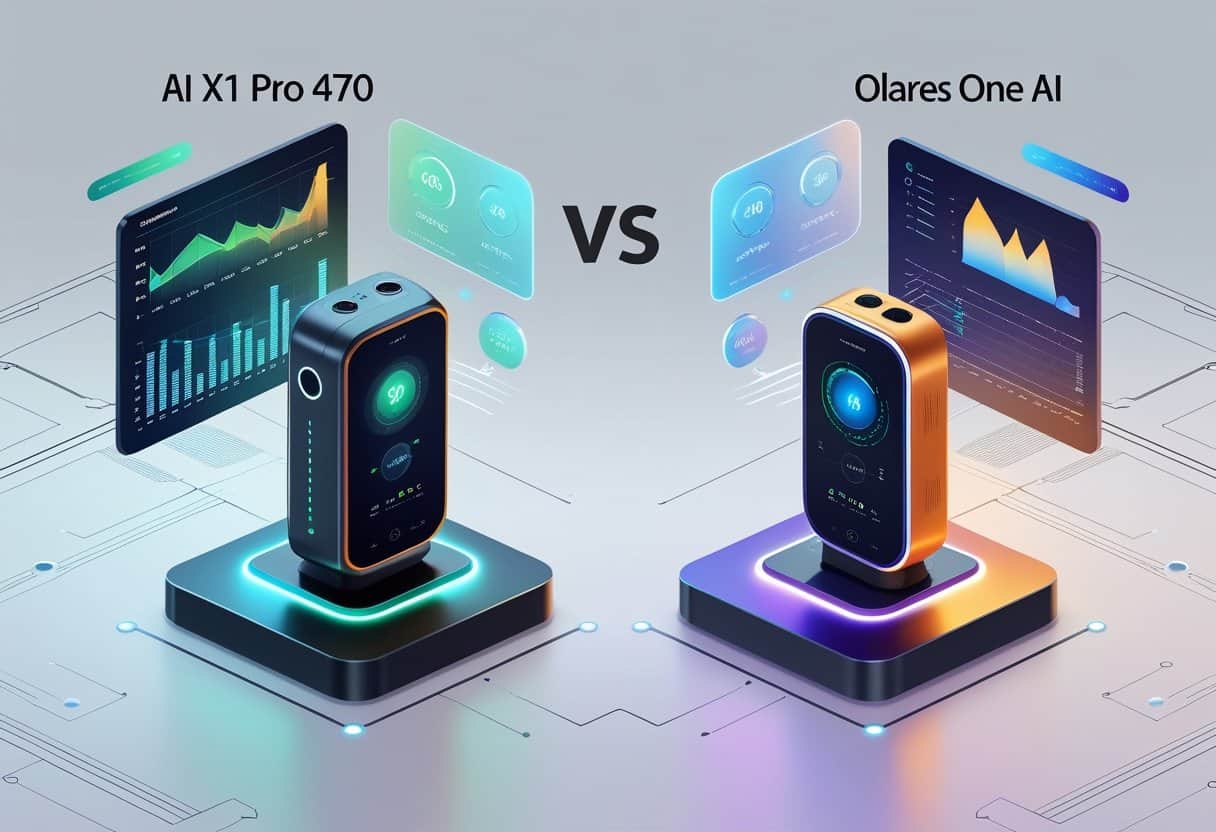
The Minisforum AI X1 Pro-470 and Olares One AI represent two distinct approaches to compact AI computing. The AI X1 Pro-470 focuses on AMD’s latest processor technology, while the Olares One AI pairs Intel processing with dedicated NVIDIA graphics.
Key Differences
The AI X1 Pro-470 features AMD’s Ryzen AI 9 HX470 processor, which uses the new Gorgon Point architecture. This mini PC includes integrated Radeon 890M graphics and supports up to 128GB of DDR5-5600MHz RAM through two SO-DIMM slots.
The Olares One AI takes a different approach. It combines an Intel Core Ultra 9 275HX processor with an NVIDIA RTX 5090 Mobile GPU that has 24GB of dedicated VRAM. Your system comes with 96GB of RAM and 2TB of storage.
Memory and Storage Comparison:
| Feature | AI X1 Pro-470 | Olares One AI |
|---|---|---|
| Max RAM | 128GB DDR5 | 96GB |
| Storage Slots | Three M.2 2280 NVMe | 2TB included |
| Graphics | Radeon 890M (integrated) | RTX 5090 Mobile (24GB VRAM) |
The AI X1 Pro-470 includes OCuLink support for external GPU expansion if you need more graphics power later.
Target Audiences
You’ll find the AI X1 Pro-470 suits general AI tasks, office work, and media center applications. The compact design works well for smart homes and standard productivity needs.
The Olares One AI targets users running demanding local AI workloads. If you work with large language models, video generation, or complex 3D rendering, the dedicated NVIDIA GPU provides the VRAM needed for these tasks. Your workflow benefits from the 24GB of video memory when running models that require significant resources.
Market Positioning
The AI X1 Pro-470 positions itself as an accessible entry into AI-ready computing. You get modern AMD processing with integrated graphics at a competitive price point for the mini PC category.
The Olares One AI sits in the premium segment at $2,999. Your purchase includes both the hardware and the Olares operating system designed specifically for AI workloads. This price reflects the inclusion of high-end NVIDIA graphics and the integrated software ecosystem for running local AI models.
Processor and AI Capabilities
The Minisforum AI X1 Pro 470 uses AMD’s Ryzen AI 9 HX 470 processor, while the Olares One runs on an Intel Core Ultra 9 275HX paired with an NVIDIA RTX 5090 Mobile GPU. The AMD chip focuses on integrated AI processing with an 86 TOPS NPU, whereas the Olares One relies on dedicated GPU power for AI tasks.
CPU Specifications
The Minisforum AI X1 Pro 470 features the Ryzen AI 9 HX 470, which is built on AMD’s Zen 5 architecture. This processor includes 12 cores and 24 threads with a maximum boost clock reaching 5.1 GHz.
The Olares One uses the Intel Core Ultra 9 275HX processor paired with 96GB of DDR5 RAM running at 5600MHz. This system also includes an NVIDIA RTX 5090 Mobile GPU with 24GB of dedicated VRAM, giving you significantly more graphics processing power for demanding workloads.
Both systems offer strong multi-core performance. However, the Olares One’s discrete GPU provides a major advantage for tasks that benefit from parallel processing, while the AI X1 Pro 470 takes a more integrated approach with its all-in-one chip design.
Integrated NPU and AI Workloads
The Ryzen AI 9 HX 470 includes a 55 TOPS NPU specifically designed for on-device AI processing. This neural processing unit handles AI inference tasks directly on your device without requiring cloud connectivity.
The Olares One supports local AI hardware performance through its combination of CPU and discrete GPU rather than a dedicated NPU. The RTX 5090 Mobile’s 24GB VRAM allows you to run larger AI models that would exceed the memory capacity of integrated solutions.
For local AI workloads, the Olares One can handle larger language models. The system successfully runs models like Qwen3-30B and even compressed 120B parameter models when using appropriate quantization methods. The AI X1 Pro 470’s NPU excels at efficient, lower-power AI tasks but has more limitations with memory-intensive models.
Performance Metrics and TOPS
The AI X1 Pro 470 delivers 86 TOPS of combined AI performance when you account for the CPU, GPU, and NPU working together. The 55 TOPS NPU (Gorgon Point) provides the majority of dedicated AI processing capability.
The Olares One’s performance in AI benchmarks shows different characteristics. While it doesn’t use TOPS as a primary metric, its RTX 5090 Mobile GPU delivers substantially higher throughput for LLM inference and generative tasks. The system achieved competitive token generation rates across multiple concurrent AI requests.
AI Performance Comparison:
| System | AI Processing | Memory for AI | Architecture |
|---|---|---|---|
| AI X1 Pro 470 | 86 TOPS (55 TOPS NPU) | Shared system RAM | Integrated NPU |
| Olares One | GPU-accelerated | 24GB dedicated VRAM | Discrete GPU |
Supported AI Tasks
Both systems handle standard AI tasks like image generation, text processing, and voice recognition. The differences emerge with more demanding workloads.
The AI X1 Pro 470’s Ryzen AI processor handles efficient on-device AI inference for tasks like real-time transcription, basic image processing, and small language models. The NPU runs these workloads with lower power consumption compared to GPU-based solutions.
The Olares One supports more intensive local AI workloads. You can run large language models with billions of parameters, generate high-resolution images, and perform video generation tasks. The system handles models like Gemma3-27B and quantized versions of 120B parameter models. Its 24GB VRAM allows you to work with larger context windows and batch multiple AI requests simultaneously without running out of memory.
Graphics Capabilities
The AI X1 Pro 470 relies on integrated Radeon 890M graphics with OCuLink expansion capabilities, while the Olares One includes a dedicated NVIDIA RTX 5090 Mobile GPU with 24GB of VRAM. These different approaches affect everything from gaming performance to AI image generation tasks.
Integrated Radeon 890M
The AI X1 Pro 470 features AMD Radeon 890M integrated graphics, which represents AMD’s RDNA 3.5 architecture. This integrated GPU shares system memory rather than having dedicated VRAM. You can allocate up to 16GB of your DDR5 RAM for graphics tasks.
The Radeon 890M delivers solid performance for everyday tasks and light gaming. It handles 1080p gaming at medium settings for most modern titles. The RDNA 3.5 architecture brings improvements in power efficiency compared to previous generations.
For AI workloads, the integrated Radeon 890M can assist with certain tasks. However, it shares memory bandwidth with the CPU, which limits performance in memory-intensive operations like large model inference or complex image generation.
External GPU and OCuLink Support
The AI X1 Pro 470 includes OCuLink eGPU expansion support, allowing you to connect an external discrete GPU for significantly better graphics performance. OCuLink provides PCIe 4.0 x4 bandwidth, which gives your external GPU nearly the same performance as an internal connection.
This expansion option means you can start with integrated graphics and add a powerful GPU later when needed. You could connect desktop graphics cards through an OCuLink enclosure for gaming or professional workloads.
The Olares One takes a different approach by including the RTX 5090 Mobile GPU from the start. This laptop GPU comes with 24GB of dedicated VRAM and offers desktop-class performance in AI tasks. You don’t need external expansion because the powerful graphics are already built in.
Graphics Benchmarks
Performance testing shows clear differences between these systems. The Olares One with its RTX 5090 Mobile delivers substantially higher frame rates in 3DMark Time Spy and other synthetic benchmarks. Gaming at 1440p or 4K resolution becomes practical with the dedicated mobile GPU.
For AI image generation tasks, benchmark testing shows the Olares One’s advantage. The 24GB of VRAM allows you to run larger Stable Diffusion models and handle multiple generation requests simultaneously. Image generation completes faster on dedicated GPU hardware.
The AI X1 Pro 470 with Radeon 890M handles basic image generation but struggles with complex models or high-resolution outputs. Adding an external GPU through OCuLink changes this equation dramatically, bringing performance closer to dedicated solutions.
Display Support and VRAM Allocation
Both systems support multiple displays, but with different configurations. The AI X1 Pro 470 can drive several monitors through its various ports, with the integrated Radeon 890M handling display output. You need to allocate sufficient system RAM for VRAM to ensure smooth multi-monitor performance.
VRAM allocation on the Radeon 890M adjusts dynamically based on your tasks. You can set a minimum and maximum allocation in BIOS settings. Higher allocations improve graphics performance but reduce available system memory for other tasks.
The Olares One’s RTX 5090 Mobile has fixed 24GB of dedicated VRAM that doesn’t compete with system RAM. This dedicated memory handles graphics workloads without affecting your 96GB of system memory for CPU tasks or model loading.
Memory and Storage Options

The AI X1 Pro 470 supports up to 128GB of DDR5 memory across two SO-DIMM slots, while the Olares One comes configured with 96GB DDR5 RAM pre-installed. Both systems offer expandable storage through multiple M.2 slots, though they differ in total capacity and configuration flexibility.
DDR5 RAM Capacity and Speeds
The Minisforum AI X1 Pro 470 features two DDR5 SO-DIMM slots that support speeds up to DDR5-5600 MHz. You can install up to 128GB DDR5 total memory in this system.
The barebones version ships without RAM, giving you complete control over your memory configuration. You can choose between single or dual-channel setups based on your budget and performance needs.
The Olares One includes 96GB of DDR5 RAM running at 5600MHz as a standard configuration. This comes as two 48GB modules already installed in the system. The pre-configured setup means you get optimized dual-channel performance right out of the box without needing to purchase additional components.
M.2 PCIe 4.0 SSD Expansion
The AI X1 Pro 470 includes three M.2 2280 NVMe slots inside its chassis. All three slots support PCIe 4.0 SSDs, allowing you to install up to 12TB of storage if you use three 4TB drives.
This triple-slot configuration gives you flexibility for different storage strategies. You can use one drive for your operating system, another for active projects, and a third for archival storage or AI model libraries.
The Olares One ships with a 2TB NVMe SSD that supports PCIe 4.0. The system comes pre-configured with this storage already installed. While this provides immediate usability, you have less flexibility compared to the AI X1 Pro 470’s three M.2 slots.
SO-DIMM Slots and VRAM Sharing
Both systems use SO-DIMM form factor memory modules rather than full-size desktop RAM. This smaller form factor enables the compact design while still supporting high capacities and speeds.
The AI X1 Pro 470’s integrated Radeon 890M graphics share system memory rather than having dedicated VRAM. Your available system RAM gets reduced by whatever amount the GPU allocates for graphics tasks.
The Olares One takes a different approach with its Nvidia GeForce RTX 5090 Mobile GPU. This graphics card includes 24GB of dedicated GDDR7 VRAM, which means your 96GB of system RAM remains fully available for other tasks. The dedicated memory pool prevents competition between CPU and GPU workloads for memory resources.
SD Card and Additional Storage
Neither the AI X1 Pro 470 nor the Olares One includes a built-in SD card reader based on available specifications. You would need to use a USB adapter if you need to transfer data from SD cards.
Both systems offer USB ports that support external storage drives. The AI X1 Pro 470 provides multiple USB-A and USB4 ports for connecting external drives. The Olares One includes a Thunderbolt 5 port alongside USB-A connections for high-speed external storage options.
Connectivity and Expansion Features

The AI X1 Pro 470 delivers robust connectivity with dual USB4 ports, OCuLink for external GPU support, and Wi-Fi 7, while the Olares One AI focuses on network-centric features with dual 2.5GbE LAN ports and multiple USB 3.2 options.
USB4 and USB 3.2 Ports
The Minisforum AI X1 Pro 470 features dual USB4 ports that deliver 40 Gbps transfer speeds and support power delivery for connected devices. These USB4 ports enable you to connect high-speed external storage, docks, and displays through a single cable.
You also get USB 3.2 Gen2 Type-A ports on the AI X1 Pro 470 for traditional peripherals. The Olares One AI emphasizes USB 3.2 connectivity with multiple Type-A ports across its chassis.
Both systems provide enough USB bandwidth for your external drives, keyboards, mice, and other accessories. The AI X1 Pro 470’s USB4 implementation gives you more flexibility for future expansion and faster data transfers when you need them.
Display Output: HDMI & DisplayPort
The AI X1 Pro 470 can drive up to four 4K displays simultaneously using a combination of HDMI 2.1, DisplayPort 2.0, and its dual USB4 ports. The HDMI 2.1 port supports 4K at 120Hz or 8K at 60Hz for your high-refresh-rate monitors.
DisplayPort 2.0 on the AI X1 Pro 470 delivers even higher bandwidth for demanding display setups. You can connect professional monitors or multi-display workflows without sacrificing resolution or refresh rates.
The Olares One AI typically provides HDMI and DisplayPort options but with more limited multi-display capabilities. If you need to run three or four monitors for productivity work, the AI X1 Pro 470 gives you native support without adapters.
Wired and Wireless Networking
The AI X1 Pro 470 includes Wi-Fi 7 and Bluetooth 5.4 alongside a single 2.5GbE Ethernet port for high-speed wired connections. Wi-Fi 7 provides faster wireless speeds and lower latency compared to previous Wi-Fi standards.
The Olares One AI often features dual 2.5GbE LAN ports for network redundancy and link aggregation. This dual 2.5 GbE configuration benefits you if you run virtualization environments or need failover network protection.
Both systems offer Bluetooth 5.4 for wireless peripherals and audio devices. Your choice depends on whether you prioritize cutting-edge wireless connectivity with Wi-Fi 7 or prefer dual wired Ethernet for network reliability.
Additional Ports and Security
The AI X1 Pro 470 includes an OCuLink port that lets you connect external GPUs for enhanced graphics performance when needed. This gives you upgrade flexibility without replacing the entire system.
You get a built-in fingerprint reader on the AI X1 Pro 470 for biometric authentication. A Kensington lock slot provides physical security for office or public environments.
The system also features built-in dual microphones and speakers for video calls without external accessories. These integrated audio components work alongside the hardware security features to create a complete workstation setup in a compact form factor.
Compact Design and Build Quality
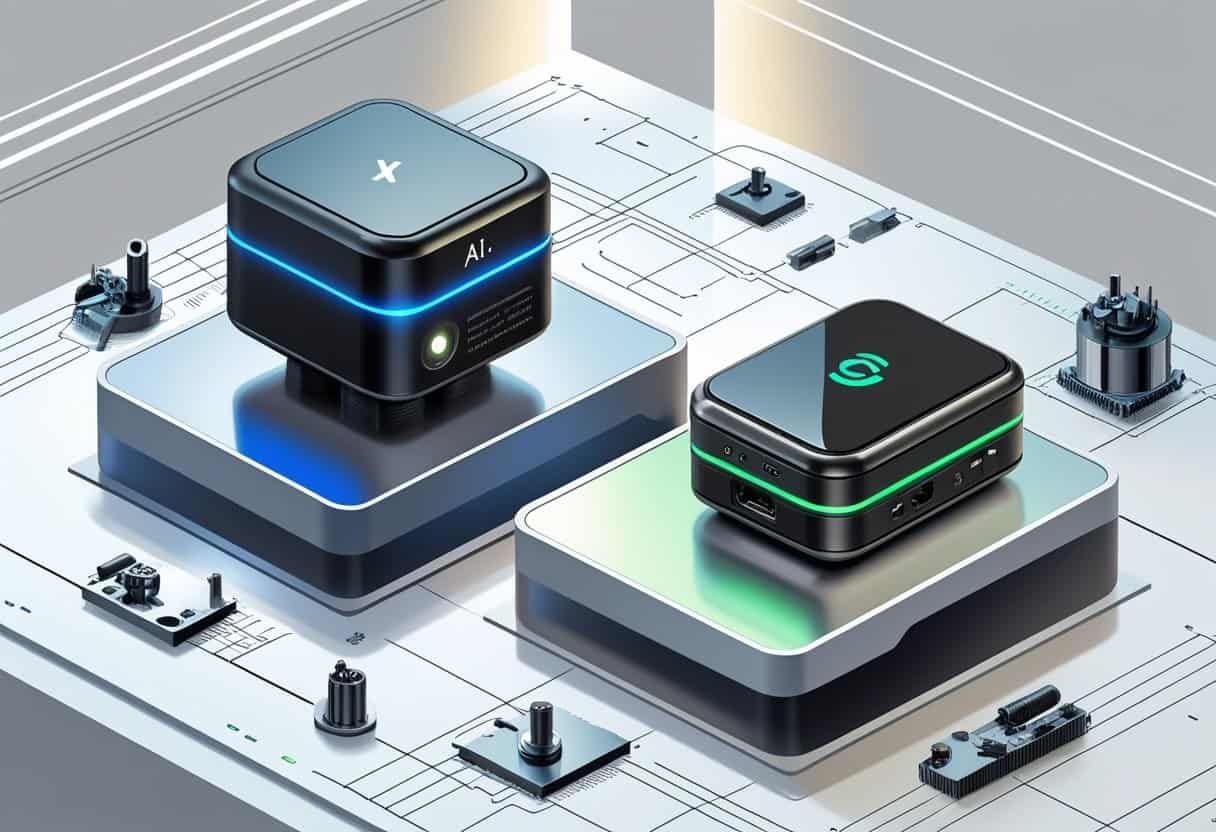
Both systems take different approaches to compact computing, with the AI X1 Pro-470 measuring 195 × 195 × 47.5mm and the Olares One AI offering an even smaller footprint designed for minimalist setups.
Physical Dimensions and Materials
The AI X1 Pro-470 features a silver aluminum chassis with black accents that weighs 1.5kg. Its larger footprint compared to many compact systems serves a purpose—it houses an integrated power supply that eliminates the need for an external power brick cluttering your desk.
The metal construction provides durability and helps with heat dissipation. Your setup stays cleaner without extra cables and adapters.
The Olares One AI takes a more minimalist approach with an ultra-compact design focused on smart home integration. It prioritizes a smaller desk presence over internal expansion.
Thermal Solutions and Noise Levels
The AI X1 Pro-470 uses dual copper heat pipes and a larger internal volume for airflow. This cooling system handles the AMD Ryzen AI 9 HX 470’s heat output while keeping noise levels low during standard tasks.
The larger chassis gives your system better thermal headroom than ultra-compact designs. You can run demanding workloads without thermal throttling.
Under heavy loads, the fans spin up but remain quieter than traditional desktop PCs. The compact workstation design balances performance with acceptable acoustics for office environments.
Mounting Options and Flexibility
Both compact desktop systems include VESA mount compatibility. You can attach the AI X1 Pro-470 to the back of your monitor or mount it on a wall to save desk space.
The included bracket lets you position the unit vertically or horizontally based on your workspace needs. This flexibility makes it easy to integrate into existing setups.
The compact design works well in home offices, media centers, or smart home installations. Your mounting choice depends on available space and cable management preferences.
User Features and Everyday Experience
The Minisforum AI X1 Pro 470 includes a fingerprint sensor and Copilot button for Windows integration, while the Olares One focuses on local AI processing with its dedicated hardware and Olares OS. Both systems offer different approaches to audio quality and practical AI applications.
Fingerprint Sensor and Security
The Minisforum AI X1 Pro 470 includes a built-in fingerprint sensor on the front panel. You can use fingerprint login to quickly access Windows without typing passwords.
This Windows Hello-compatible sensor works with Windows 11’s security features. Your biometric data stays encrypted on the device.
The Olares One takes a different approach to security through its Olares OS platform. It doesn’t include a fingerprint sensor but relies on traditional password authentication and system-level security protocols.
Copilot Button and Integration
The AI X1 Pro 470 features a dedicated Copilot button as part of its Copilot-empowered design. You can press this physical button to instantly launch Microsoft Copilot in Windows 11.
The Ryzen AI 9 HX 470 processor includes an 86 TOPS NPU that handles Copilot tasks locally. This means faster response times for AI-assisted tasks compared to cloud processing.
The Olares One doesn’t include Windows or Copilot integration. Instead, you work with local language models through the Olares OS interface. You have more control over which AI models run on your system.
Audio and Microphones
The Minisforum AI X1 Pro 470 comes with dual speakers built into the chassis. These speakers handle basic audio output for video calls and media playback.
The system includes noise-canceling microphone arrays for clearer voice input. This helps with speech recognition tasks and video conferencing.
The Olares One specification sheets don’t highlight specific audio features. As a workstation focused on AI processing, it assumes you’ll use external audio equipment for professional work.
Local AI Applications and Real-World Use
Both systems excel at local inference but serve different purposes. The Olares One handles demanding AI workloads with its NVIDIA 5090 Mobile GPU and 24GB VRAM.
You can run larger local language models on the Olares One. The benchmark data shows it processes AI tasks faster than systems with integrated graphics.
The AI X1 Pro 470 works better for everyday AI-assisted media tasks. Its NPU handles background AI processes while the integrated Radeon graphics manages 1080p gaming and content creation.
For speech recognition and basic AI features, the Minisforum system performs well. The 86 TOPS NPU processes these lighter tasks efficiently without taxing the main processor.
Frequently Asked Questions
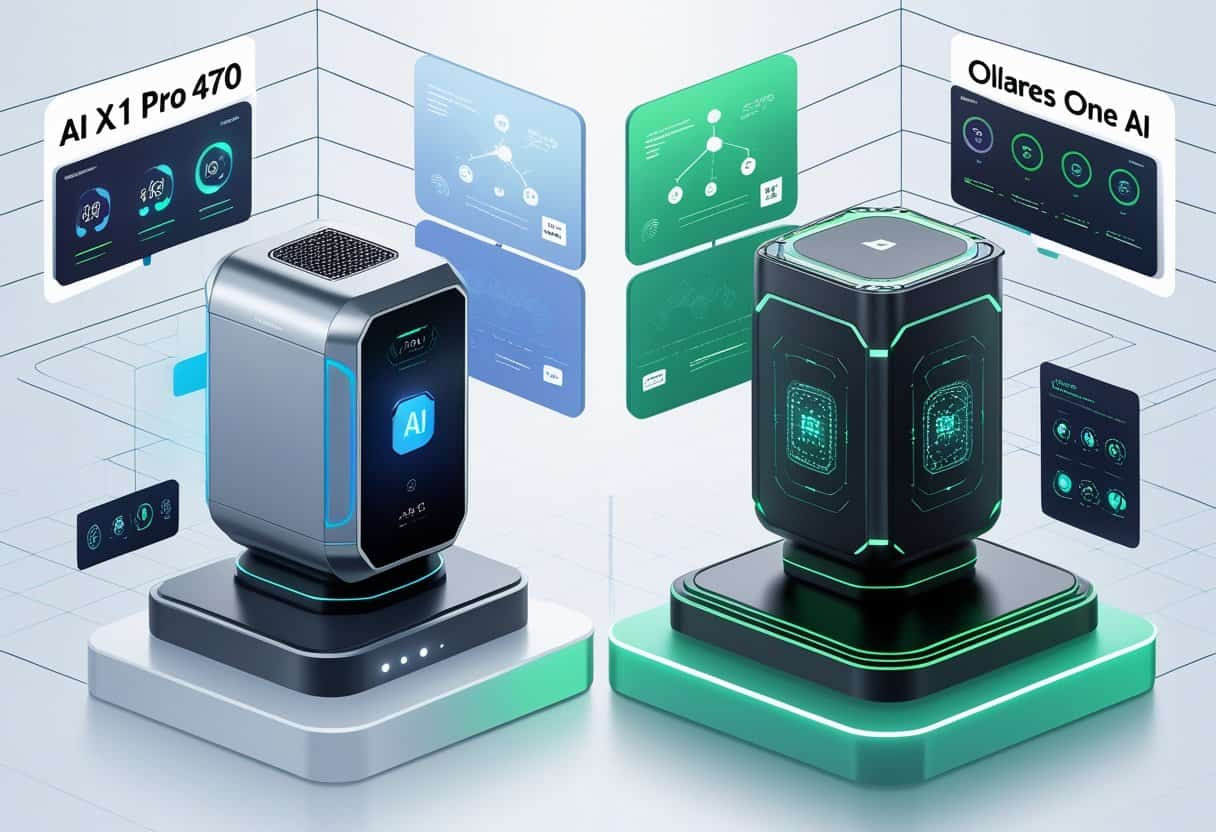
The Minisforum AI X1 Pro 470 and Olares One represent different approaches to AI computing, with the Minisforum offering expandable storage up to 12TB and the Olares One featuring 96GB RAM with 24GB VRAM in its RTX 5090 Mobile GPU.
What are the key differences between Minisforum AI X1 Pro 470 and Olares One AI?
The Minisforum AI X1 Pro 470 uses AMD’s Ryzen AI 9 HX470 processor, while the Olares One uses an Intel Core Ultra 9 275HX with 24 cores. The Olares One is priced at $2,999 and includes an RTX 5090 Mobile GPU with 24GB of VRAM.
The Minisforum supports up to 128GB of DDR5 RAM at speeds up to 5600MHz. It offers three M.2 2280 NVMe slots for storage expansion.
The Olares One comes with the Olares operating system, which is designed specifically for running AI agents and storing data locally. The Minisforum runs standard operating systems like Windows or Linux.
How do the performance metrics compare for gaming between the Minisforum AI X1 Pro 470 and Olares One AI?
The Olares One’s RTX 5090 Mobile GPU provides dedicated gaming capabilities that exceed what the Minisforum AI X1 Pro 470 can deliver. The 24GB of VRAM in the Olares One supports high-resolution gaming and demanding graphics workloads.
The Minisforum AI X1 Pro 470 relies on integrated graphics within the Ryzen AI 9 HX470 processor. This makes it suitable for light gaming but not intensive AAA titles at high settings.
Your gaming experience will be significantly better on the Olares One if you prioritize graphics performance. The Minisforum is better suited for productivity and AI tasks rather than gaming.
Can the Minisforum AI X1 Pro 470 be easily upgraded with an SSD?
The Minisforum AI X1 Pro 470 includes three M.2 2280 NVMe slots inside the chassis. You can upgrade storage capacity up to 12TB total across all three slots.
The installation process requires opening the chassis to access the M.2 slots. This is a straightforward upgrade for anyone comfortable with basic computer hardware.
You’ll need to ensure any SSDs you purchase are compatible with the M.2 2280 form factor and support NVMe protocol. The system supports modern PCIe Gen 4 or Gen 5 drives depending on the slot.
What are the implications of the BIOS update for the Minisforum AI X1 Pro 470 on its overall performance?
BIOS updates can improve system stability and unlock better performance from your hardware. They may also address compatibility issues with newer RAM modules or storage devices.
You should check the Minisforum support page regularly for BIOS updates specific to the AI X1 Pro 470. These updates can optimize power management and thermal performance.
Always follow the manufacturer’s instructions carefully when updating BIOS. An interrupted or failed BIOS update can make your system unusable.
Which offers a better value for the price, the Minisforum AI X1 Pro 470 or the Olares One AI?
The Minisforum AI X1 Pro 470 costs approximately half the price of the Olares One at around $1,500. This makes it more accessible if you’re on a tighter budget.
The Olares One at $2,999 includes premium components like the RTX 5090 Mobile GPU and 96GB of RAM. You also get the specialized Olares OS designed for privacy-focused local AI workloads.
Your choice depends on your specific needs. The Minisforum offers better value for general AI tasks and productivity, while the Olares One justifies its higher price with superior GPU capabilities and more RAM.
How does the Minisforum AI X1 Pro 470 handle thermal management and cooling compared to Olares One AI?
The Olares One runs at under 23 decibels at idle and reaches about 38.8 decibels under heavy load. The cooling system keeps the chassis comfortable to touch even during sustained AI workloads.
The Minisforum AI X1 Pro 470 is substantially bigger than earlier models in the line. This larger chassis likely allows for better airflow and cooling capacity.
Both systems are designed for 24/7 operation. The Olares One’s cooling solution is optimized for the high-power RTX 5090 Mobile GPU, while the Minisforum handles the thermal output of integrated graphics and the Ryzen processor.