CrawlQ Studio is designed for businesses that want more than a generic AI writer. It focuses on brand research, ideal customer understanding, and data-driven asset generation, then uses that research to support campaigns, content, and documentation.
If you are comparing AI marketing tools and asking whether CrawlQ Studio is useful for content strategy, landing pages, brand messaging, or audience research, the short answer is yes. Its standout value is not just writing. It is the way it builds context around your business first.
What CrawlQ Studio actually does
CrawlQ Studio is best understood as an AI brand intelligence and research platform. You create a workspace around a business or website, and the platform gathers information to help define:
- Brand DNA
- Ideal client profiles
- Pain points and objections
- Market entities and relationships
- Brand differentiators and moat
- Campaign ideas and content assets
That makes it different from a standard prompt-based AI tool. Instead of starting with a blank page, it starts with research and structured context.
Who CrawlQ Studio is for
This type of platform is a good fit for:
- Marketers building campaigns around a clear audience
- Agencies handling multiple client brands
- Website copywriters who need better ICP and pain point insight
- Local businesses that want niche-specific content and lead magnets
- Brand strategists who want a more structured research workflow
It is especially useful when generic AI outputs are not good enough because the messaging needs to reflect a specific market, customer anxiety, or local service context.
How the workflow starts: building a brand workspace
The first step is setting up a workspace with initial business information, including a website URL. After that, the platform performs a research pass and builds out the foundation.
This is not instant. The setup can take some time because the platform is pulling together a large amount of contextual information before giving you recommendations.
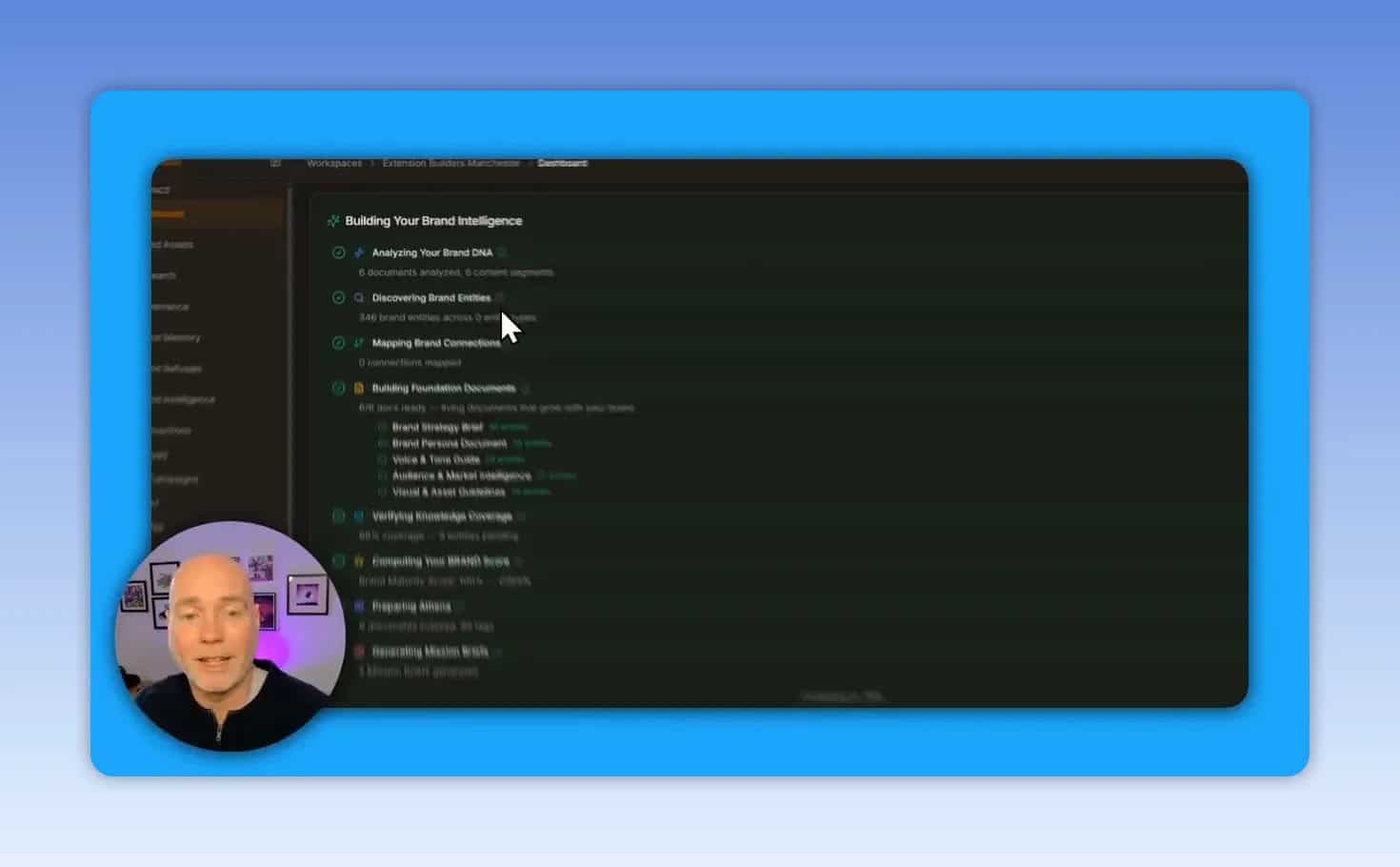
Once the workspace is ready, CrawlQ Studio moves through several analysis stages such as:
- Analyzing brand DNA
- Discovering entities
- Mapping connections
- Creating foundation documents
The benefit of this slower first step is that later outputs are informed by real context instead of broad assumptions.
Why CrawlQ Studio stands out from normal AI writers
Most AI content tools are optimized for speed. CrawlQ Studio is optimized for context. That changes the quality of what comes next.
Rather than simply asking for a blog post or landing page, you are working from a research base that includes customer pain points, brand voice attributes, and business differentiators. That gives you a better starting point for:
- Landing page copy
- Email campaigns
- Lead magnets
- Sales messaging
- Audience-specific blog content
- Strategic documentation
This is an important distinction if you care about conversion-focused content rather than just volume.
Campaigns and AI chat inside the workspace
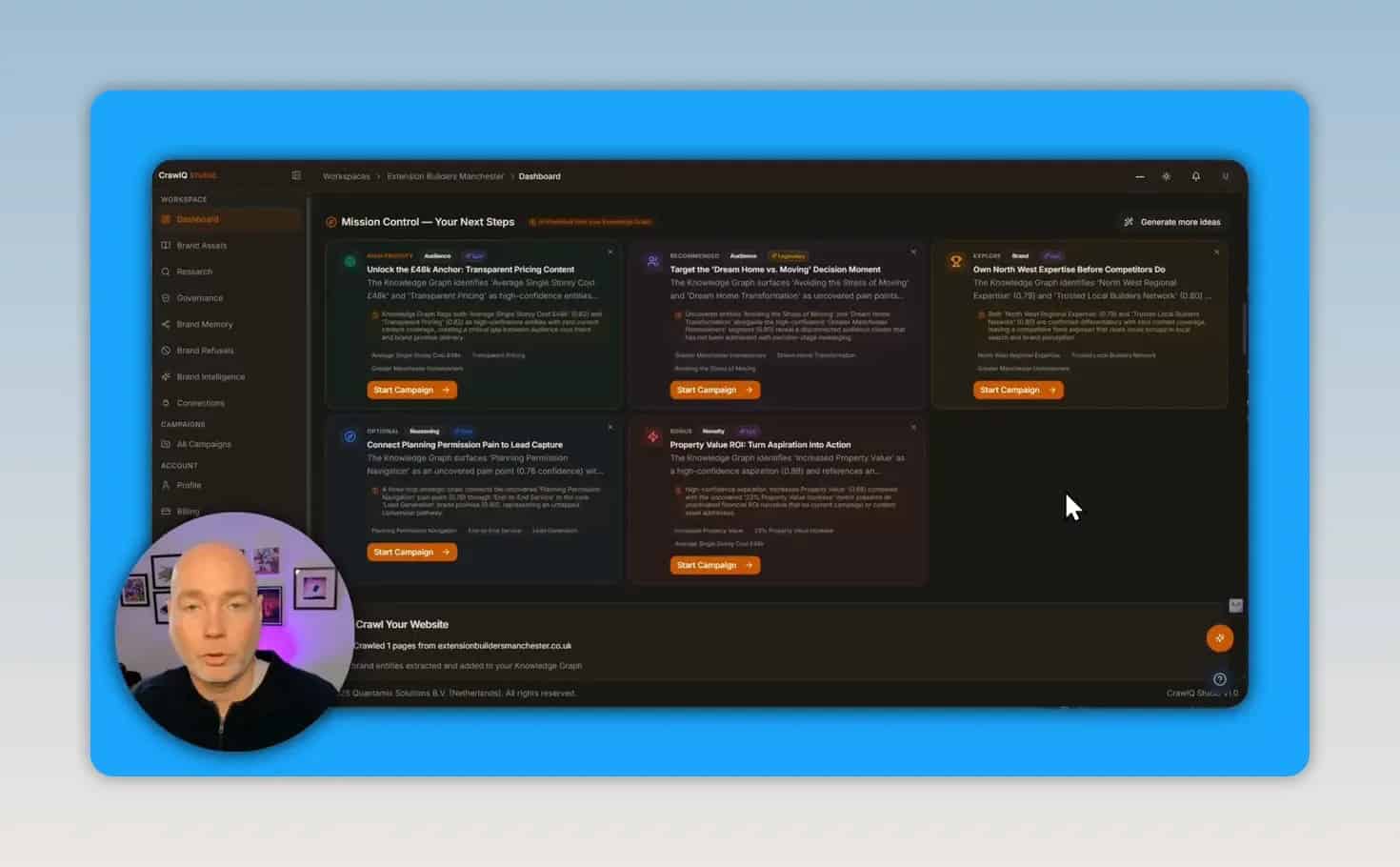
After research is complete, CrawlQ Studio suggests next steps and lets you launch campaigns. A campaign acts like a focused sub-project inside the workspace.
You can use campaigns to organize work around goals such as:
- A new landing page
- A specific audience segment
- A content series
- A lead magnet
- A promotional angle or offer
The campaign interface includes a chat-style AI workspace that feels familiar if you have used tools like Claude or ChatGPT. There is also web search support, plus additional features that are either available or planned within the workspace.
This matters because you are not trapped in a rigid template. You can use the research, then continue refining ideas through conversational prompts inside the campaign.
The most valuable feature for many users: MCP integration
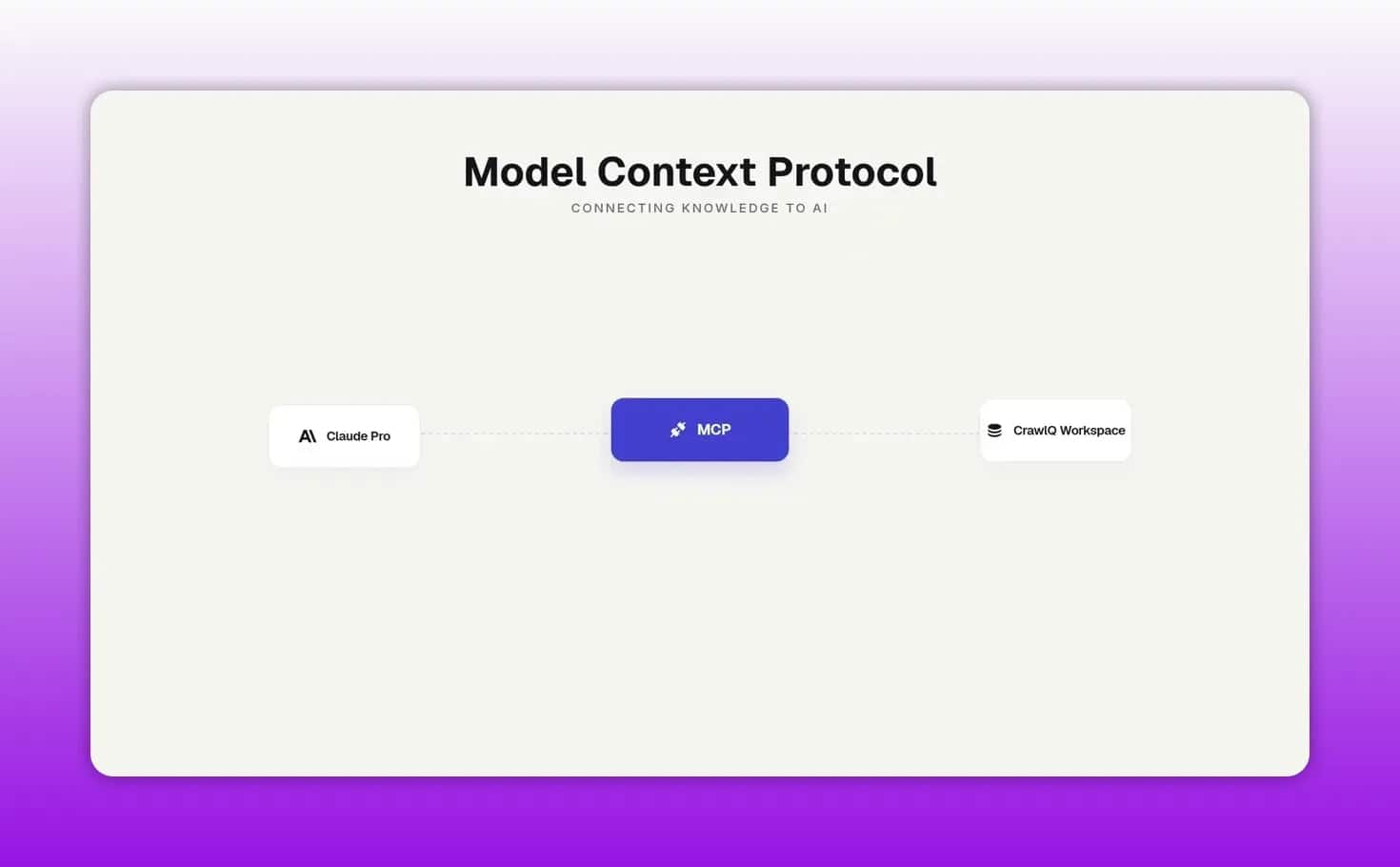
One of the strongest reasons to consider CrawlQ Studio is its MCP connection. MCP, or Model Context Protocol, is a way for tools to share context with other AI systems.
In practical terms, that means CrawlQ research can be connected to an external AI assistant such as Claude. Once connected, the assistant can use the brand intelligence already built inside CrawlQ instead of relying only on whatever details you remembered to paste into a prompt.
This can make a big difference when you are asking an AI tool to help with:
- Website audits
- Landing pages
- Sales copy
- Brand messaging
- Offer positioning
Instead of feeding the AI scattered notes, you can draw from a richer foundation that already includes customer profiles, pain points, and differentiators.
Why that integration matters
Many AI writing problems come from missing context, not poor wording. If an assistant does not truly understand the brand, audience, and objections, it will produce content that sounds polished but generic.
CrawlQ Studio helps solve that by acting like a structured research layer that can feed better context into your existing stack.
That is also why the platform can be useful even if you do not want to replace your current writing workflow.
Brand Memory: a visual map of what the platform knows
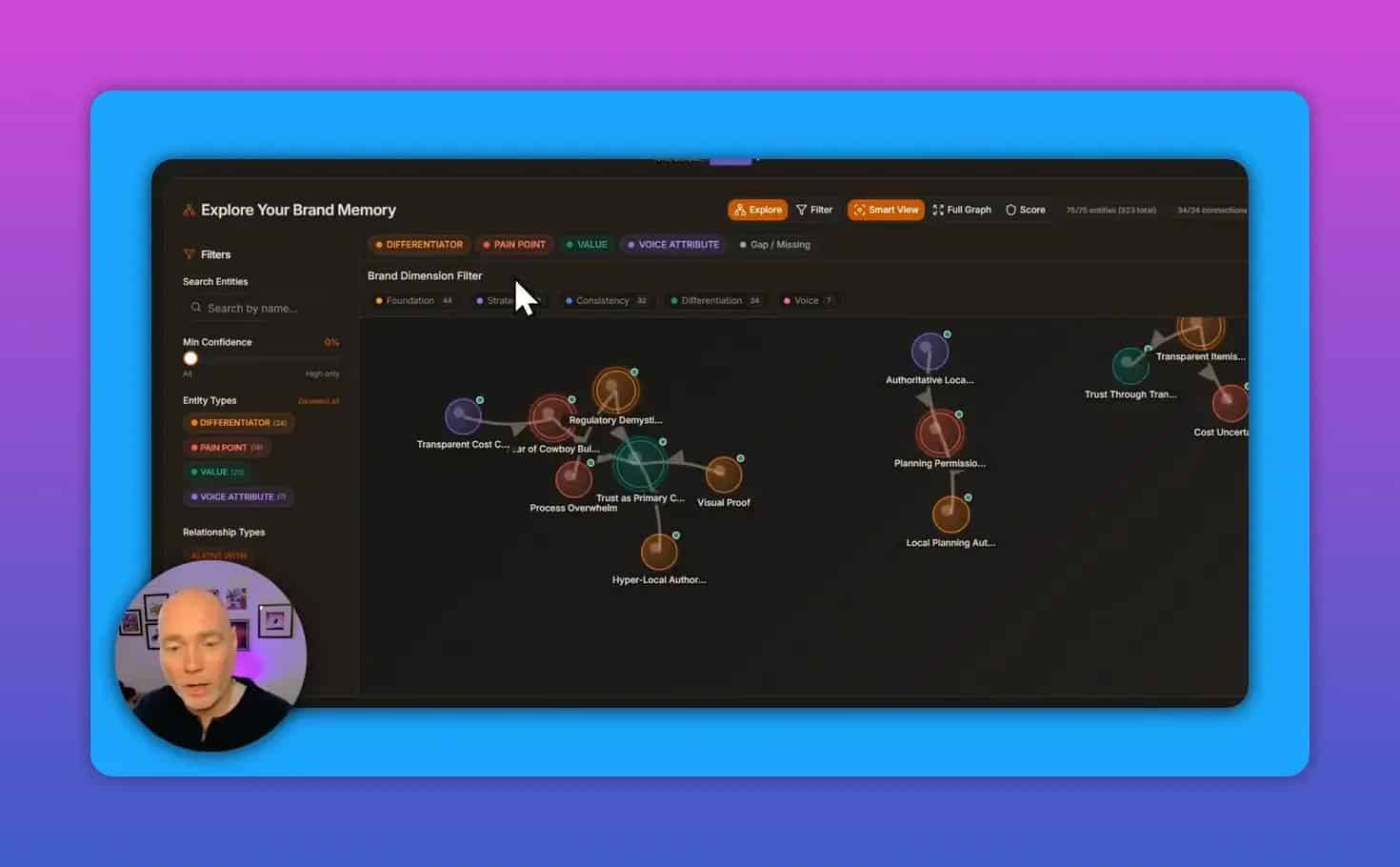
Brand Memory is one of the most distinctive parts of CrawlQ Studio. It presents the platform’s understanding of your brand and audience in a visual way, including connected entities and emotional drivers.
From the available example, this can include things like:
- Specific customer fears
- Planning uncertainty
- Trust issues
- Local knowledge concerns
- Voice attributes such as transparent communication
Different colors and categories help separate items like pain points from brand voice elements. You can also filter the view to isolate certain categories, such as pain points only.
That makes it easier to convert research into messaging. If your audience fears poor workmanship, hidden costs, or planning complications, your landing page and email copy should address those issues directly.
How to use Brand Memory in practice
A useful process looks like this:
- Open the Brand Memory map and identify repeated pain points.
- Match those pain points to the brand attributes that counter them.
- Turn the pairs into messaging themes for website copy, FAQs, email nurture sequences, and offer pages.
- Use the same themes when briefing content or ad creative.
For example, if people fear unreliable providers, your content should emphasize transparency, process clarity, proof, and trust-building language.
What kinds of assets can CrawlQ Studio generate?
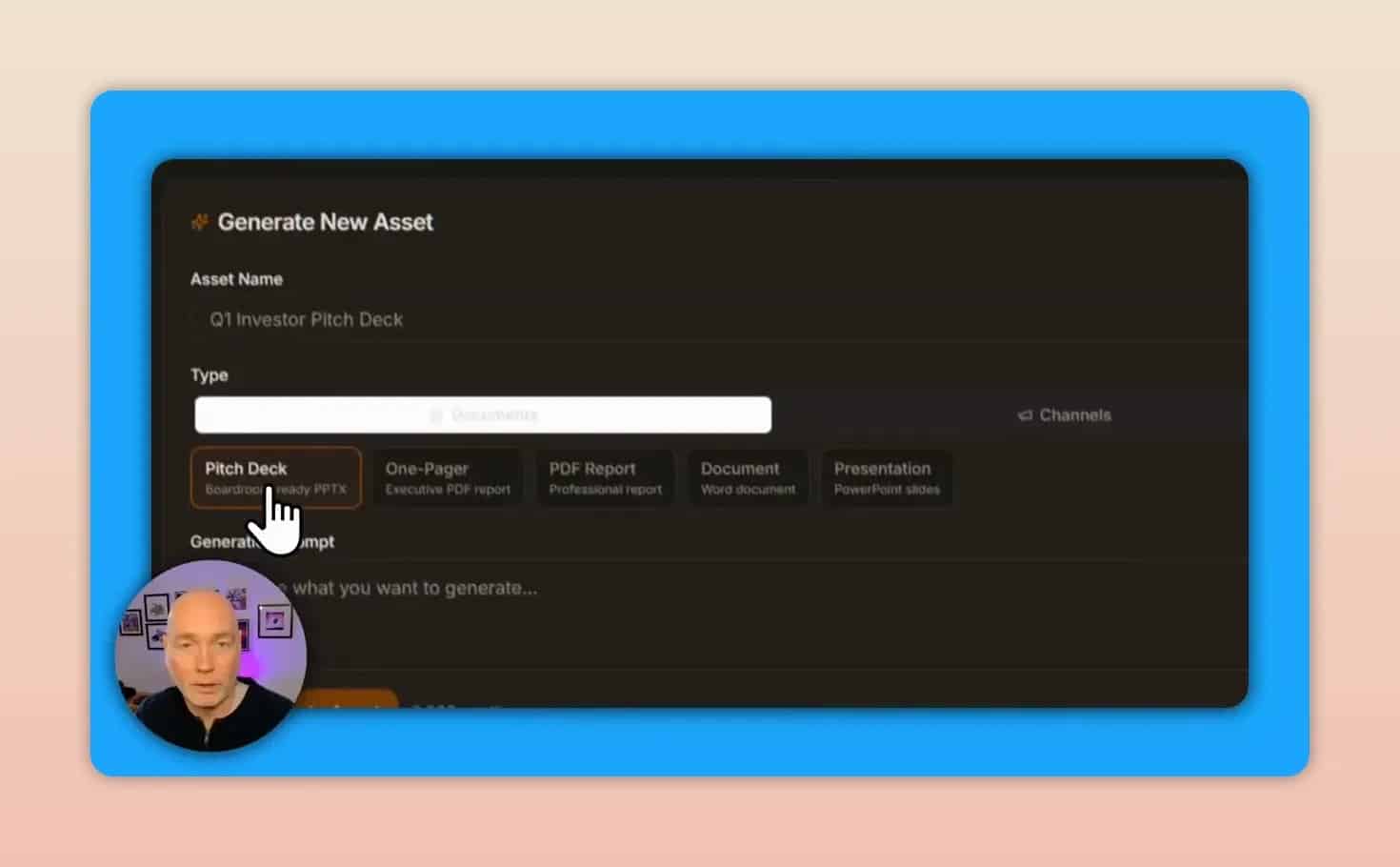
CrawlQ Studio can generate a wide range of brand and marketing assets. The platform includes recommended documentation, but it also allows custom asset generation if you want something specific.
Supported asset categories shown in the platform include:
- Pitch decks
- One-pagers
- PDFs
- Documents
- Presentations
- Ads
- Emails
- Social posts
- Blog posts
For custom content generation, the process is straightforward. You give the asset a name and describe the topic, keywords, and audience. The platform then performs research before writing the output.
Example output: a professional PDF guide
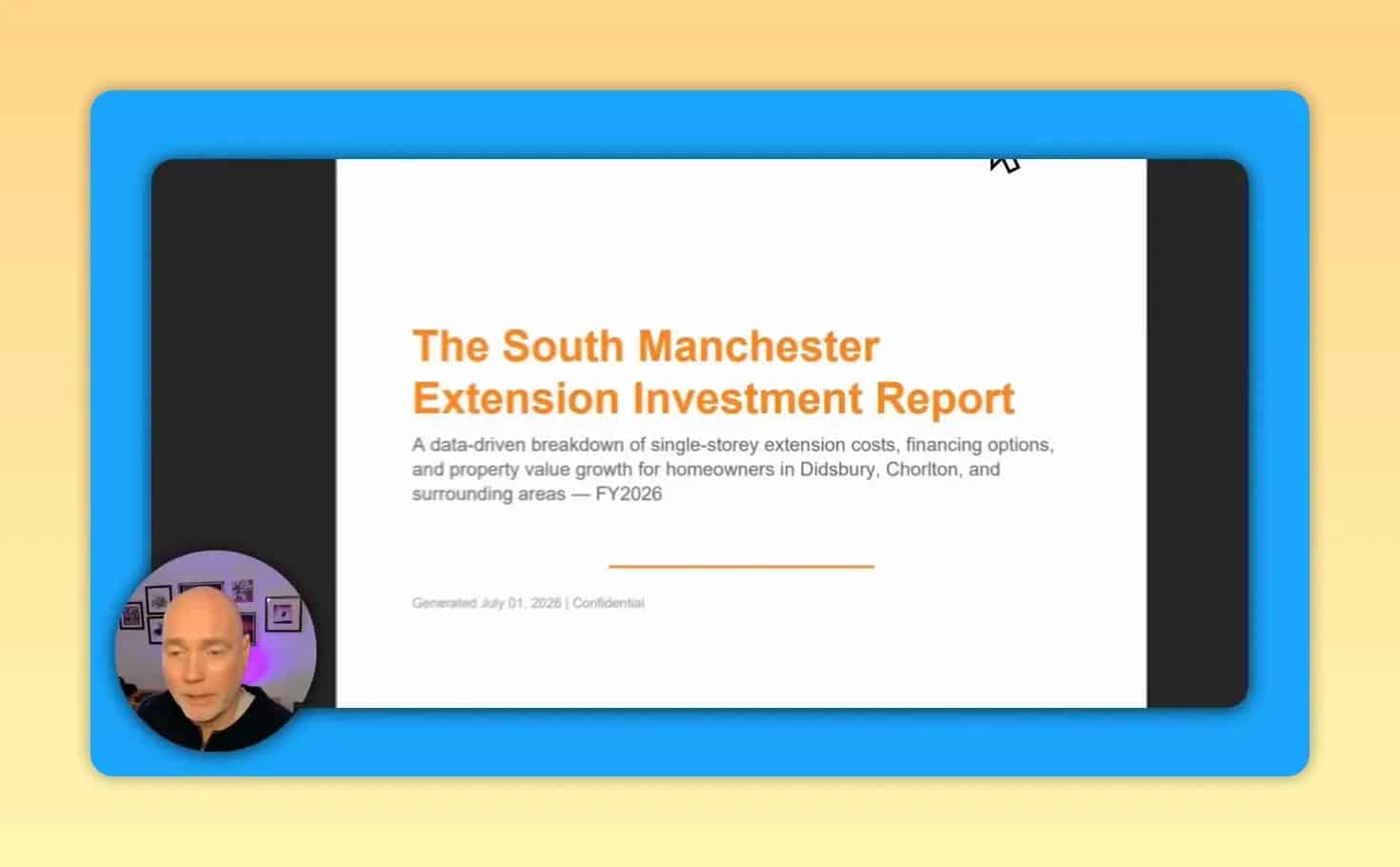
One of the clearest examples of value is the generated PDF report shown in the interface. The platform produced a multi-page branded document from scratch based on the researched business context.
The example included:
- A designed cover page
- A table of contents
- Detailed sections
- Data-driven analysis
- A call to action
The sample was positioned as a professional guide for a local business audience and extended to 11 pages. That suggests the tool is not limited to short-form AI writing. It can also support lead magnets and downloadable sales assets.
This is particularly useful for businesses that want downloadable resources without building every section manually.
One important caveat
The generated PDF looked polished, but some manual editing may still be needed. Layout cleanup, page breaks, and formatting refinement can improve the final result before publishing or sending it to prospects.
That is normal for AI-assisted documents. The value is in saving research and drafting time, not necessarily eliminating human review.
Can you use CrawlQ Studio with your existing tools?
Yes. Based on the available interface and workflow details, CrawlQ Studio can fit into an existing stack rather than replacing it entirely.
Integrations mentioned include:
- Claude via MCP
- Notion
- WordPress
That flexibility matters for agencies and marketers who already have systems for writing, project management, and publishing.
What the dashboard reveals about brand performance
Beyond generation, the workspace includes broader intelligence about how a brand is performing online. This includes brand memory scoring and information around strengths, differentiators, and market position.
For strategy work, that can be just as valuable as content output. Before you write anything, you want answers to questions like:
- What makes this brand different?
- What concerns are strongest in the audience?
- What themes keep appearing across the market context?
- Which messages should the business repeat more clearly?
CrawlQ Studio appears built to answer those questions first, then move into asset creation second.
Best use cases for CrawlQ Studio
1. Building better landing pages
If your conversion pages feel generic, the pain point and brand memory data can give you sharper messaging angles and clearer objection handling.
2. Creating lead magnets faster
The PDF and document generation features are useful for guides, reports, and other downloadable assets.
3. Improving AI output in Claude
The MCP connection is a strong fit for people already using Claude Pro and wanting richer brand context.
4. Client discovery for agencies
Agencies can use workspaces to organize research and campaign sub-projects for each client.
5. Local business content strategy
The example shown was highly specific to a local service business, which suggests solid potential for niche or geography-based content planning.
Potential drawbacks and things to know before using it
No tool is perfect, and CrawlQ Studio has a few practical considerations to keep in mind.
- Initial setup takes time. This is not a one-click instant writer.
- The amount of information can feel overwhelming at first.
- Generated assets may need editing before final use.
- Some features are still evolving, with certain options marked as coming soon.
These are not necessarily flaws. They are tradeoffs that come with a platform focused on research depth instead of fast, lightweight generation.
How to get the most value from CrawlQ Studio
If you decide to use it, a smart workflow would be:
- Start with one real business or client workspace.
- Let the full research process complete before judging output quality.
- Review Brand Memory carefully and note the most important pain points.
- Launch a campaign for a specific goal, such as a landing page or lead magnet.
- Generate one asset and refine it rather than trying everything at once.
- Connect Claude through MCP if you already use it for writing or analysis.
This approach keeps the learning curve manageable while still taking advantage of the deeper research layer.
Pricing and deal considerations
The available information references a relaunch of the lifetime deal and notes that existing users with a previous lifetime deal can use the current version and bring projects in.
If that offer is still relevant when you read this, the official deal page is here: CrawlQ early adopters offer.
There are also optional add-ons inside the platform, including Brand Radar, Strategy Engine, and Brand Command Center. These are presented as extras rather than mandatory requirements for the base workflow.
Is CrawlQ Studio worth it?
CrawlQ Studio looks most worthwhile for people who need better strategic inputs, not just faster copy generation.
If your main problem is that AI content sounds generic, misses the audience, or ignores customer objections, this platform addresses the root issue by building stronger context first.
If all you want is quick first drafts, a simpler AI writer may be enough. But if you need audience research, brand intelligence, campaign structure, and reusable context for tools like Claude, CrawlQ Studio offers a more serious workflow.
Final takeaway
CrawlQ Studio is best thought of as a brand research engine with AI generation built on top. Its strongest features are the workspace-based research model, visual Brand Memory mapping, campaign organization, and MCP integration for richer external AI workflows.
For marketers, agencies, and businesses that need content grounded in real audience insight, that combination is far more valuable than another generic text generator.