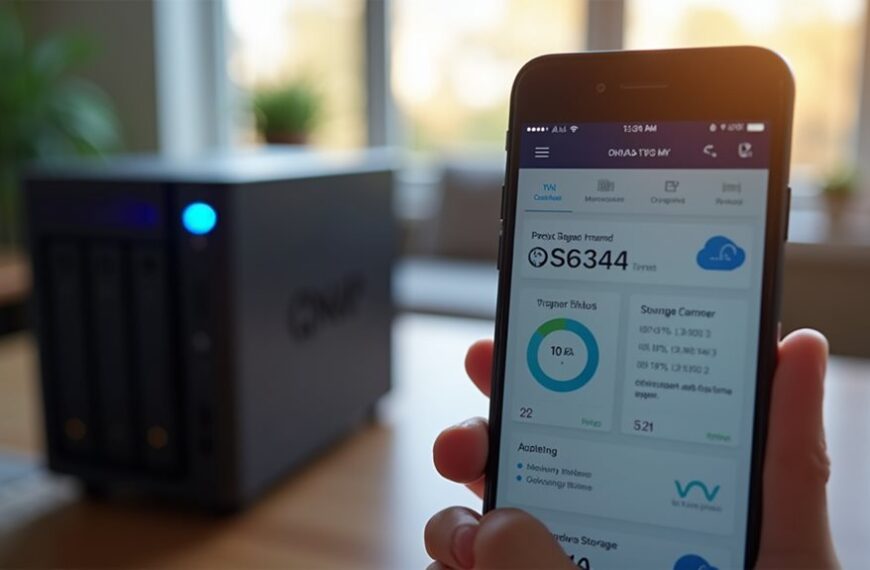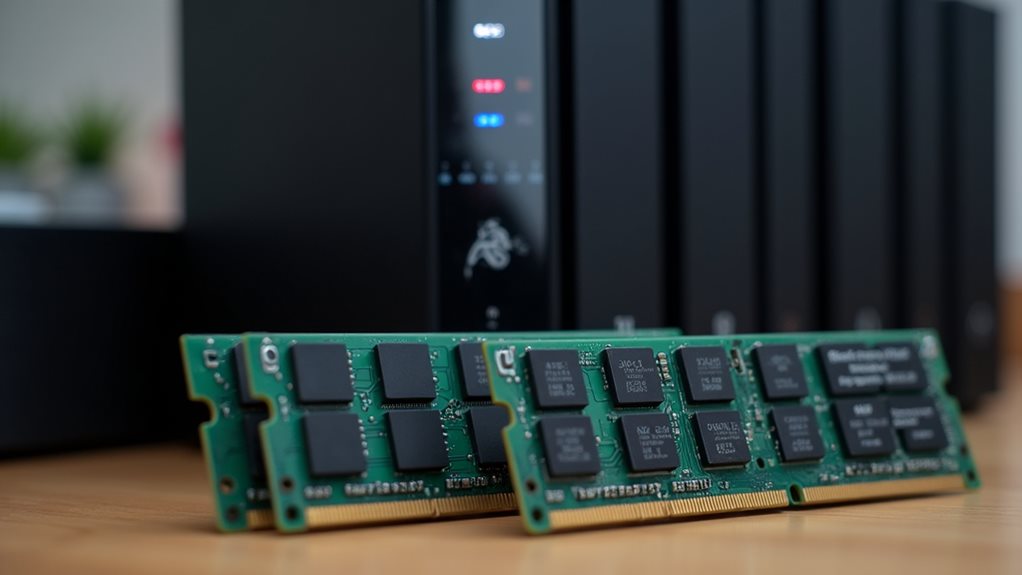
For a home NAS, you’ll need 4-8GB of RAM for typical use like file sharing and media streaming to a few devices. Entry-level setups can function with 2GB, while running Plex, Docker, or multiple concurrent streams requires 8GB or more. RAM needs increase with the number of users, services, and transcoding demands. ZFS file systems are particularly memory-hungry. Consider your future requirements, as high RAM utilization (>80%) indicates it’s time to upgrade.
Understanding RAM’s Role in NAS Performance
When setting up a home Network Attached Storage (NAS) system, RAM plays a crucial role in determining overall performance and capabilities. Your NAS device uses RAM to manage active file transfers, cache frequently accessed data, and run the operating system alongside any additional applications.
More RAM allows your NAS to handle multiple simultaneous connections without slowdowns. This becomes particularly important if you’ll be streaming media to several devices or backing up multiple computers at once.
Sufficient RAM ensures your NAS handles concurrent tasks smoothly, essential for multi-device streaming and simultaneous backups.
RAM also supports features like data deduplication and snapshot capabilities, which help enhance storage efficiency and provide file recovery options.
The file system your NAS uses can impact RAM requirements too—ZFS file systems typically demand more memory than others to maintain peak performance.
Baseline RAM Requirements for Different NAS Sizes
Entry-level NAS systems can function with as little as 1-2GB RAM, suitable for basic file sharing and light media streaming in home environments.
For mid-range NAS setups handling multiple simultaneous users or running several applications, you’ll need 4-8GB RAM to maintain responsive performance during peak usage.
Large-scale home NAS configurations supporting virtualization, extensive media transcoding, or serving as a hub for smart home systems typically require 8-16GB RAM or more to handle these memory-intensive operations efficiently.
Entry-Level NAS Memory
Most home NAS systems can function with surprisingly modest amounts of RAM at the entry level. For basic file storage and sharing among a few users, 2GB of RAM provides adequate performance.
This minimal configuration supports light tasks like document storage, media streaming to 1-2 devices, and basic backup operations. You’ll find many budget NAS devices ship with exactly this amount pre-installed.
If you’re planning to run multiple applications or serve files to 3-5 users simultaneously, consider 4GB as a practical entry point. This provides enough headroom for light multimedia serving without constant memory pressure.
Remember that entry-level RAM configurations work best when your concurrent connections remain limited and you’re not running memory-intensive applications like Plex transcoding or virtual machines.
Mid-Range Storage Requirements
As your storage capacity and usage requirements increase, your NAS system’s memory needs grow proportionally.
Mid-range NAS setups typically serve multiple users simultaneously and handle more diverse workloads than entry-level systems.
For mid-range NAS deployments, consider these memory guidelines:
- 4-8GB RAM: Suitable for 4-8TB storage arrays supporting 3-5 concurrent users with moderate file sharing and basic media streaming.
- 8-12GB RAM: Recommended for 8-16TB arrays with 5-10 users performing regular backups and moderate transcoding tasks.
- 12-16GB RAM: Best for 16-24TB setups with virtualization needs or running multiple applications like surveillance systems.
Memory allocation becomes especially important when your NAS handles regular backups from multiple devices or serves as a media server that transcodes video for different devices throughout your home.
Large-Scale NAS RAM
Large-scale home NAS systems demand considerably more memory to maintain performance when handling extensive storage arrays and complex workloads.
For storage capacities exceeding 20TB with multiple drive bays, you’ll need at least 8GB of RAM as your starting point.
If you’re running virtualization, extensive Plex media servers with transcoding, or supporting multiple simultaneous users, consider 16GB as your minimum.
High-demand environments may require up to 32GB for peak performance.
ECC (Error-Correcting Code) RAM becomes increasingly important at this scale to prevent data corruption during intensive operations.
Many premium NAS units support ECC RAM expansion specifically for this reason.
Remember that RAM utilization increases with the number of services you’re running concurrently, not only with the raw storage capacity.
How Your Usage Pattern Affects RAM Needs
When planning your home NAS setup, understanding your specific usage patterns will greatly influence how much RAM you’ll need. Different usage scenarios place varying demands on your system’s memory resources.
Your RAM requirements will typically depend on:
Memory needs for your NAS are determined by user count, application types, and file system complexity.
- Number of simultaneous users accessing your NAS
- Types of applications running (file sharing vs. virtualization vs. media streaming)
- Size and complexity of your file system (number of files and directories)
If you primarily use your NAS for basic file storage and occasional backups, 4GB RAM might suffice.
However, if you’re running multiple services like Plex media server, Docker containers, or surveillance systems, you’ll need 8GB or more.
Remember that RAM affects not only performance but also the reliability of your system during intensive operations.
RAM Considerations for Media Streaming and Transcoding

When setting up your NAS for media streaming, transcoding is a memory-intensive process that typically requires 250-500MB of RAM per stream.
Your system will need additional RAM as you increase the number of concurrent streams, especially when converting high-resolution content to lower resolutions for different devices.
You’ll notice more fluid performance with adequate RAM allocation, which prevents buffering issues and maintains video quality during peak household streaming activities.
Transcoding Memory Requirements
Media streaming and transcoding put considerable demands on your NAS system’s RAM resources.
When your NAS converts video files from one format to another in real-time, memory usage increases markedly.
For ideal transcoding performance, consider these memory requirements:
- Basic transcoding (720p to 480p): Minimum 4GB RAM allows for 1-2 simultaneous transcoding streams with minimal buffering
- Standard transcoding (1080p content): 8GB RAM supports 2-4 concurrent streams depending on complexity
- 4K transcoding operations: 16GB+ RAM recommended for seamless performance, especially with multiple users
RAM allocation becomes even more critical when you’re running multiple applications alongside transcoding tasks.
Your NAS needs sufficient memory headroom to handle sudden spikes in resource demands during complex conversion processes.
Concurrent Stream Impact
The number of concurrent streams your NAS handles directly impacts its RAM requirements. Each active stream consumes memory resources, with the exact amount depending on the quality and format of your media files.
For standard 1080p streaming without transcoding, you’ll need approximately 100-250MB of RAM per stream. However, when transcoding is involved, these requirements increase substantially to 500MB-1GB per concurrent stream.
If you plan to support multiple family members streaming simultaneously, consider this scaling factor carefully. A household with four potential concurrent streams might need 4GB of RAM for direct play scenarios, but could require 8GB or more when transcoding is involved.
Memory bottlenecks will manifest as buffering, quality reduction, or stream failures when your NAS reaches its concurrent streaming capacity.
The Impact of Running Multiple Services and Containers
Running multiple services and containers on your home NAS dramatically increases RAM requirements beyond basic file sharing needs. Each additional application you run consumes memory resources, creating a cumulative effect that can quickly exhaust available RAM.
When planning your NAS memory configuration, consider these key factors:
- Each container typically requires 256MB to 1GB of RAM depending on its function and complexity.
- Database services like MySQL or PostgreSQL may need 2-4GB dedicated RAM for peak performance.
- Media processing applications such as Plex transcoding can consume 1-2GB per simultaneous stream.
The total RAM needed grows proportionally with your service count. A NAS running 5-10 containers might function adequately with 8GB, while systems supporting 15+ services often require 16GB or more to prevent memory pressure and performance degradation.
Future-Proofing Your NAS: When to Add Extra RAM

While planning your NAS build, considering future requirements can save you time and money in the long run.
Most NAS systems allow for RAM upgrades, giving you flexibility as your needs evolve.
Upgrading your NAS memory is simple and provides on-demand scalability as your storage needs grow.
Watch for these signs that indicate it’s time to add more memory: consistently high RAM utilization (above 80%), frequent swapping to disk, or noticeable slowdowns when accessing your NAS.
These symptoms suggest your current configuration has reached its limits.
If you’re planning to add services like Plex transcoding, Docker containers, or virtual machines in the future, allocate extra RAM from the start.
Many users find that their NAS requirements grow over time as they discover new applications.
For maximum future-proofing, choose a NAS with multiple memory slots that support larger RAM modules than you initially install.
Cost vs. Benefit: Finding Your RAM Sweet Spot
When deciding how much RAM to invest in for your NAS system, balancing cost against performance gains becomes crucial. RAM upgrades typically provide diminishing returns after a certain threshold, especially for basic home NAS usage.
Consider these factors when determining your ideal RAM configuration:
- Cost per gigabyte increases considerably with higher-capacity modules, making 32GB+ setups much more expensive than 8GB or 16GB configurations.
- Memory-intensive applications like virtualization and Plex transcoding benefit from additional RAM, while simple file sharing sees minimal improvement beyond 4-8GB.
- Future-proofing requires estimating your usage growth over the next 2-3 years, as frequent RAM upgrades can be less cost-effective than a single larger investment.
Many NAS users find 8-16GB offers the best balance between performance and value for typical home media servers.
Frequently Asked Questions
Can I Mix RAM Sticks From Different Manufacturers in My NAS?
You can mix RAM sticks from different manufacturers in your NAS, but they should match in speed, type, and timing. This might cause compatibility issues, so it’s safer to use identical sticks when possible.
Is ECC RAM Necessary for a Home NAS System?
ECC RAM isn’t necessary for a typical home NAS. You’ll be fine with standard RAM for personal file storage. However, if you’re storing critical data and want maximum protection against memory errors, consider ECC.
How Does RAM Clock Speed Affect NAS Performance?
RAM clock speed has minimal impact on typical NAS performance. You’ll notice more benefits from sufficient capacity than faster speeds. For basic file serving, even lower clock speeds won’t bottleneck your system’s overall performance.
Can I Hot-Swap RAM in My NAS While It’s Running?
No, you can’t hot-swap RAM in your NAS while it’s running. You’ll need to power down your system completely before adding or replacing memory modules to avoid potential data loss or hardware damage.
Will Using RAM With Higher Latency Negatively Impact NAS Operations?
Yes, higher RAM latency can slightly impact your NAS performance, especially for cache-dependent operations. However, for typical home NAS usage, you’ll rarely notice the difference unless you’re running memory-intensive applications or virtualization.
Final Thoughts
For most home NAS setups, you’ll need 4-8GB of RAM to handle basic file sharing and light media streaming. If you’re running multiple containers or performing heavy transcoding tasks, consider 16GB for enhanced performance. Your specific requirements depend on the number of users, complexity of services, and types of workloads. Balance your budget against performance needs, and remember that adding RAM later provides an easy upgrade path if your usage increases.